Page 90 CWT Compact Touch Installation and Maintenanace Manual Issue 13
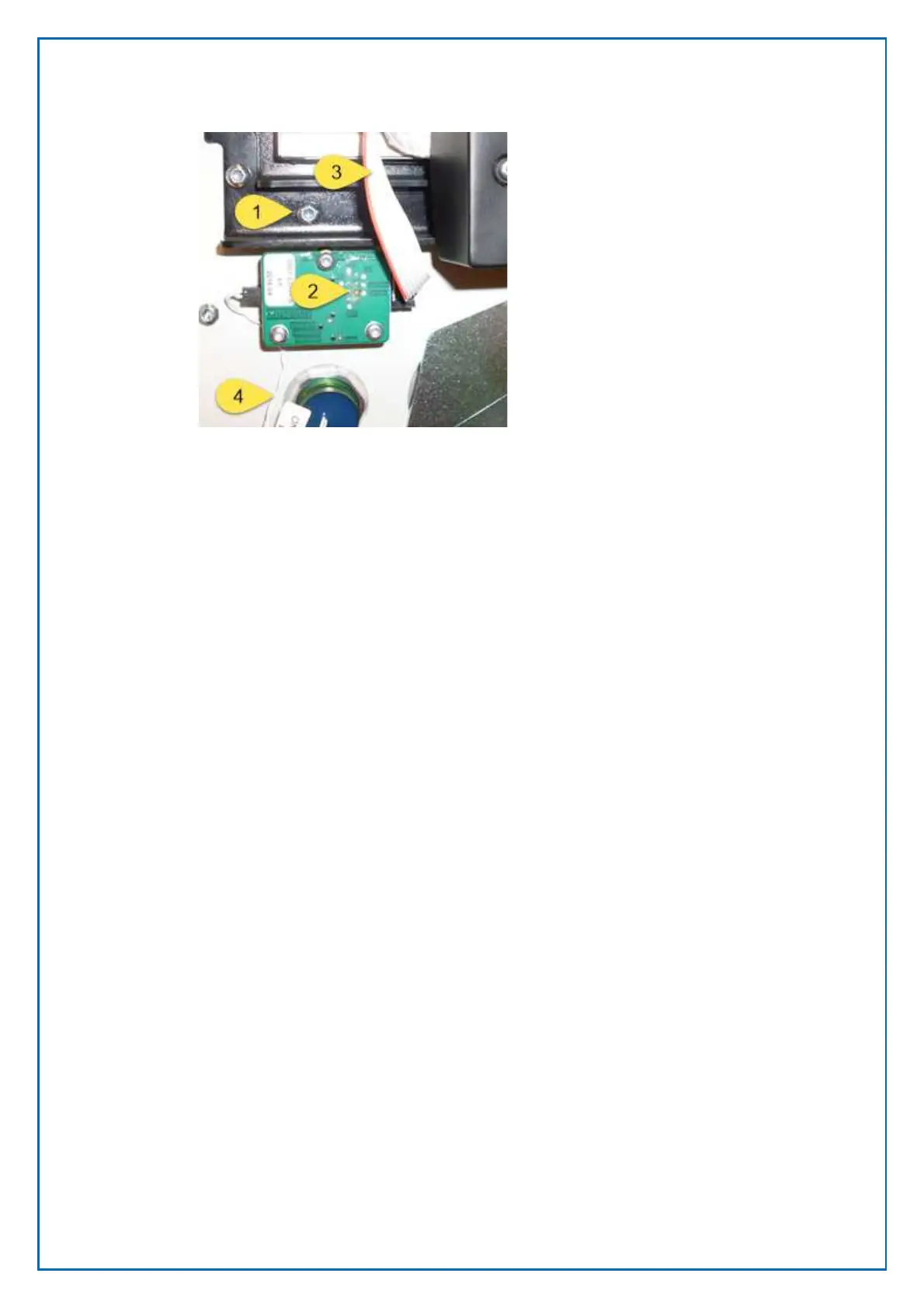
1. Display Unit
2. Status Indicator board
3. Status indicator cable (connect to socket J25 on the main board)
4. Cable from the wake up button
8.8 Bar code Scanner replacement
Location of the Bar Code Scanner
The Bar Code Reader is located inside the cabinet on the door next to the Coin
Unit
Figure 59, Status indicator board mounted below
the touch screen Display module



 To Next Page