Issue 13 CWT Compact Touch Installation and Maintenanace Manual Page 73
In order to prevent excessive bending of the positive contact spring, Cale
recommend the use of a pair of plastic (or otherwise insulated) pliers when
mounting new batteries. The coin cell should be pushed in such that the cell is in
contact with the plastic housing of the battery holder, not bending the positive
contact spring upwards more than necessary.
The CPU board contains a lithium battery (button cell) that should be returned for
recycling if required according to local laws and regulations. The battery
(CR2032, 3 V, 210 mAh, 20 mm diameter) supplies backup voltage to the real-
time clock in case of interrupted power supply from the 12 V batteries.
Important:
To ensure uninterrupted terminal operation; replace the battery every 5 years.
Warning:
Lithium batteries can be dangerous because they can explode if short-circuited.
Handle batteries in accordance with local laws and regulations.
7.2 GeBe Printer GTP4672
In this chapter:
• Print head
• Cleaning
• Testing
7.2.1 Print head
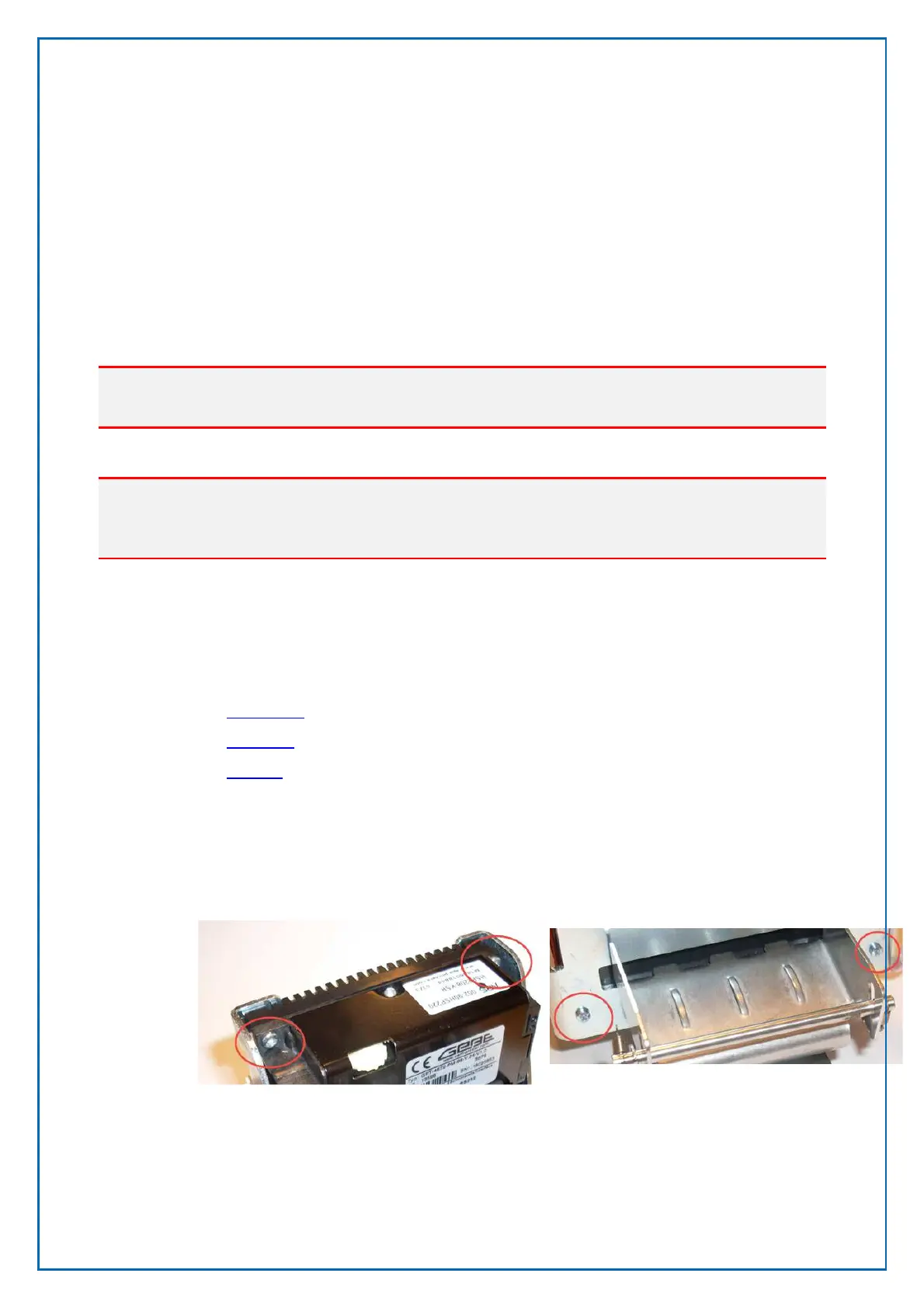
The print head and the black mark sensor can be access by dismounting the
printer from its casing when installed on the printer shelf version 1.
Figure 53, Mounting screws on printer shelf version 1
Remove the 4 screws from the top front of the printer and the bottom back of the
casing
Pull the metal lever to release the Ticket Presenter



 To Next Page