Issue 13 CWT Compact Touch Installation and Maintenanace Manual Page 63
5.2.5 Installing a modem
The end customer is entirely responsible for the set up and function of the
modem communication unless otherwise is agreed upon in writing with the Cale
representative.
CPU Board 0501-E0150 Rev F and later come with a pre-installed 3G modem on
the main board
After installation check the connection as described in
Checking modem contact
with network provider
Parts needed
The 3G modem is integrated on the main board. To be able to use the modem
the following parts are needed:
• SIM-card with subscription to data communication service.
• Cale antenna 0040-07115 GSM/GPRS/3G antenna.
• Self-adhesive label with subscription telephone number / SIM card number.
• Self-adhesive Cable camps.
Installing the SIM card
1. Open the SIM card holder (1) and insert the SIM card with the card’s cut-off
corner positioned as shown in Figure below.
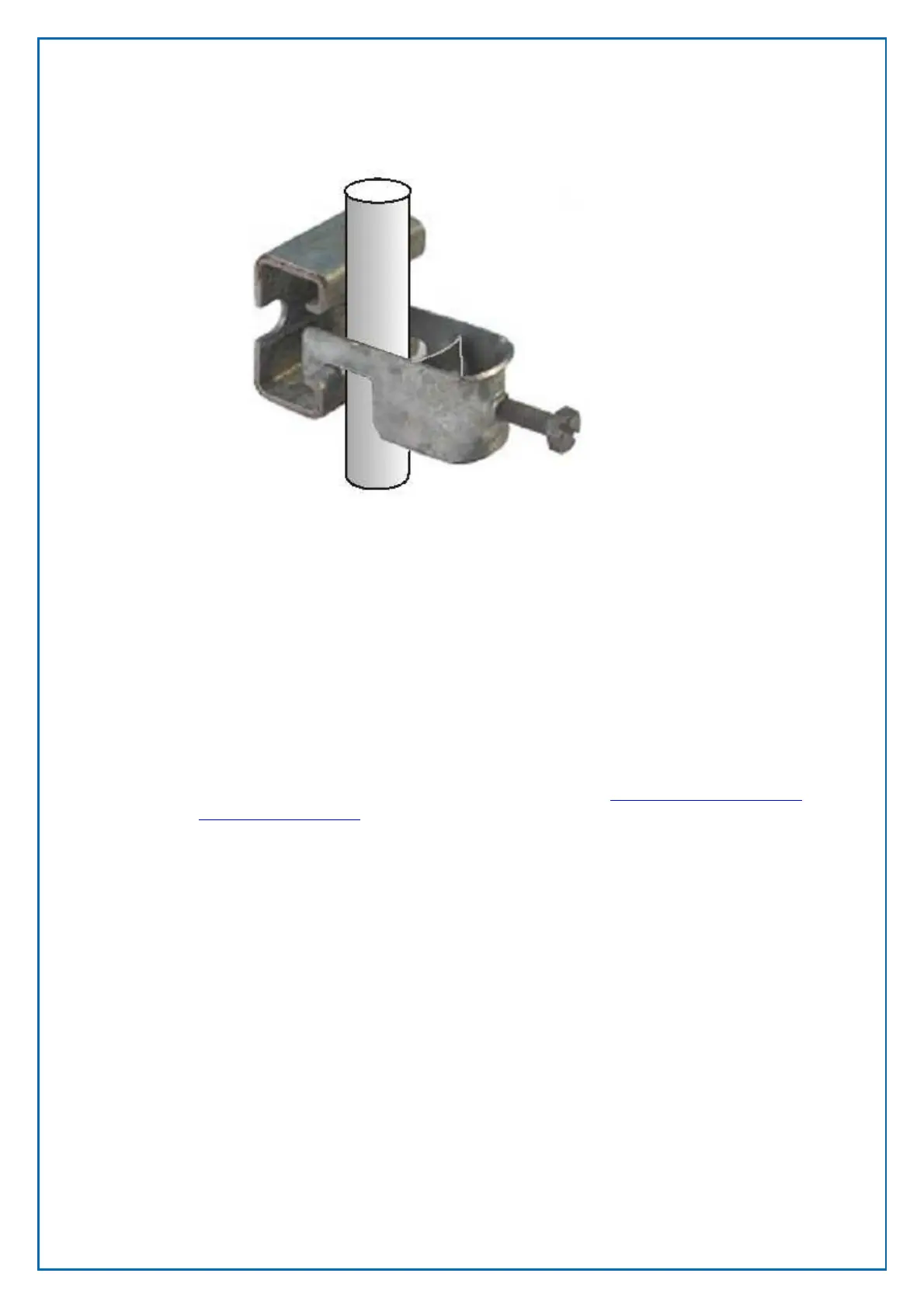
Figure 47, Power cable strain relieving clamp



 To Next Page