Issue 13 CWT Compact Touch Installation and Maintenanace Manual Page 89
Replace the parts in reverse order.
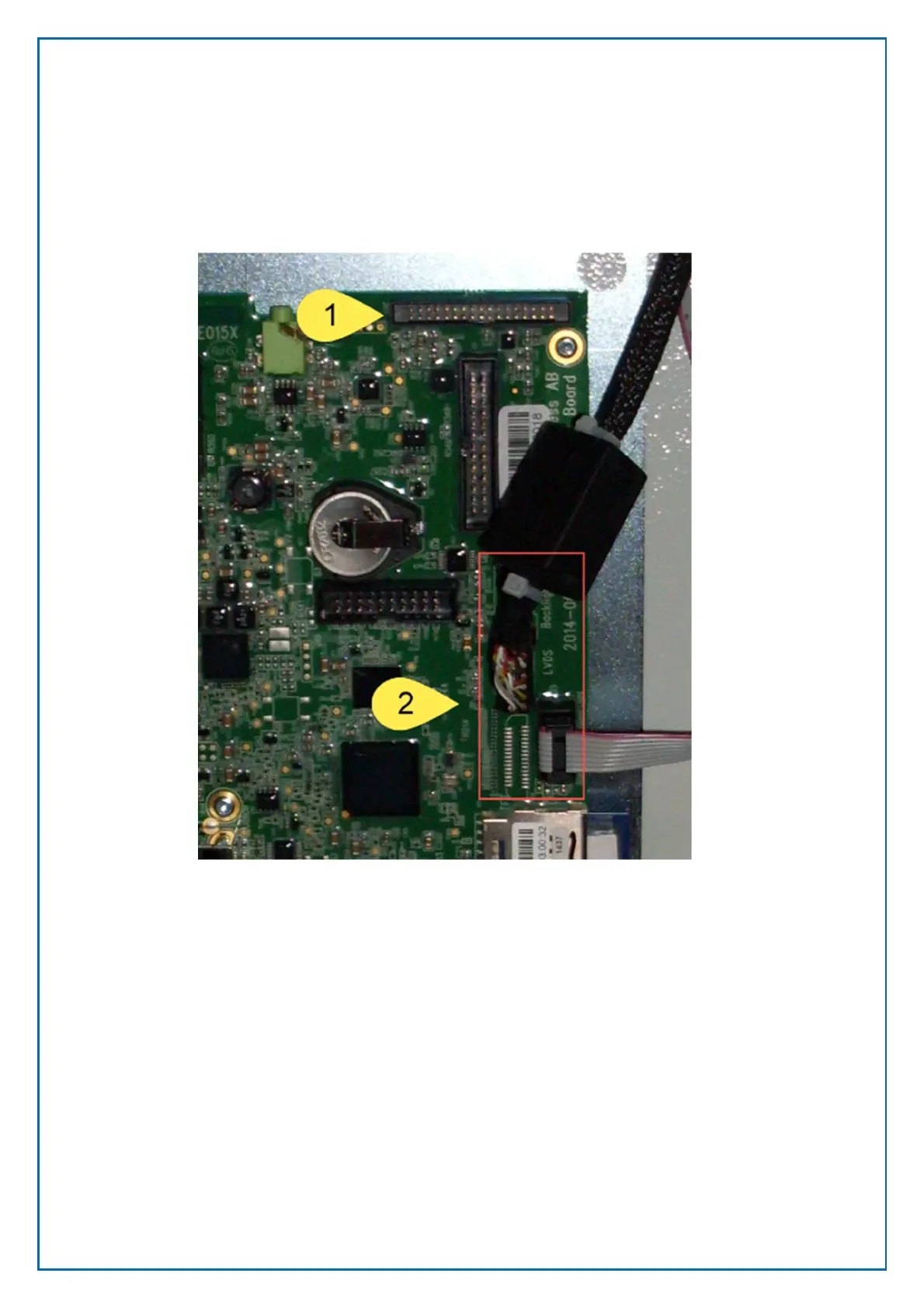
8.7.3 Connecting the display to the CPU board
The display must be connected to the CPU board in different locations depending
on the type of the display.
1. TFT connectors (J41 Display, J23 Status Indicator)
2. Touch Screen Connector (Serial port J29) not displayed
The touch screen display uses an additional board for the status indicator. This
board is mounted below the display unit



 To Next Page