Issue 13 CWT Compact Touch Installation and Maintenanace Manual Page 29
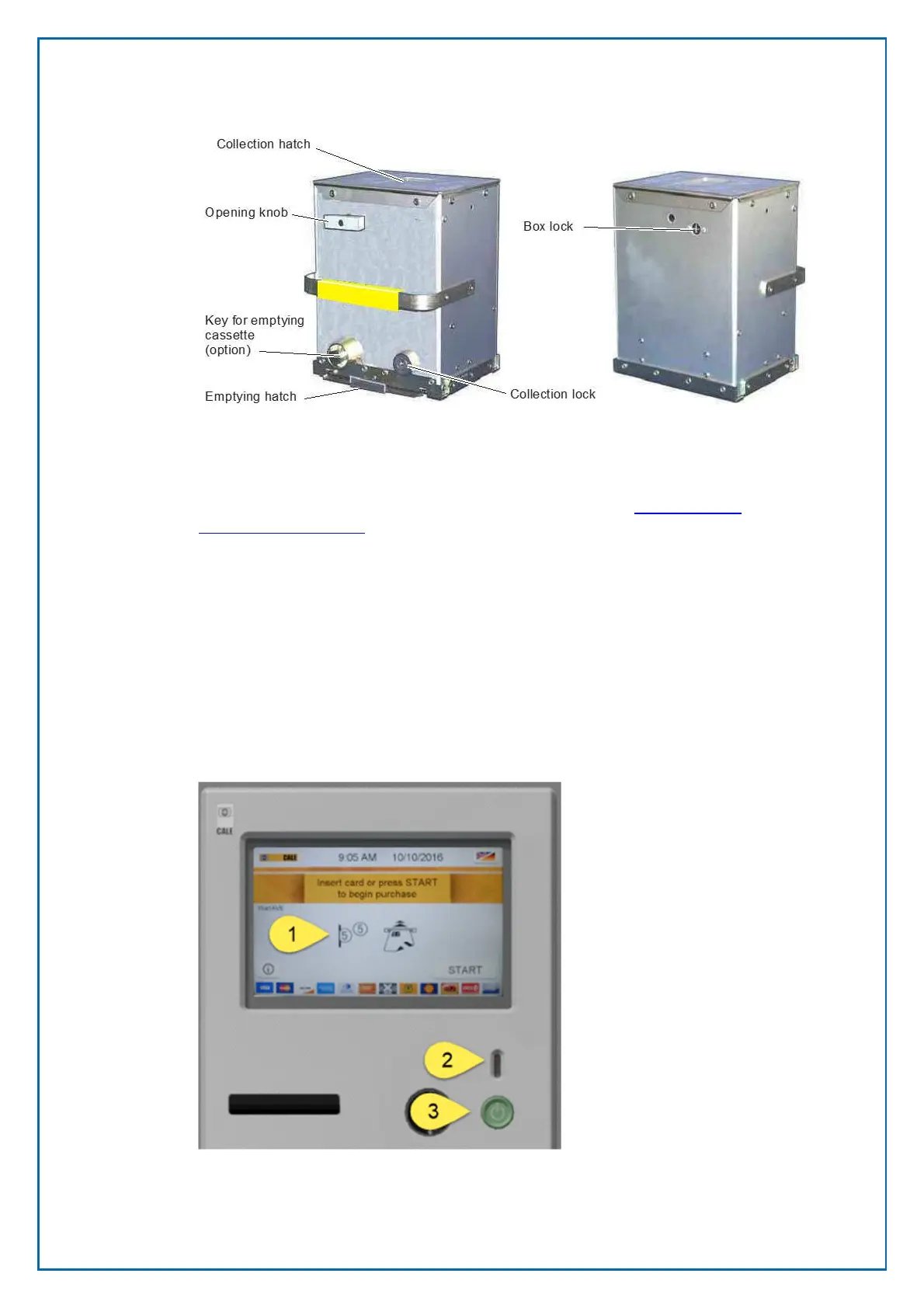
Removing the coin box activates a micro switch mounted inside the vault.
For security reasons, the design of the coin box is not described in detail in this
manual. For operation and maintenance instructions, see
Changing and
emptying the coin box.
4.2 Card readers
The CWTC Touch model can be equipped with a Xenteo card reader with pin
pad or a Xenoa card reader without pin pad. Both readers can be extended with
a Yonea Near Field Card Reader (NFC).
4.3 Touch enabled Colour display
The display assembly is build up with the following components:
Figure 15, Upper part of the Display Assembly with a Touch
enabled display mounted.



 To Next Page