Page 36 CWT Compact Touch Installation and Maintenanace Manual Issue 13
To remove the printer module, pull and swivel the module to the right, then lift the
complete module away from the hinges (1 and 2) on the door frame. To replace
the printer module, place it on the hinges on the door frame and swivel the
module into its locked position.
To remove the actual printer from the module, simply release the two bolds
holding it in place. Lift the printer from the mounting plate.
4.6.1.3 Paper supply
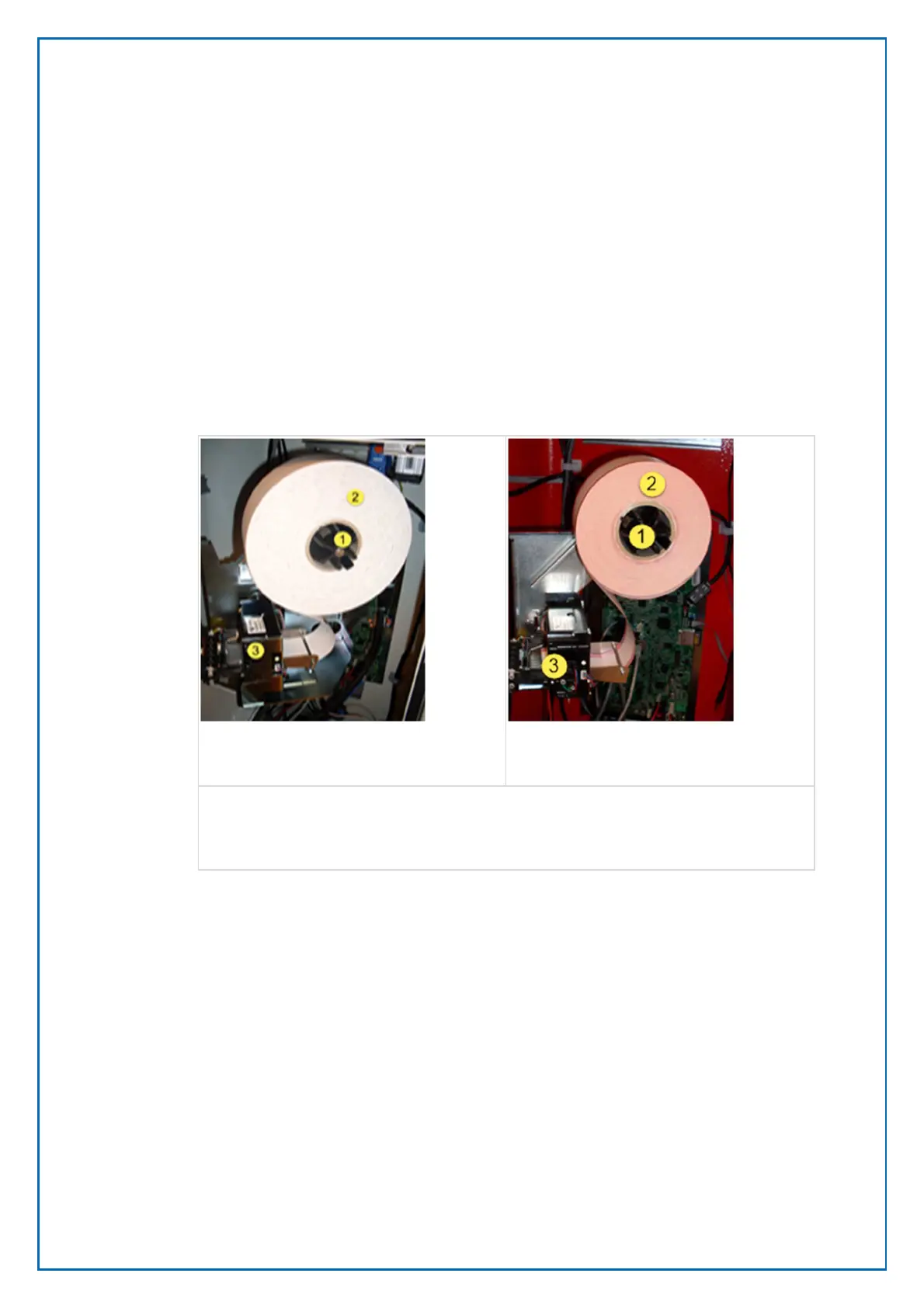
The paper roll is supported by a hub designed for correct paper roll position with
58 mm rolls.
1. Hub
2. Paper roll
3. Printer
An optical paper low sensor is mounted at the main assembly plate behind the
paper roll. The sensor changes its state when there are about 150—200 tickets
left on the roll. Rather than using the optical near end sensor, it is possible to use
an internal ticket counter and enter the amount of printed tickets after which an
alarm or warning should be generated. An out-of-paper sensor is built into the
thermal printer.
4.6.2 Preprinting on printer media
There are a few guidelines that need to be followed to ensure operation:
• Due to the heat developed during printing, the preprint shall meet the
requirements applicable for preprinting on paper intended for laser printing.
OCR-blind ink shall be used.
• Ink used for preprinting on the thermal side shall be non-abrasive.
Figure 24, Printer module on printer
shelf version 2.
Figure 23, Printer module on printer
shelf version 1.



 To Next Page