Issue 13 CWT Compact Touch Installation and Maintenanace Manual Page 35
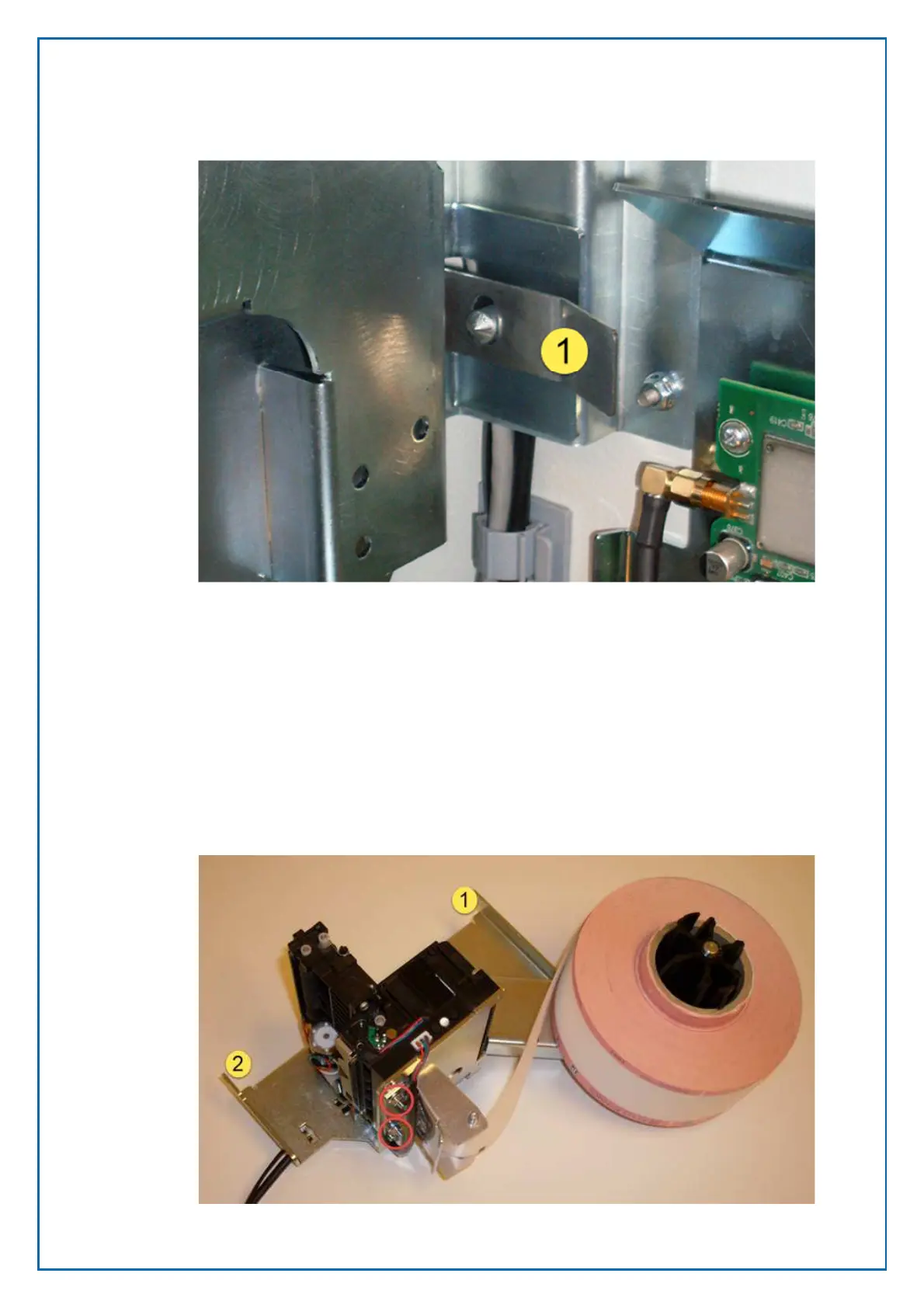
To remove the printer module, pull the locking latch (1) while you swivel the
module to the right, then lift the complete module away from the hinges (2 and 3)
on the door frame. To replace the printer module, place it on the hinges on the
door frame and swivel the module into its locked position.
To remove the actual printer from the module, simply release the three screws
holding it in place, move the printer forward and lift it from the mounting plate.
Printer shelf version 2
The printer is mounted on a shelf and secured by means of screws on the back
of the printer.
Figure 22, printer mounting on Printer shelf version 2
Figure 21, locking latch on version 1



 To Next Page