Page 34 CWT Compact Touch Installation and Maintenanace Manual Issue 13
of the detected black area exceeds the set maximum black mark length
value by 5 mm this is interpreted as out of paper.
Presenter Document presence in presenter area.
Document
exit
Document presence / Document taken.
Based on the status of the sensors the printer can determine if there is a paper
jam, for instance in the paper entrance or presenter region.
4.6.1.2 Printer mounting
Note:
The printer shelf comes in two varieties.
The older version (version 1) has a long plate mounted in the cabinet with a lock
mechanism at the end of the plate.
The newer version (Version 2) has lock directly after the hinge.
Both types are displayed in the manual.
Printer shelf version 1
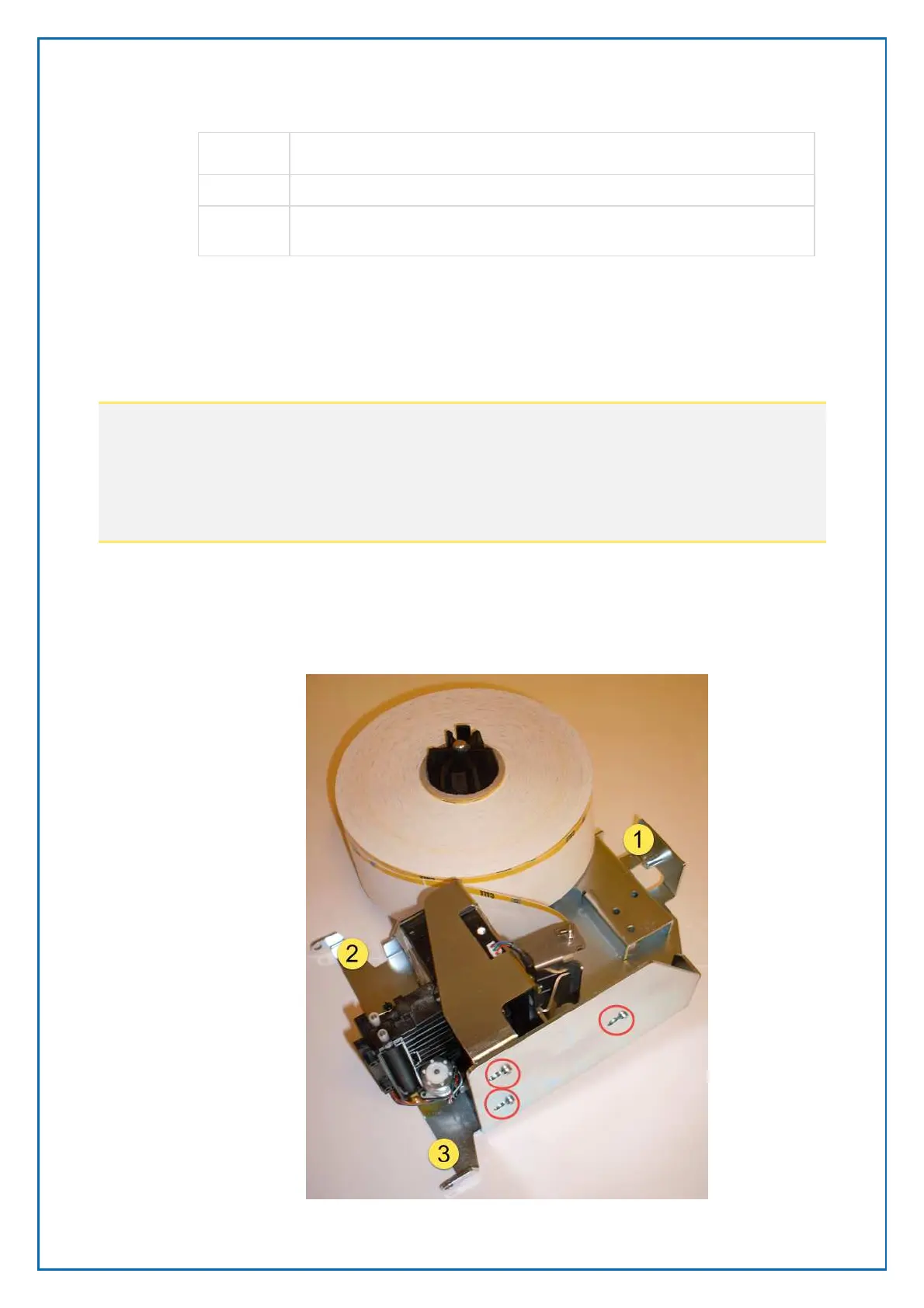
The printer is mounted on a shelf and secured by means of screws on the bottom
of the printer.
Figure 20, Printer mounting on Printer shelf version 1



 To Next Page