Issue 13 CWT Compact Touch Installation and Maintenanace Manual Page 33
3. Feed button
4. Connector for a paper out sensor
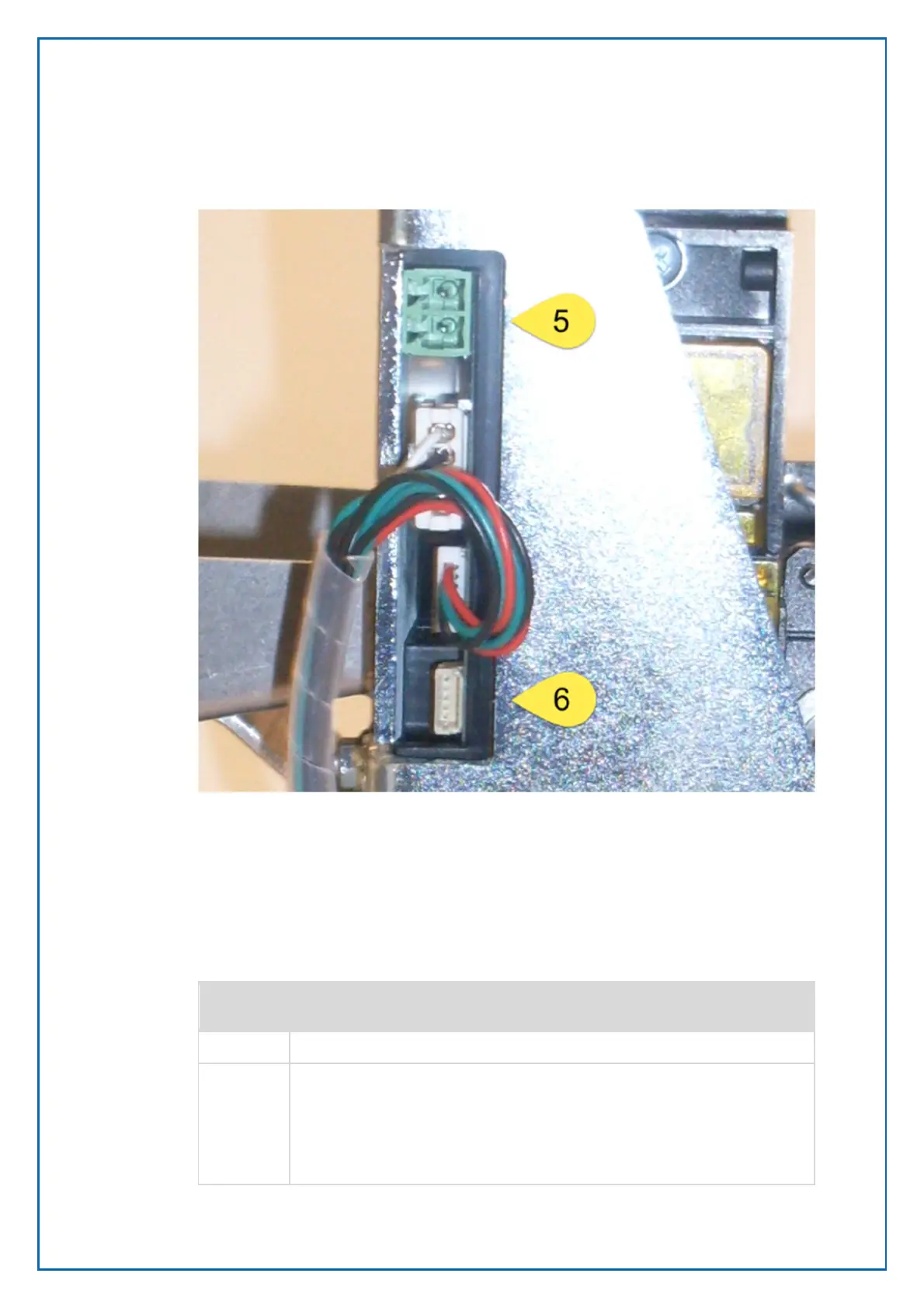
5. Power connector 12 V
6. RS 232 Data connector
4.6.1.1 Sensors
The printer has four important sensors:
Physical
sensor
Function
Paper low Input connector for the external paper low sensor.
Paper out /
Black mark
Detects paper presence and black marks. Translucent sensor. If the
documents have pre-printed information, for instance a logotype, each
document usually also have a pre-printed black mark for exact positioning
of the printed elements and the cutting. Because the combined paper out
and black mark sensor lights through the paper, it will detect a black mark
irrespective of which side of the paper that has the black mark. If the length
Figure 19, Power and Data connectors.



 To Next Page