Page 32 CWT Compact Touch Installation and Maintenanace Manual Issue 13
Reference:
This section describes the printer exterior and the function principles. See the
CWT Software Configuration Handbook section GEBE printer for information
regarding all other aspects of printer control and printer settings.
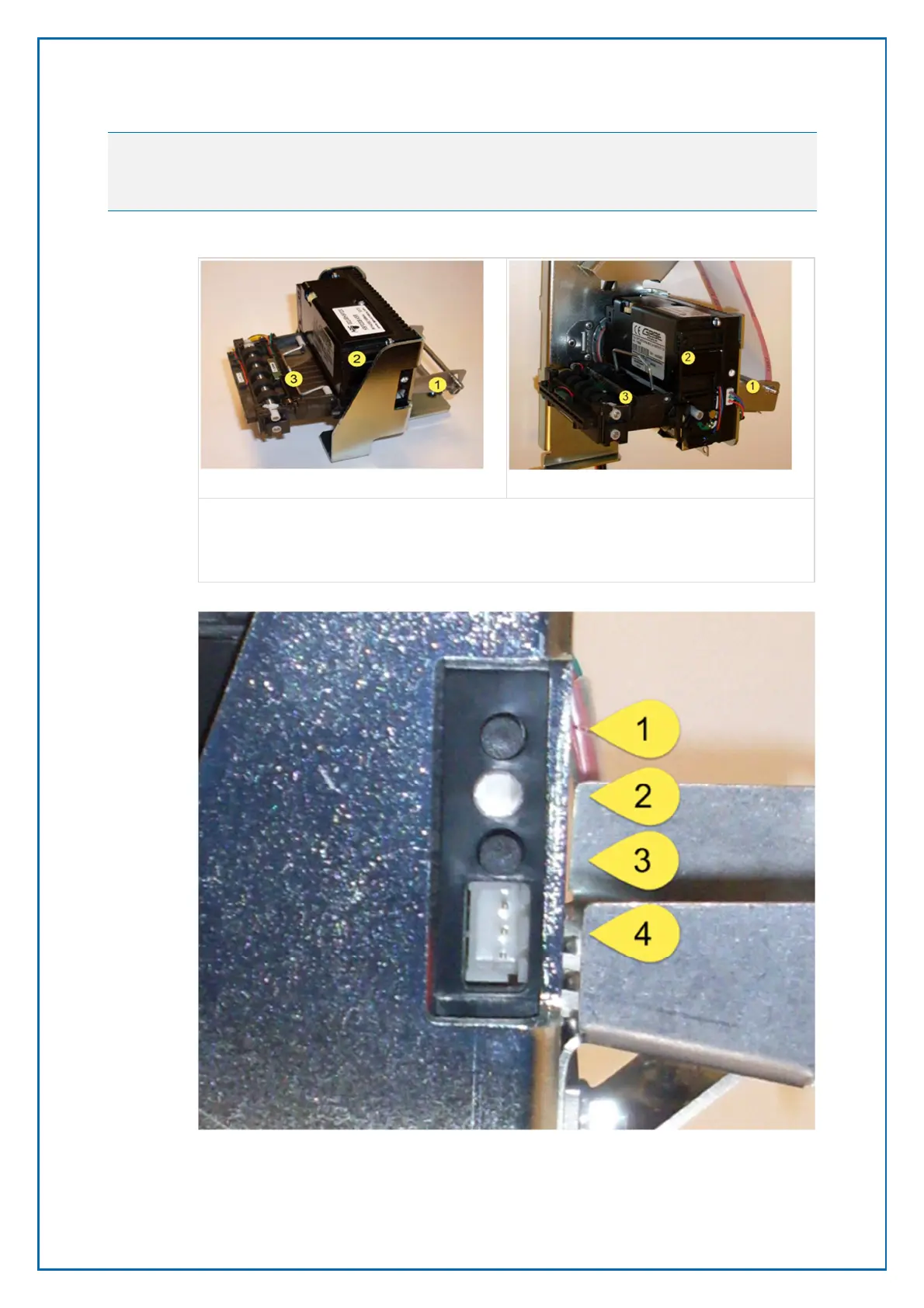
1. Paper guide
2. Printer
3. Ticket presenter
1. Test printout button
2. Status indicator. The Status Indicator will blink when an error occurs
Figure 18, Status indicator and buttons.
Figure 17, Printer shelf version 2
Figure 16, Printer shelf version 1



 To Next Page