Issue 13 CWT Compact Touch Installation and Maintenanace Manual Page 87
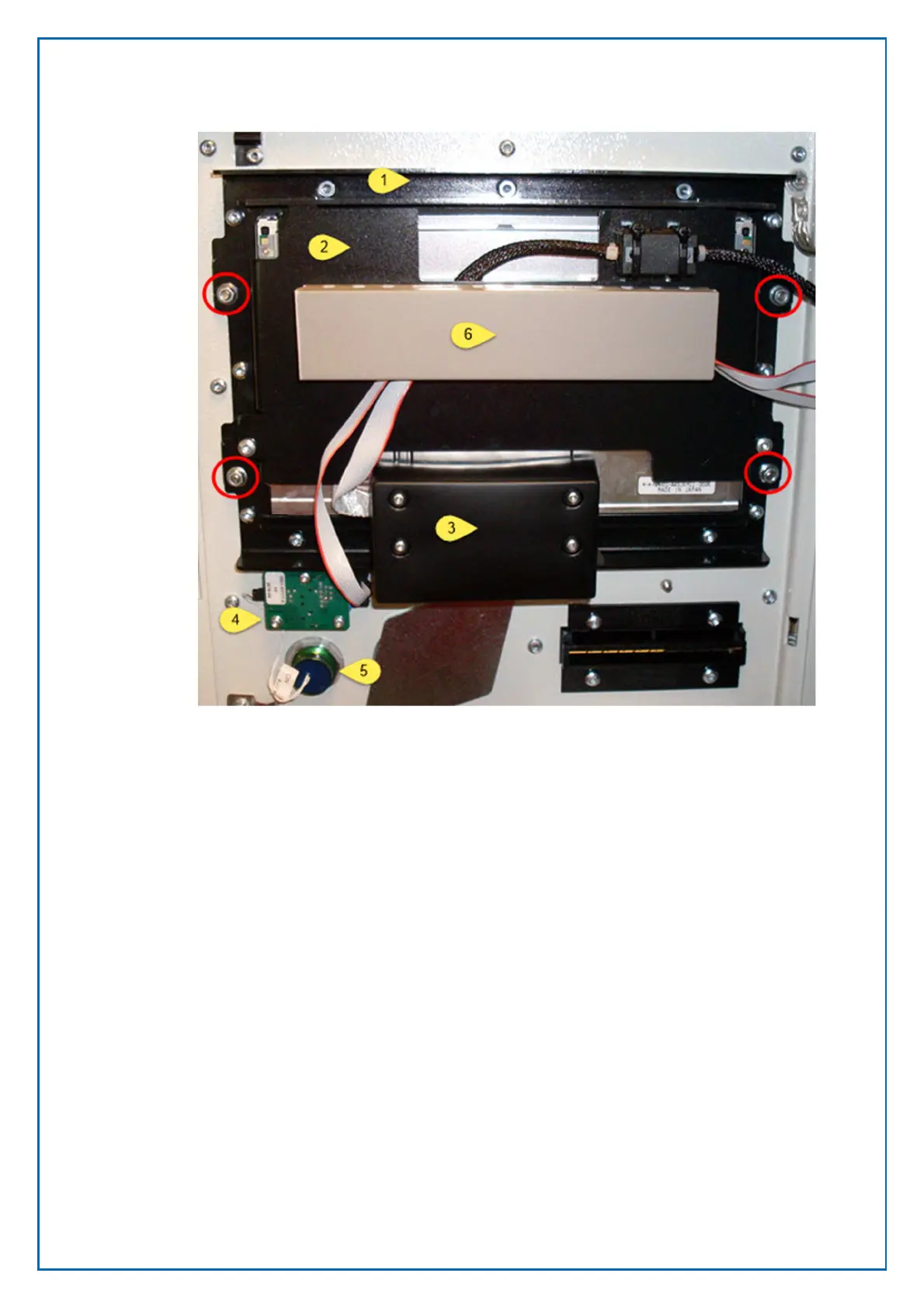
Remove the cables from the cable gutter (6)
1. Remove the cover (3) from the touch screen board
2. Loosen the 4 nuts in the red circles
3. Lift of the display module by pulling it upwards until it loosens
4. If you are not replacing the display unit place it carefully in the cabinet. You
may need to loosen some cable clips to get more space.



 To Next Page