Page 96 CWT Compact Touch Installation and Maintenanace Manual Issue 13
Start the terminal and close the cabinet door to get a printout showing the version
of the E-lock AVR program. If necessary, update. See more about AVR updates
in the CWT Software Configuration Manual.
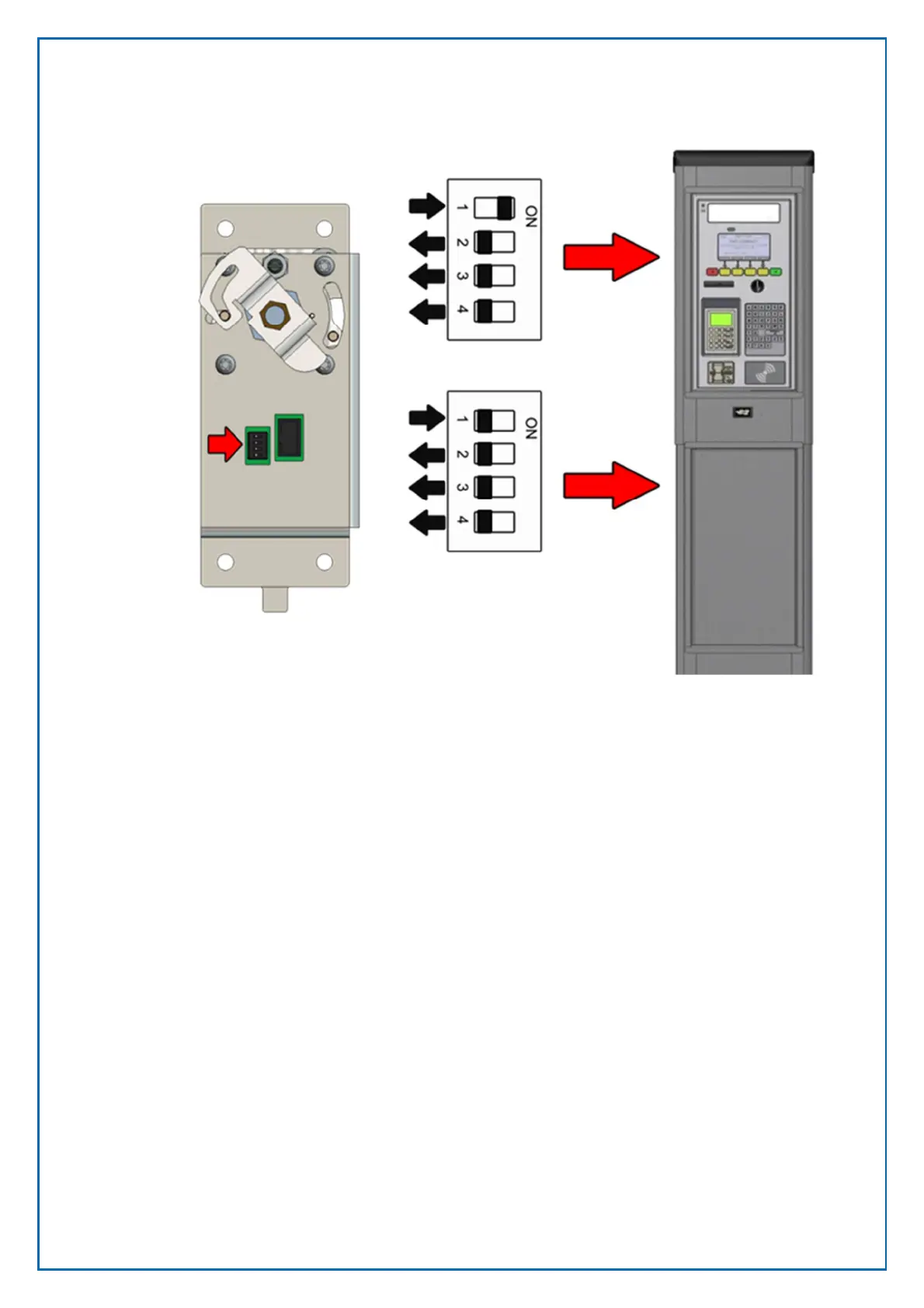
Figure 62, E-lock DIP switch settings



 To Next Page