1672/1673 FC/1674 FC
Users Manual
14
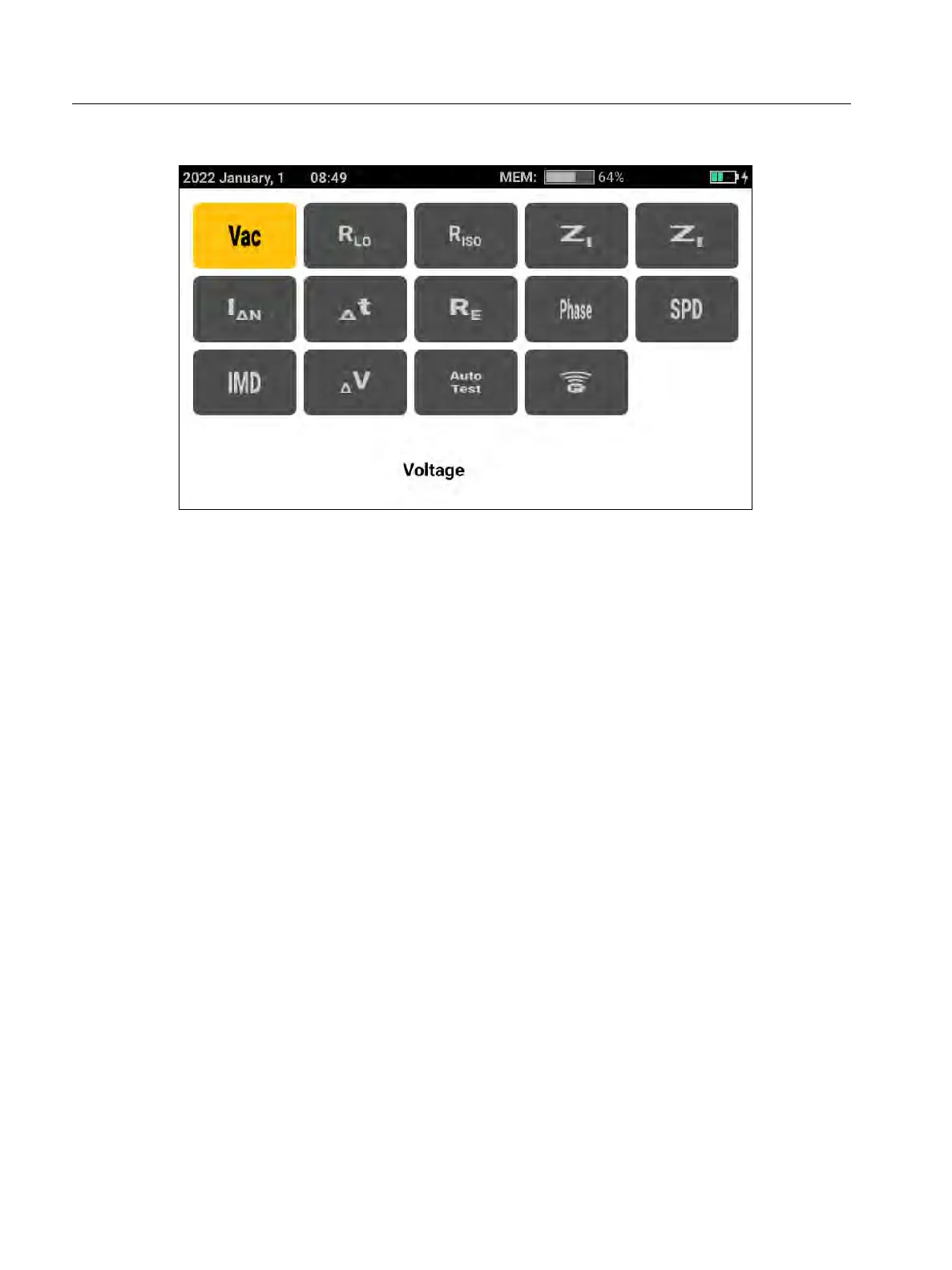
Figure 3. Grid Screen
You can use either the rotary dial or the grid to select the measurement mode.
To choose a measurement mode:
1. Tap the label for the measurement or rotate the rotary dial to highlight the label and push
the center of the dial.
The display shows the selected function and the associated settings.
2. When you select Auto Test, the Auto Test page opens.
See Preset Auto Test (1673 FC/1674 FC).



 To Next Page