Multifunction Tester
Touchscreen Display
13
Measurement Screen
The measurement screen shows all the information about the measurement that includes
settings, results, and additional information.
In general, the measurement screen has:
Single or multiple main readings: shows the parameters that are measured or tested, such
as, voltage, current, and resistance.
Multiple subreadings in a list: this measurement screen shows when four or more
subreadings are associated with the measurement.
These subreadings are in a list format to provide the detailed information about each
subreading.
Interference level: specific to a Loop Impedance - NO Trip mode test measurement and
shows the interference level associated with the circuit under test.
Ta p
p to view a connection diagram with information and special notes about the inputs.
Rotary Screen
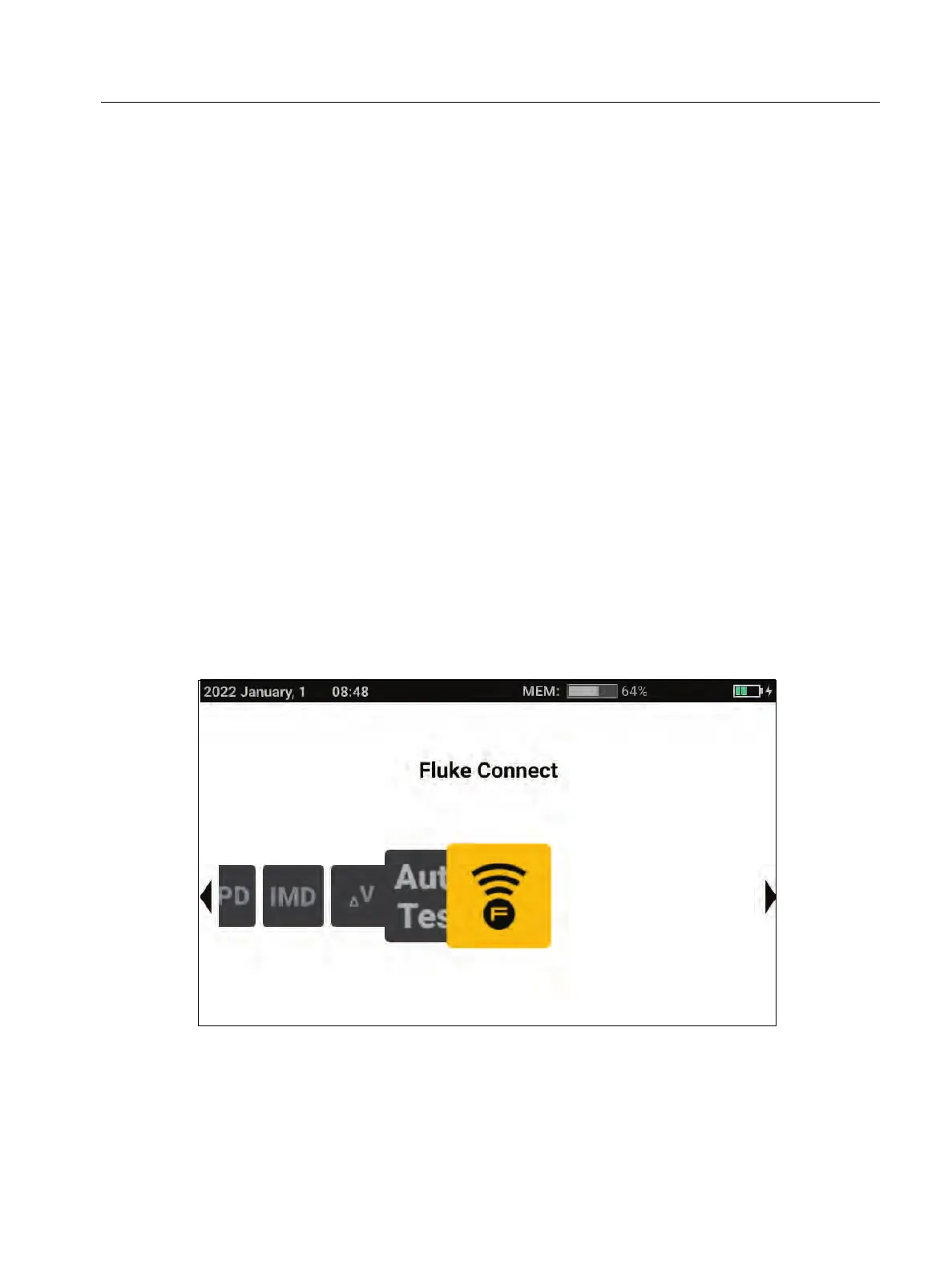
The rotary screen is the primary interface when you turn on the Tester to select the
measurement function. You have options for how to view the rotary screen. One is horizontally
aligned and animated. See Figure 2. The other option is in a grid format. See Figure 3. For
information on how to set this option, see Menus.
Figure 2. Rotary Screen



 To Next Page