Multifunction Tester
Form Mode
63
Select Project Form
To s e l e c t a P ro j e c t F o r m :
1. Push
K.
Projects are in a list on the left side of the display with more details on the right side of the
display.
2. Select the Project.
The Project name, code, client, and site information show on the left side of the display.
3. Tap on the Project to open the Project Form screen.
How to Test from a Form
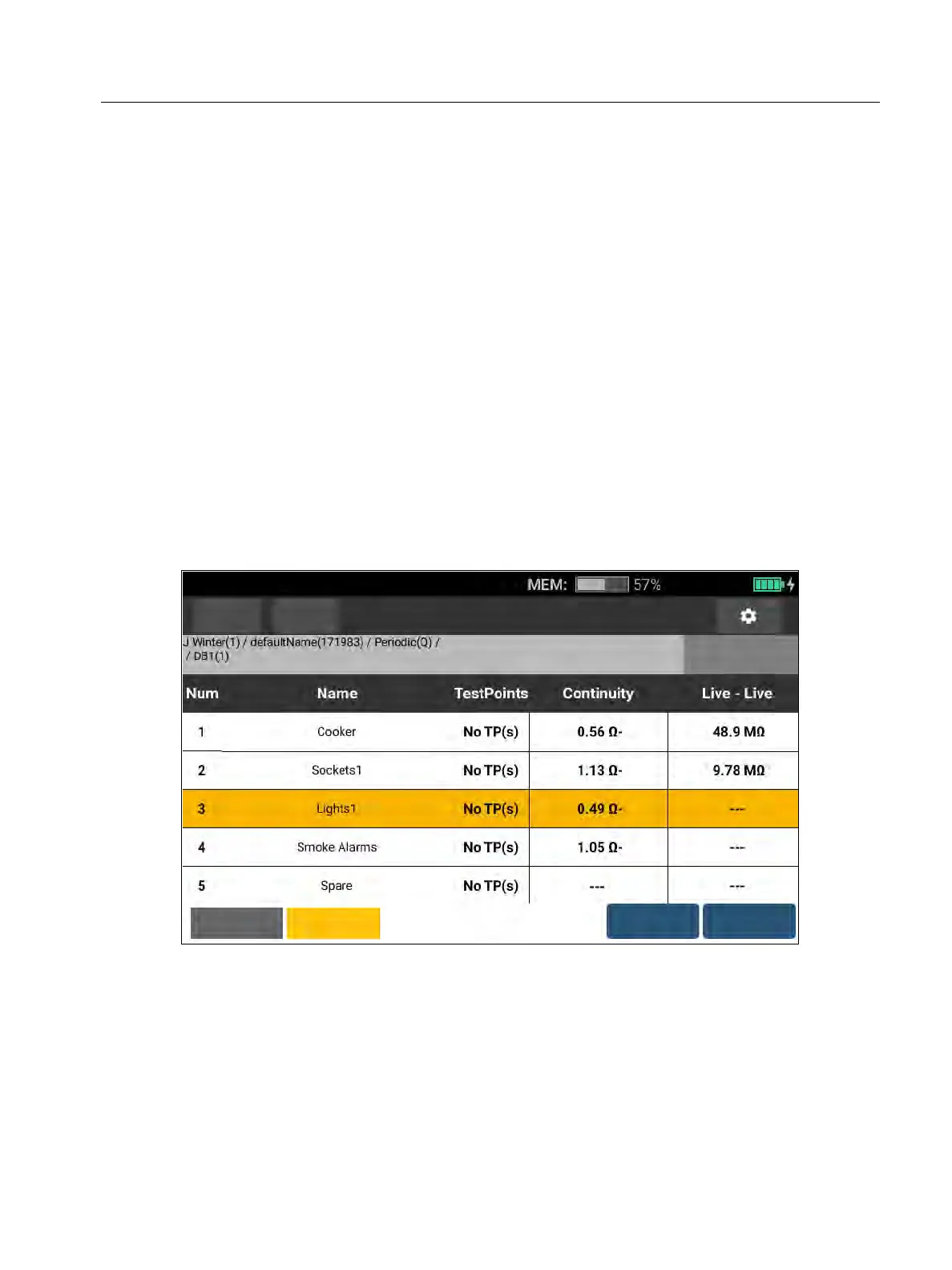
To navigate the Form screen, use the touchscreen or rotary dial. when using the rotary dial
press the dial to select a cell or change direction. The Distribution Boards, Circuits, and Test
Points for the installation are selected with the tabs in the bottom left of the screen. See
Figure 28.
Figure 28. Form
When selected, the screen shows the nodes number, name, and the number of circuits or test
points it contains. As you navigate the tabs for Distribution Boards, Circuits, and Test Points,
the options in the bottom left of the screen are active.
Form
Functions
Distribution
Boards
Circuits
Auto Test
Details



 To Next Page