Multifunction Tester
Device Settings Menu
19
Measurement Settings
The Measurement Settings adjust the parameters for a measurement.
Limits
Defining a limit allows you to set the pass, fail, and amber warning limits. Default limits are set
according to the local standard. Ta b l e 7 is a list of the default limits, where applicable.
Note
Fluke recommends that you check the limits for local requirements before you start
any tests.
Loop test limits can be set in this screen, but these limits are overridden in Forms Mode by any
circuit metadata (selected protection device) that you enter.
To adjust a limit:
1. Open the Device Settings Menu or tap the Limit field in the Measurement screen.
2. Highlight and select Measurement Settings.
3. Highlight and select Limits.
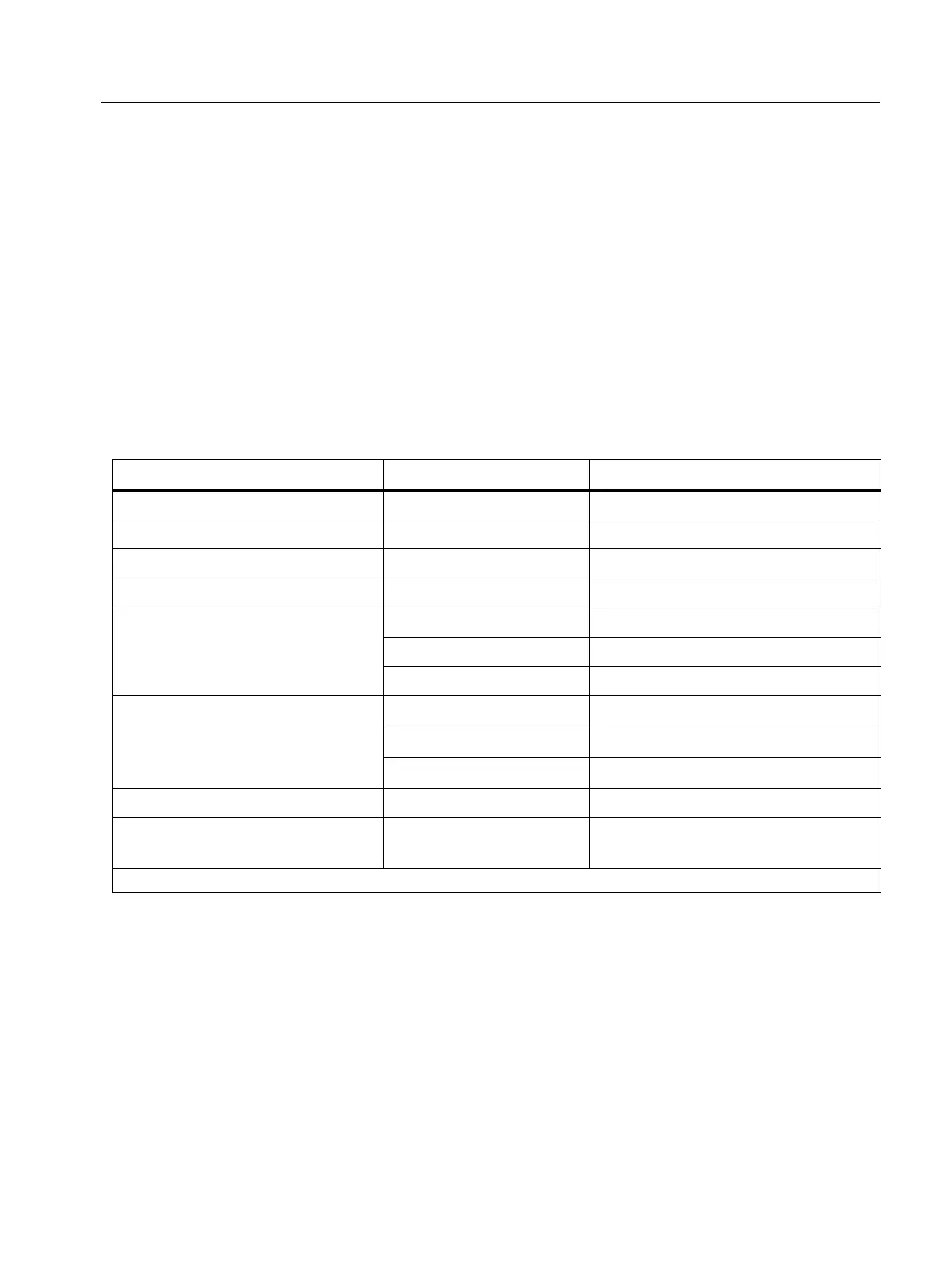
Table 7. Default Limits
Test Type Setting Limit
Voltage (by region) 230 V/120 V ±10 %
Continuity NA 2 Ω
Loop (Protection Device)
[1]
as selected no default
Insulation NA 1 MΩ
RCD Time
x1/2 should not operate
x1 200 ms
x5 40 ms
RCD Ramp
AC Type RCD
≤I
∆N
x1
A Type RCD
≤I
∆N
x1.4
B Type RCD
≤I
∆N
x2
Voltage Drop NA 4 %
SPD/IMD NA
No limits: use manufacturer
recommendations
[1] For Loop test type, set the % limit to show an amber warning when the limit is a defined % from a failure limit.



 To Next Page