Multifunction Tester
Touchscreen Display
11
Touchscreen Display
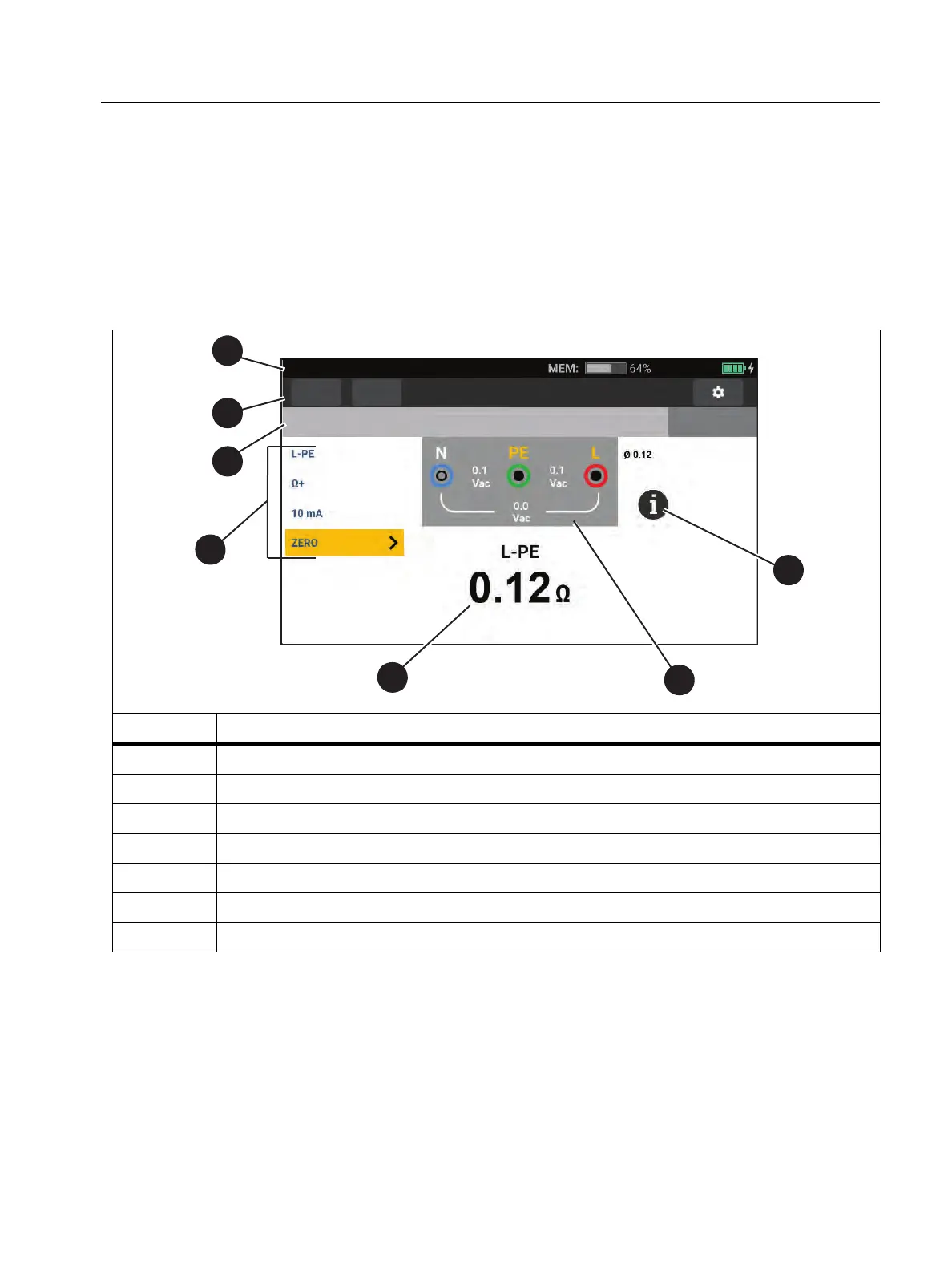
The color display is a touchscreen that shows measurements and settings. This display is also
operable when you wear safety gloves. Use the rotary dial to navigate through the interface or
tap your finger on the screen to make a selection. Use the touchscreen to set up and adjust all
the test parameters.
Ta b l e 6 is a list of the basic information areas on the display.
Table 6 . Disp lay
Item Description
A
Status
B
Menu
C
Project Status
D
Adjustable Settings for measurements
E
Measurement Results
F
Te r m i n a l D i a g ra m
G
Info icon: opens Connection Diagram with additional notes
Functions
Form
Continuity
No Limit
No project selected



 To Next Page