Multifunction Tester
Download Test Results
65
Download Test Results
To download test results:
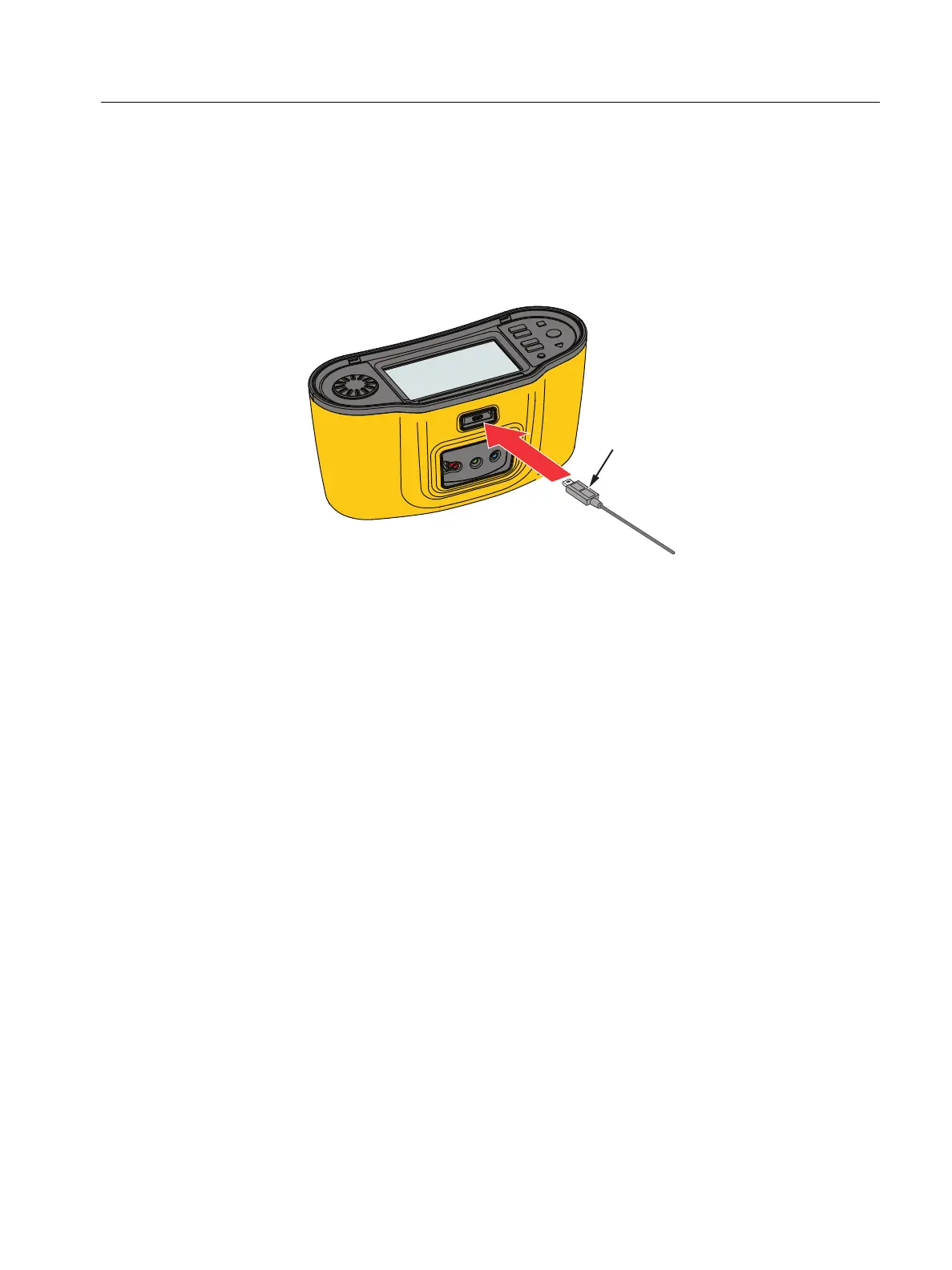
1. Connect the USB-C cable to the USB-port on the PC and the USB-C connector on the
Tester. See Figure 29.
Figure 29. USB-C Cable Attachment
2. Start the TruTest™ Data Management Software.
3. Press
A to turn on the Tester.
4. See the software documentation for complete instructions on how to set the date/time
stamp and upload data from the Tester.
Note
The 1673 FC/1674 FC allows you to upload data wirelessly to a smartphone with the
Fluke Connect™ app, share data with others, and e-mail the data to your office. See
Fluke Connect™ Wireless System for more information.
USB-C Cable



 To Next Page