Section 4: Using the Model 9100: Auxiliary Functions 4.12-3
4.12.3 Screen Keys
4.12.3.1 Bottom Screen Keys
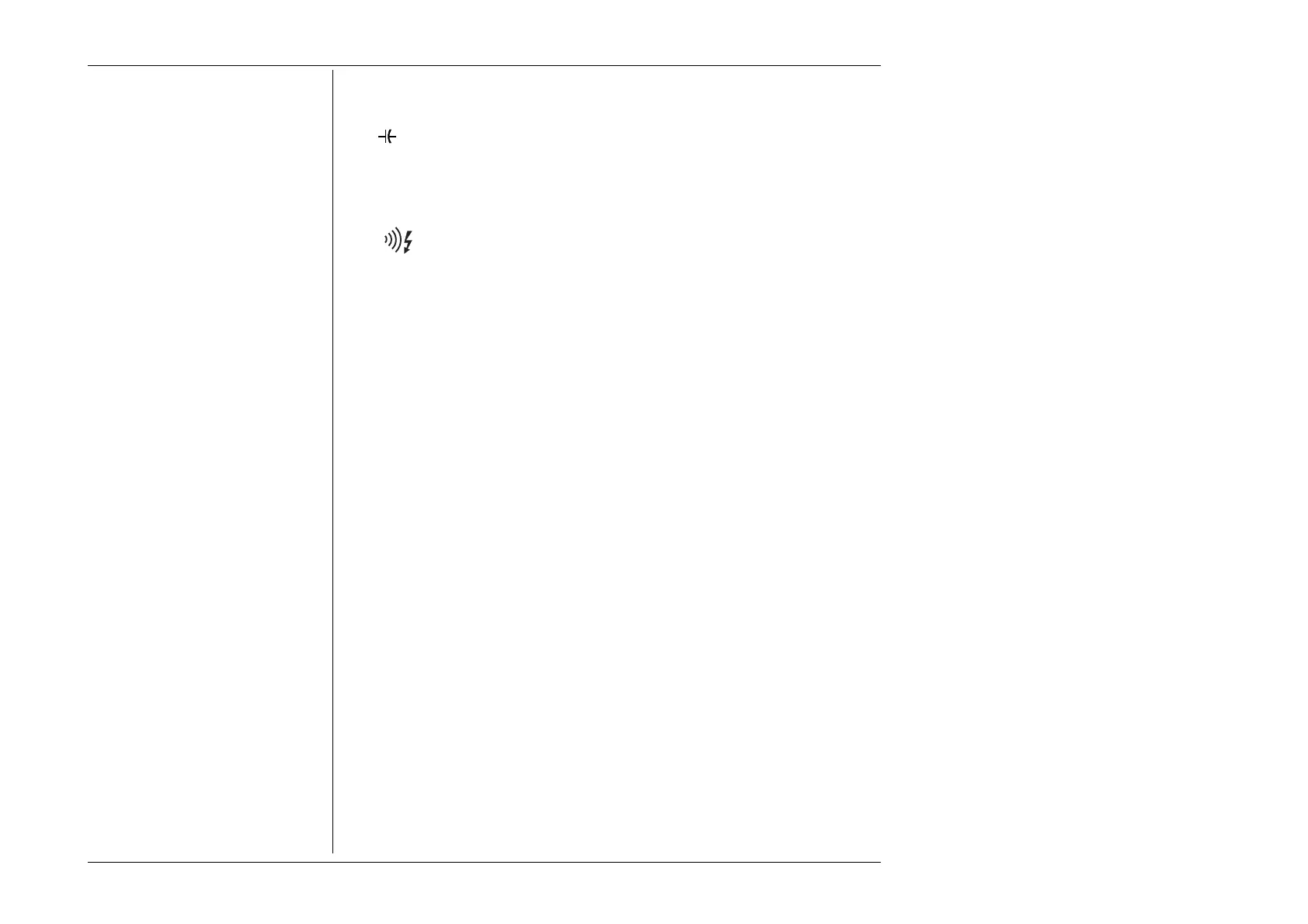
Selects 'Capacitance' Function.
°
C Selects 'Temperature' Function.
L O G I C
Selects 'Logic Pulse / Logic Level' Function.
Ω
Selects 'Insulation / Continuity' Function (if Option 135 is fitted).
4.12.3.2 No Right Side Screen Keys
As this is a function selection menu only, none of the right side screen keys are used.
4.12.4 Result of Function Selection
As soon as a bottom screen key is pressed, the Auxiliary menu screen will disappear, to
be replaced by the default screen of the selected function.
For further details refer to the following sub-sections:
This Volume 1 4.13 Capacitance
4.14 Temperature (Thermocouple)
4.15 Temperature (PRT)
4.16 Logic Pulses
4.17 Logic Levels
4.18 Insulation/Continuity
Volume 3 14.3 'Auxiliary' Oscilloscope Functions



 To Next Page