3-6 Section 3: Model 9100 Controls: Modes of Operation
Final Width = 215mm
TODAYS DATE TIME
TODAYS DATE TIME
3.3.2 Configuration Mode
Configuration Mode is used to change the settings of those parameters which have been
placed under user control.
N.B. A password is required for access to change settings other than viewing angle.
When changing configuration, start as follows:
MOREVIEW
EXIT
Configuration
Modify viewing angle by using
the
and
keys.
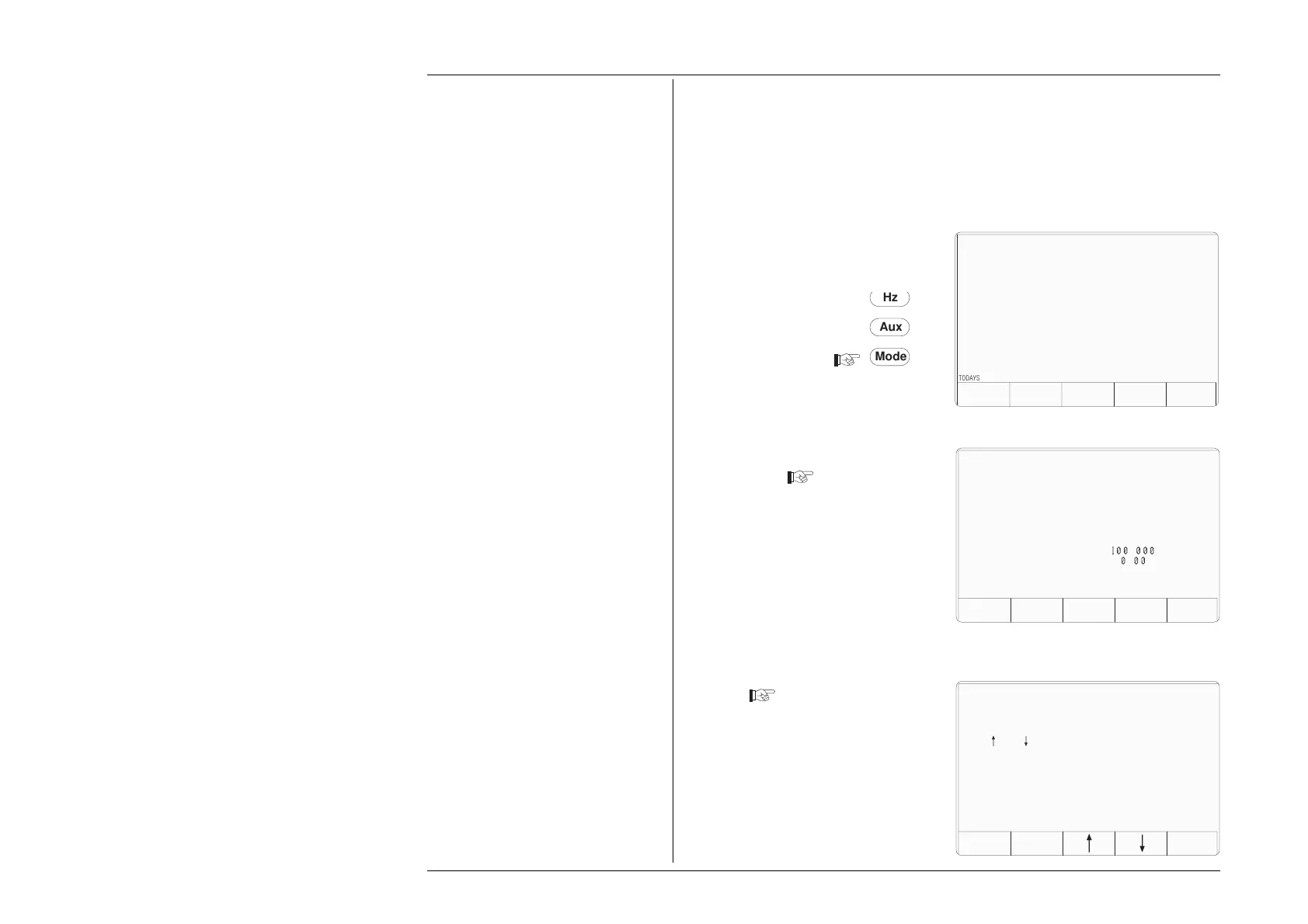
1. Press the Mode key on the right of
the front panel to obtain the 'Mode
Selection' menu screen
2. Press the CONFIG screen key at the
center of the bottom row to progress
into 'Configuration' mode. The 9100
will transfer to the 'Configuration'
menu screen
3. The screen shows the present settings
of some of the parameters which can
be changed in Configuration mode.
3.3.2.1 Viewing Angle
1. Changing the viewing angle of the
screen does not require a password.
Press the VIEW screen key on the
left of the bottom row. The 9100 will
transfer to the 'Modify viewing angle'
screen
2. Adjust the viewing angle by
selectively pressing the arrow screen
keys until the screen shows blue
lettering on the whitest background
possible.
3.'EXIT' reverts to the previous screen.
Configuration
Present Settings:
Language English
Power-up mode Manual
Bus Address 1
Printer NONE
Results Card Disabled
Safety Voltage
.
V
Border Line
7
.
%
Scope option Option 600
Crystal option High acc
Ser. No. XXXXXX Rev. XXX
Mode
Aux
Hz
TODAYS DATE TIME
PROC MANUAL CONFIG CALIB TEST
Mode Selection
Select required mode using softkeys



 To Next Page