3-34 Section 3: Model 9100 Controls: Working with Front Panel Controls — Tutorials
Final Width = 215mm
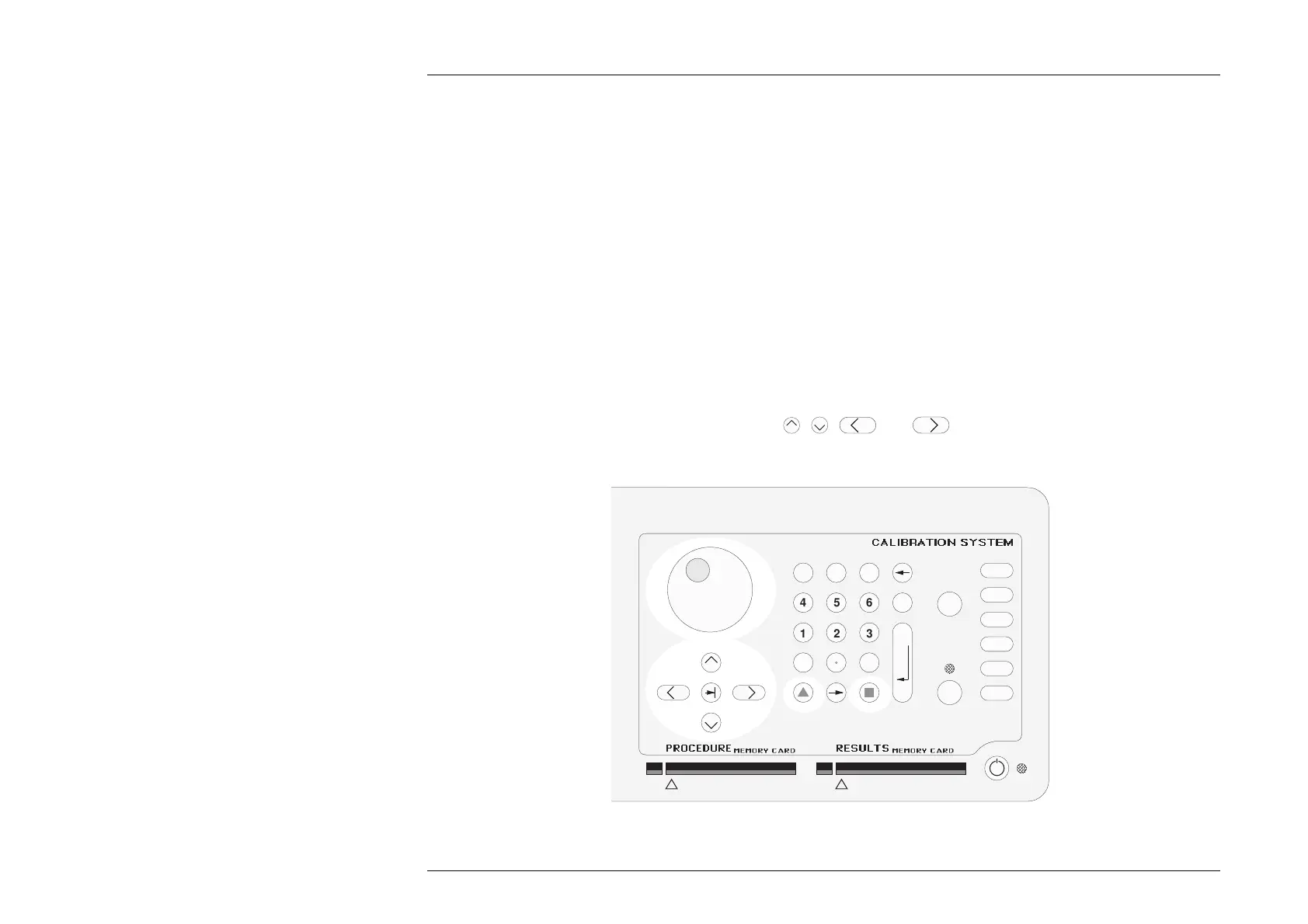
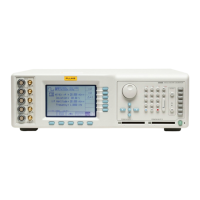
Fig. 3.4.2 Cursor Controls
3.4.3 Edit Facilities — Introduction
Before looking at displays for the other functions, we shall learn how to alter the values displayed on the screen. There are two main
methods of changing values:
1. 'Digit Edit'; in which values can be changed digit by digit, using the 'digit access cursor' and associated controls.
2. 'Direct Edit'; where a complete new value is written in place of the existing value, using the numeric keypad.
We shall consider 'Digit Edit' first.
3.4.4 Digit Edit Facility
3.4.4.1 Digit Access Cursor
As we can see from Fig. 3.4.1, the numeric value of the 9100 output (whether OUTPUT is OFF or ON) is displayed in large characters
just above the center of the screen. In Digit Edit, access to each digit is provided by a pair of enclosing triangles, called the 'Digit
Access Cursor' (or just 'Cursor'). The cursor can be seen in Fig. 3.4.1, accessing the least-significant digit of the numeric value.
3.4.4.2 Cursor Controls
The main controls used to manipulate the cursor are: the
,
,
and
keys; the spinwheel, and the two shift keys
on the numeric keypad. These are highlighted in Fig. 3.4.2, below.
1
23
456
789
0
—
E
OFF
ON Mode
Aux
Hz
Ω
A
V
A B C D E F CLR
GH I J KL
MN OP QR
ST UV WX
YZ
OUTPUT
_
/


 To Next Page