3-46 Section 3: Model 9100 Controls: Working with Front Panel Controls — Tutorials
3.4.5 Direct Edit Facility
Having dealt with the Digit Edit facility, we shall now go on to consider the alternative
Direct Edit facility.
Direct Edit is not a default state. Digit Edit will always be forced at power-on, and
when changing modes and functions.
Each method has its own advantages, which will become apparent with experience of
using the front panel controls.
Direct Edit facility employs the numeric keypad to enter whole values, where this is
more convenient than operating on individual digits in 'Digit Edit' facility.
3.4.5.1 Value Entry Box
As we saw before from Fig. 3.4.1, the numeric value of the 9100 output is normally
displayed in large characters just above the center of the screen. Once the Direct Edit
facility has been invoked, an enclosed area (box) is provided on the screen, below a
reduced-size version of the value to be changed. The box can be seen in Fig. 3.4.7.
3.4.5.2 Direct Edit Controls
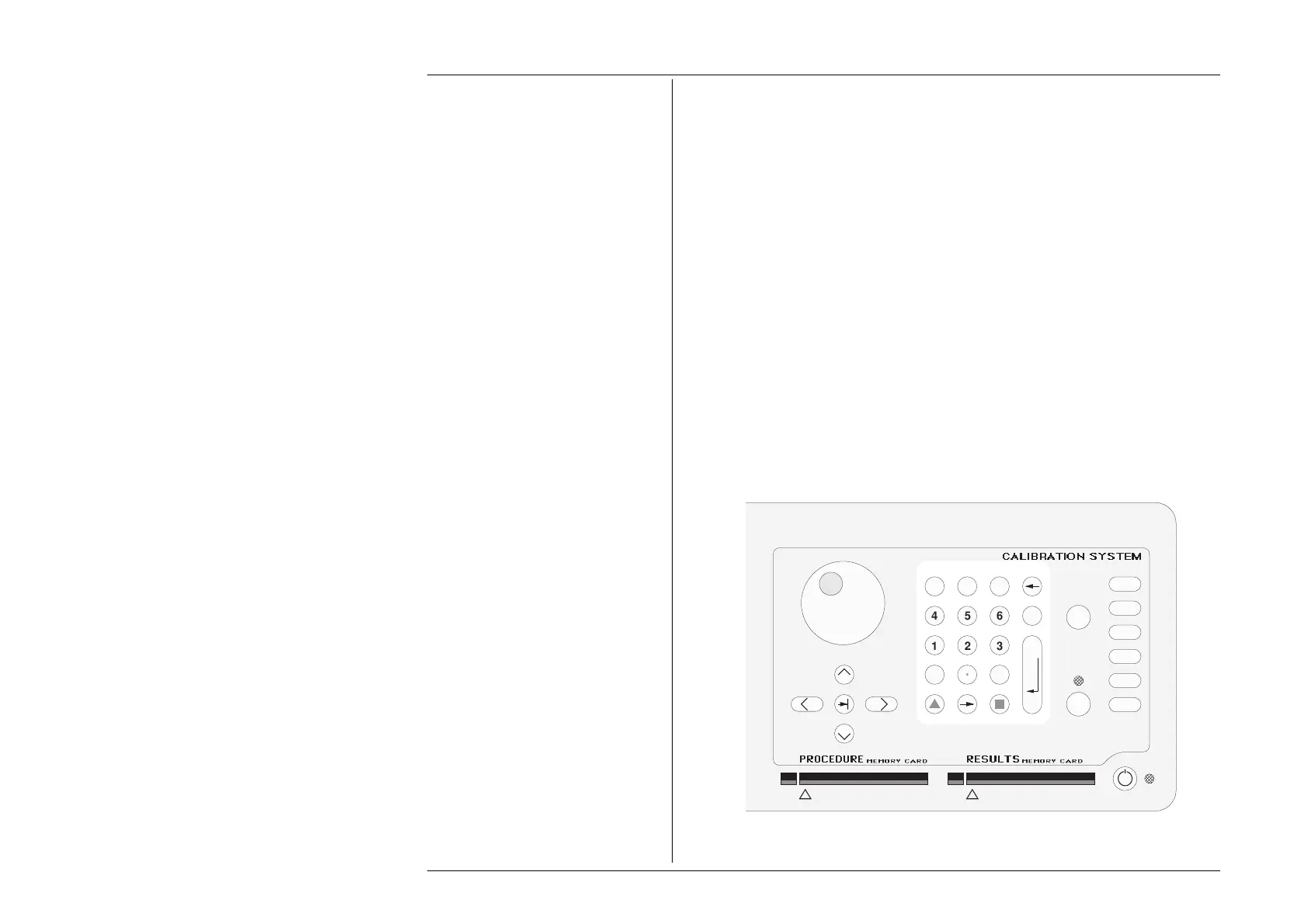
The main means of controlling Direct Edit are the numeric keys of the alpha numeric
keypad, highlighted in Fig. 3.4.5, below.
Fig. 3.4.5 Direct Edit Controls
1
23
456
789
0
—
E
OFF
ON Mode
Aux
Hz
Ω
A
V
A B C D E F CLR
GH I J KL
MN OP QR
ST UV WX
YZ
OUTPUT
_
/
Final Width = 215mm



 To Next Page