4.12-2 Section 4: Using the Model 9100: Auxiliary Functions
4.12.2 Selection of Auxiliary Functions
(Manual Mode selected)
4.12.2.1 'Aux' Key
Auxiliary functions are accessed by pressing the 'Aux' key at the right of the 'CALIBRATION
SYSTEM'
panel.
4.12.2.2 Default Settings
Each time the
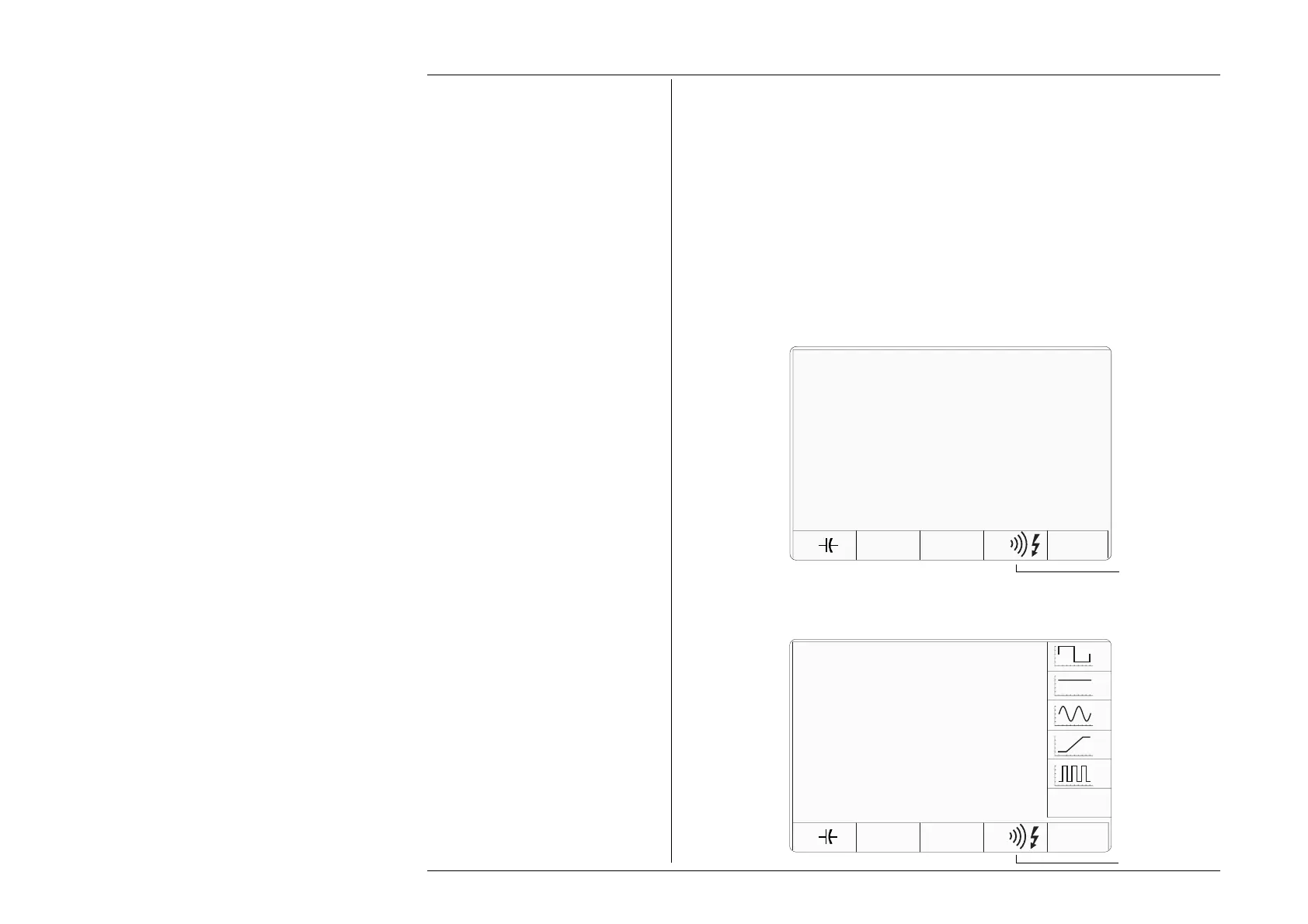
'Aux' key is pressed, the system shows the default Auxiliary menu screen
for selection of one of the auxiliary functions: Capacitance, Temperature, Logic Pulse/
Logic Level or Insulation/Continuity (if Option 135 is fitted)
If Option 250 or Option 600 (the 250MHz or 600MHz Oscilloscope Calibration Module)
is not fitted, the following screen will appear:
LOGIC
°C
Auxiliary
Functions
Ω
Only displayed if
Option 135 is fitted
Only displayed if
Option 135 is fitted
Auxiliary &
Oscilloscope
Functions
LOGIC°C
Ω
If Option 250 or Option 600 is fitted, the Auxiliary screen will appear as shown below.
For details of Option 250/Option 600 functions, refer to the Model 9100 User's
Handbook, Volume 3, Section 14, Sub-section 14.3.
DATE TIME
DATE TIME



 To Next Page