3-58 Section 3: Model 9100 Controls: Working with Front Panel Controls — Tutorials
Final Width = 215mm
3.4.8 Screen Keys
3.4.8.1 Bottom Screen Keys
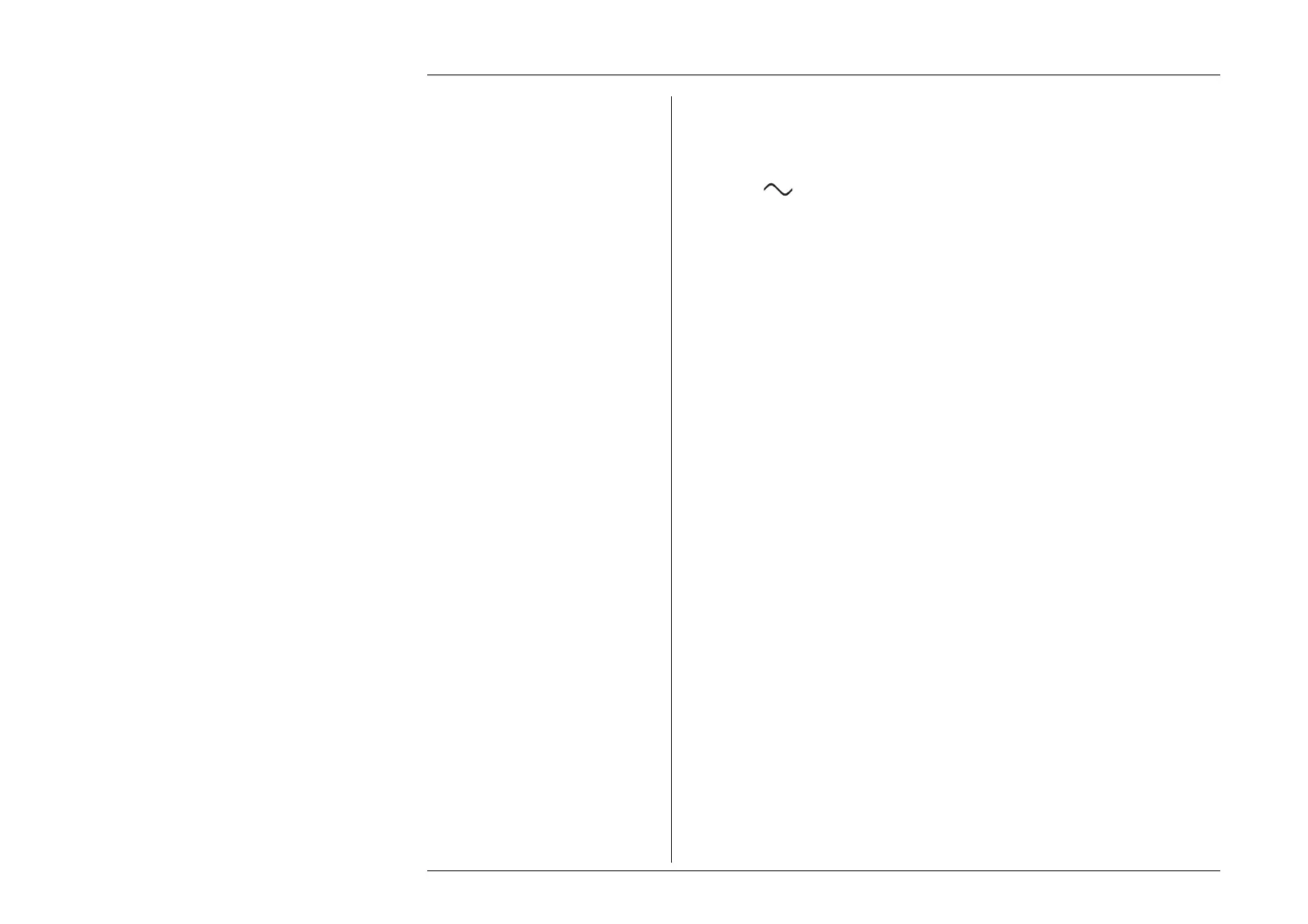
The soft keys along the bottom of the LCD screen are provided to alter functionality. For
instance, the
V screen key transfers from DC Voltage output to AC Voltage output,
and the
∆ screen key allows us to add the 'Percentage Deviation' and 'Offset Voltage' value
to the display presentation.
3.4.8.2 Right Side Screen Keys
The soft keys along the right side of the LCD screen generally perform operations on the
values which are marked by the cursor. For instance, when the output value is marked
by the cursor, the ± screen key will reverse output polarity. When using Direct Edit
facility to alter the DC Voltage Offset value, pressing the
mV key will express the figure
in the editing box as millivolts and the DCV offset will be one thousandth of the value
it would have been if the
V key had been pressed. The mV key also acts instead of the
numeric keyboard
↵ key, to close the editing box.
Now let us look at the
X10 and ÷10 keys.
3.4.8.3 Using the X10 and
÷10 Screen Keys
The two multiplier screen keys are present in the menu screens of most functions when
using Digit Edit facility. Their action is to multiply or divide, by a factor of ten, the
Output, Deviation or Offset value marked by the cursor (Deviation value limited to
±10%). They do not have auto-repeating action. Neither are available when using Direct
Edit facility.
X10
When multiplying, the new value is accomodated and activated within the present
resolution, or placed in a lower resolution and activated, subject to the rules governing
any thresholds which will be crossed. Refer to paras 3.4.7.
÷
10
When dividing, the new value is accomodated and activated within the present resolution,
or placed in a higher resolution and activated, subject to the rules governing any
thresholds which will be crossed. Refer to paras 3.4.7.



 To Next Page