Section 3: Model 9100 Controls: Working with Front Panel Controls — Tutorials 3-47
TODAYS DATE TIME
3.4.5.3 Starting Point
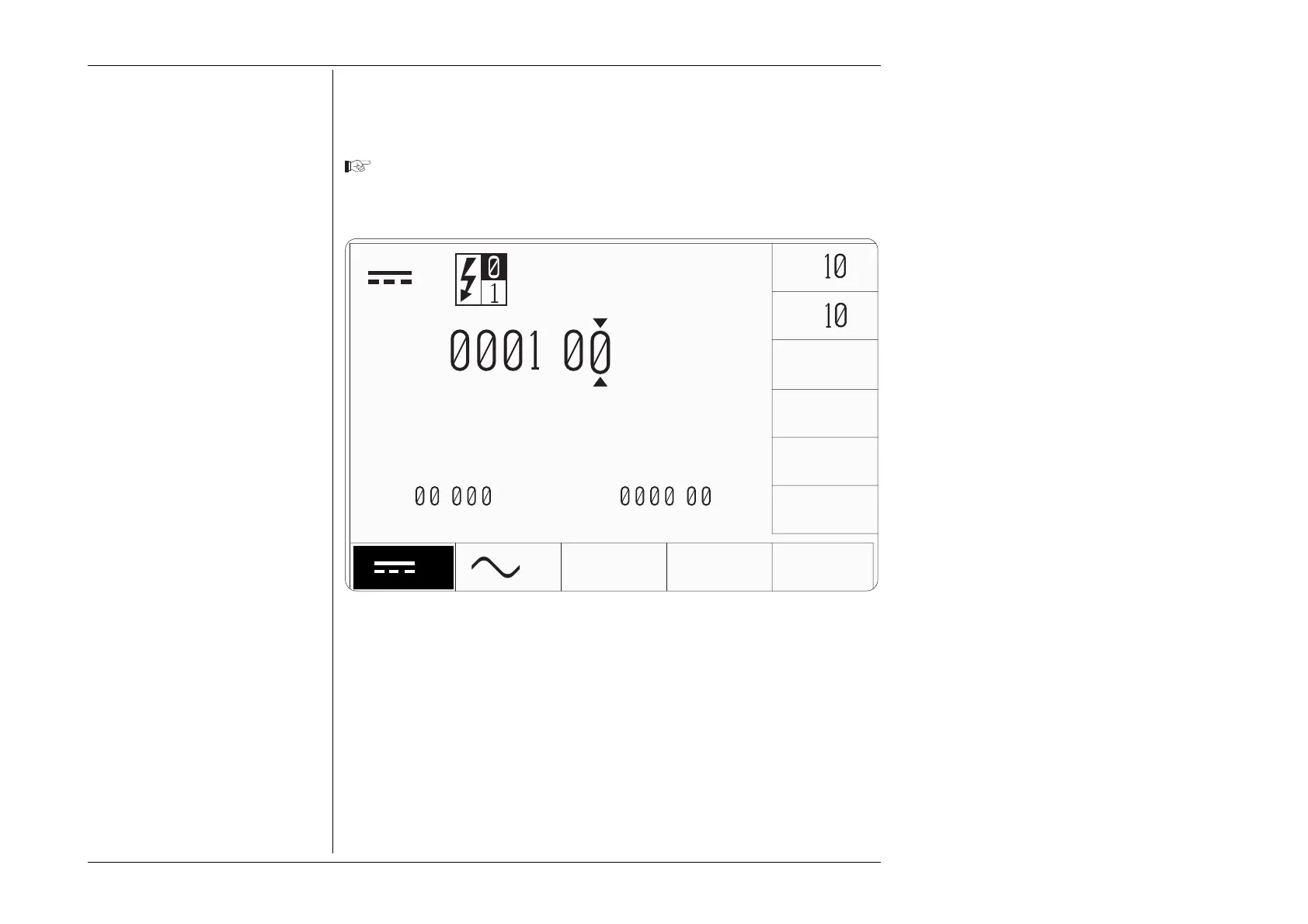
When we finished the 'Digit Edit' tutorial, we left the front panel screen as shown in
Fig. 3.4.6, below.
If things have changed since then, please use Digit Edit to manipulate the
screen to conform with Fig. 3.4.6. Ensure that the cursor is as shown on the
Output Value.
Next, we shall see the effects of using the numeric keypad.
Fig. 3.4.6 Starting Point for 'Direct' Editing
V
∆
ZERO
±
V
x
÷
∆%=
.
∆V=
.
V
V
+
.
V
Final Width = 215mm



 To Next Page