3-48 Section 3: Model 9100 Controls: Working with Front Panel Controls — Tutorials
3.4.5.4 Use the Numeric Keypad to Set a New Value
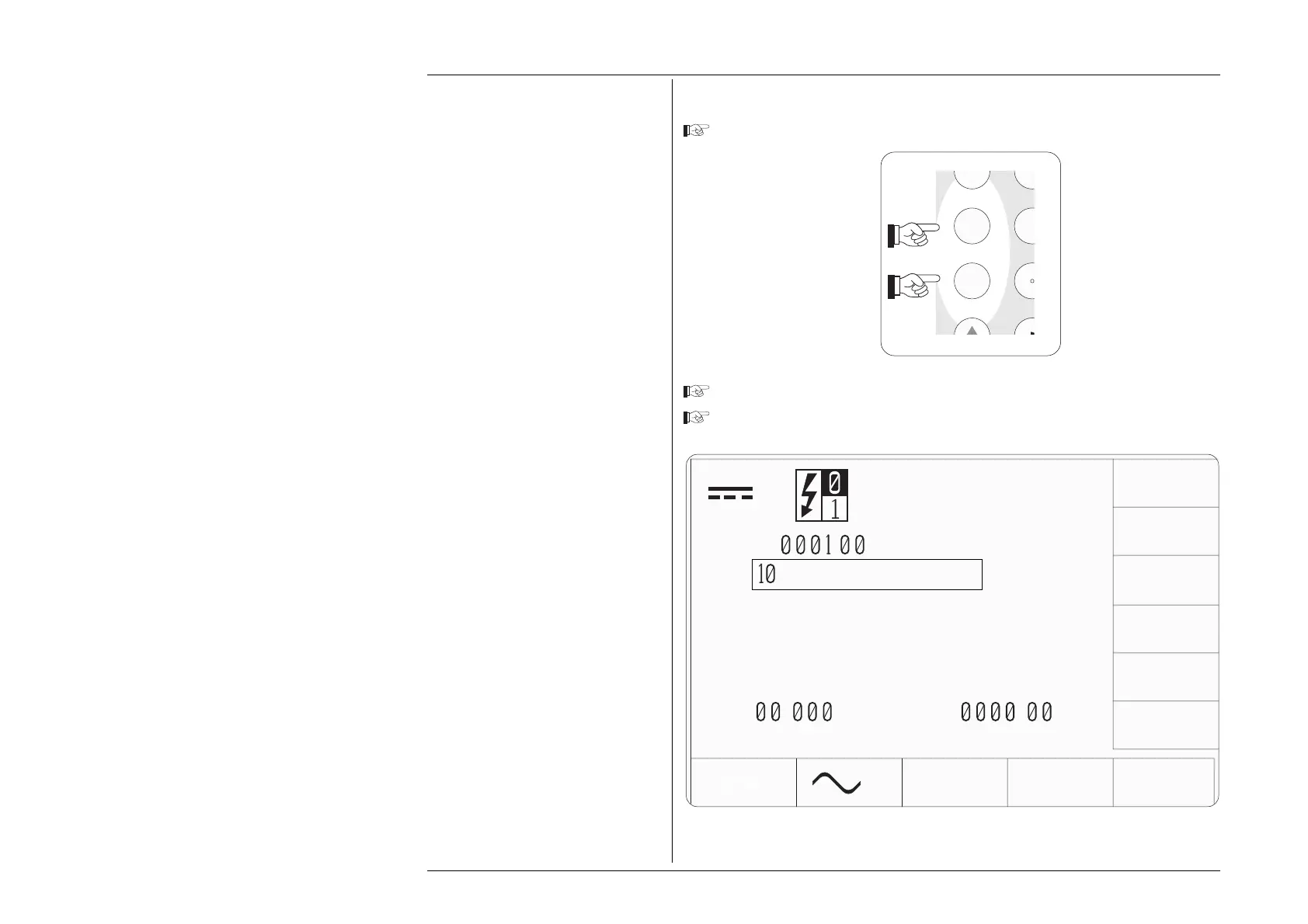
Type the number '10' on the numeric keypad:
Observe the change in output value presentation.
Observe the change in screen key labels.
Note:
The screen keys on the right of the
display have been re-labelled.
The new keys act as equivalents of
the ↵ key on the numeric keypad,
when scaling of the entered value is
required.
Fig. 3.4.7 'Direct' Editing —
Effect on Output Value and Screen Key Labels
TODAYS DATE TIME
V
∆
V
∆%=
.
∆V=
.
V
V
+
.
V
mV
kV
V
1
0
MN O
ST U
Y



 To Next Page