Section 3: Model 9100 Controls: Working with Front Panel Controls — Tutorials 3-49
3.4.5.5 Enter the New Value
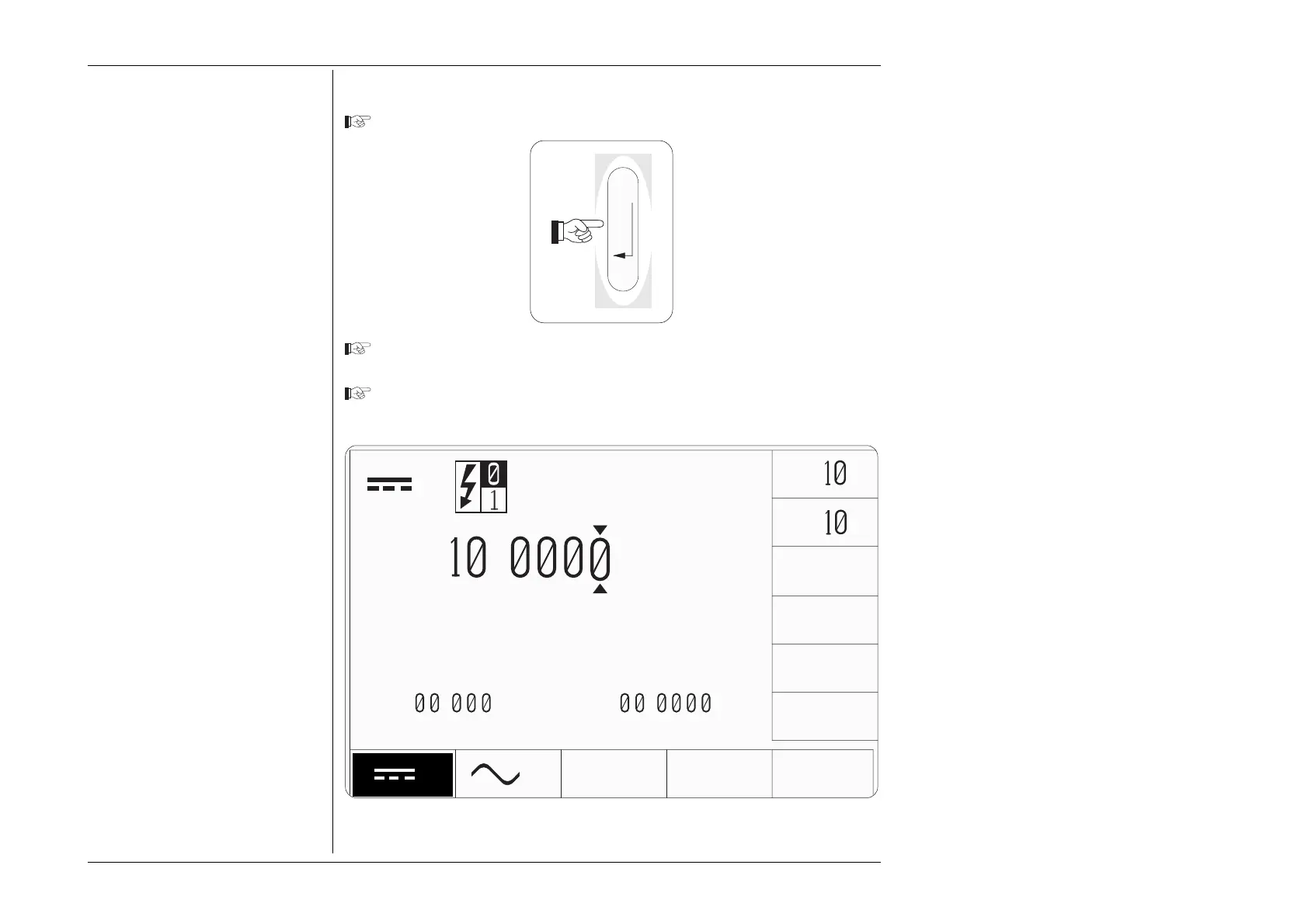
Press the 'Enter' key on the numeric keypad:
Note that the box has disappeared, the screen key labels have reverted and the
display is back in 'Digit Edit', with cursor.
Note that the resolution has increased to four decimal places, both for the
output value and the offset value.
Fig. 3.4.8 Result of Pressing the 'Enter' Key
Note:
There is no '+' key on the keypad.
When you type values with no sign,
this implies 'positive'. For 'negative'
values, type the keypad hyphen.
Rule:
When any Direct Edit value is entered,
using the ↵ key, the display reverts to
Digit Edit.
Rule:
When reverting from Direct Edit to
Digit Edit, the new value is presented
with its best resolution. The cursor
will, of course, mark the least-
significant digit
TODAYS DATE TIME
V
∆
ZERO
±
V
x
÷
∆%=
.
∆V=
.
V
V
+
.
V



 To Next Page