Section 3: Model 9100 Controls: Working with Front Panel Controls — Tutorials 3-45
Final Width = 215mm
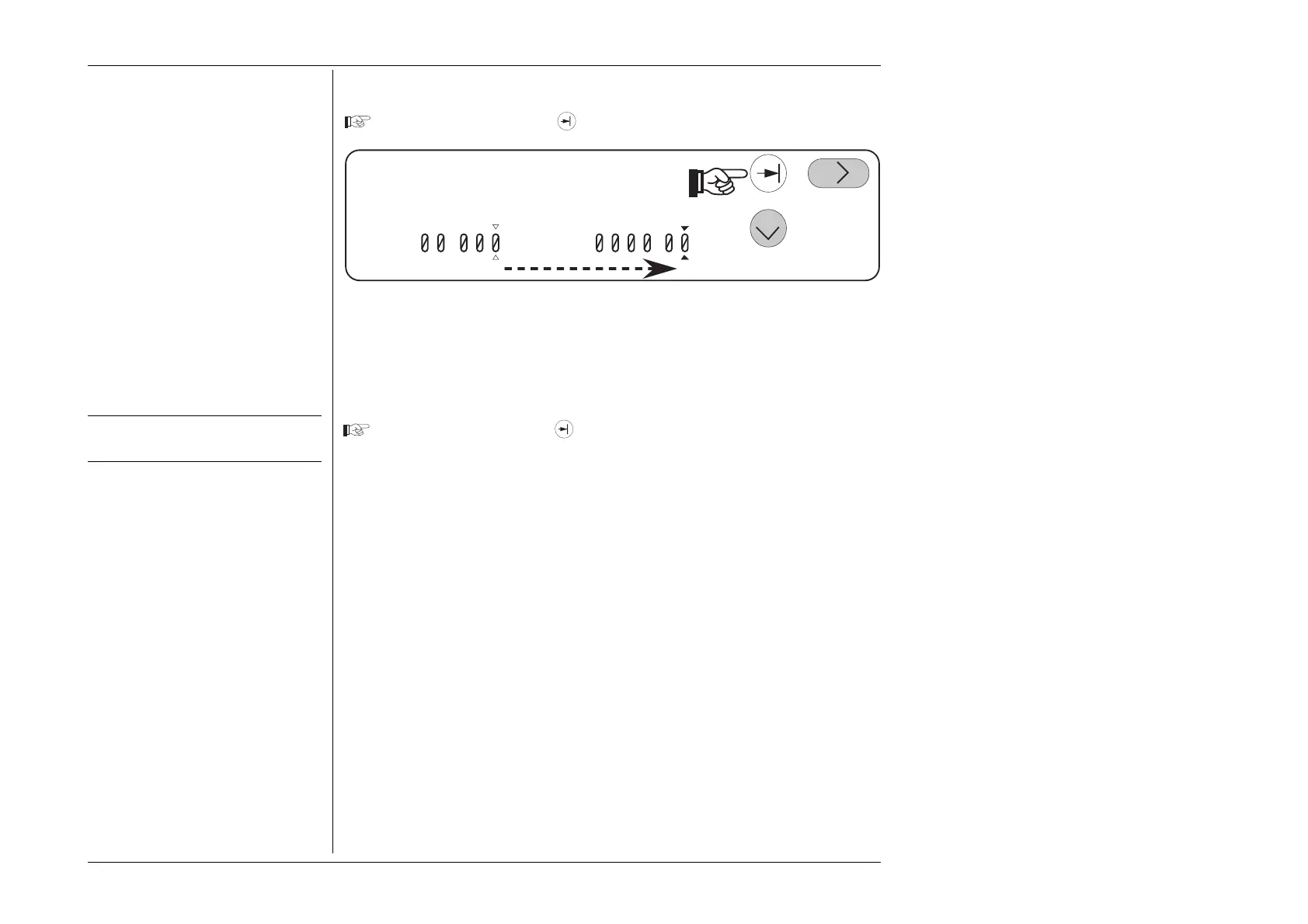
Press and release the Tab
key a third time.
%= . V= . V
The cursor returns to the offset value.
Note: As the cursor moves to another field, the labels of the screen key change to indicate
the available options (in this case the 'ZERO' key on the right side is available for
the new main Voltage value, but not for deviation or offset).
Setup for next tutorial stage.
Press and release the Tab key again to place the cursors on the main output
value field.



 To Next Page