3-44 Section 3: Model 9100 Controls: Working with Front Panel Controls — Tutorials
Final Width = 215mm
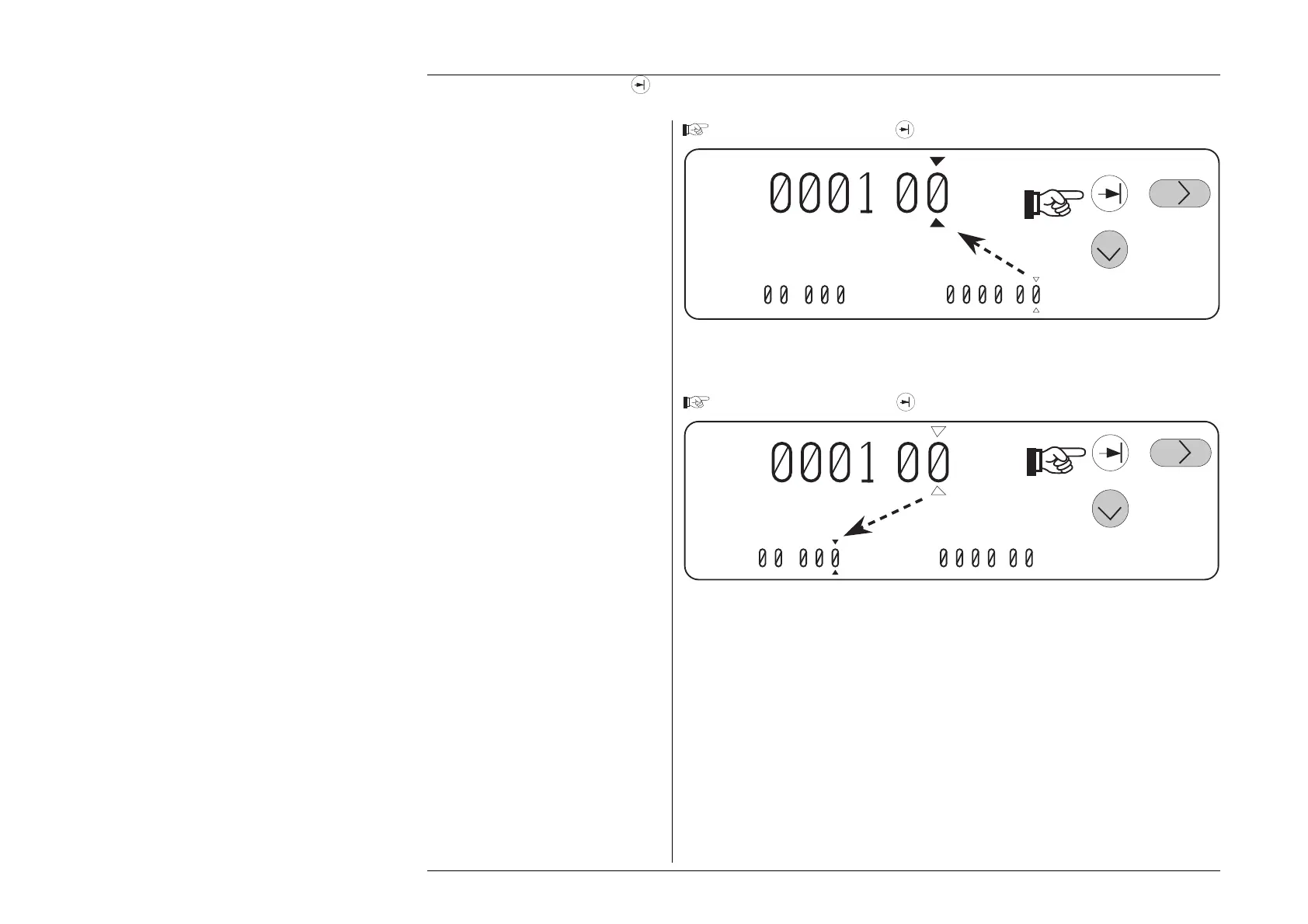
Press and release the Tab
key again.
+ .
V
%= .
V=
. V
Notice the directions of movement. The general rule is that the cursor will move first
down and left, then from left to right.
Press and release the Tab
key.
+
.
V
V=
.
V
%=
.
The methods already described for movements between digits, changing value resolutions
(if allowed) and incrementing/decrementing digits can be used at the new value.
3.4.4.19 Use of the Tab
Key to Transfer between Value Fields (Contd.)
Note: The cursor always passes to the
least-significant digit in its new
value field.



 To Next Page