Section 3: Model 9100 Controls: Working with Front Panel Controls — Tutorials 3-35
Final Width = 215mm
.
.
+
+
.
.
+
+
3.4.4.5 Increment/Decrement Auto-Repeat
For continuous automatic action, press and hold either of the above keys.
Note that the next (more significant) digit changes up as the increase passes from 9 to Ø,
and down as the decrease passes from Ø to 9.
Leave the value set to + 1.ØØØØØ.
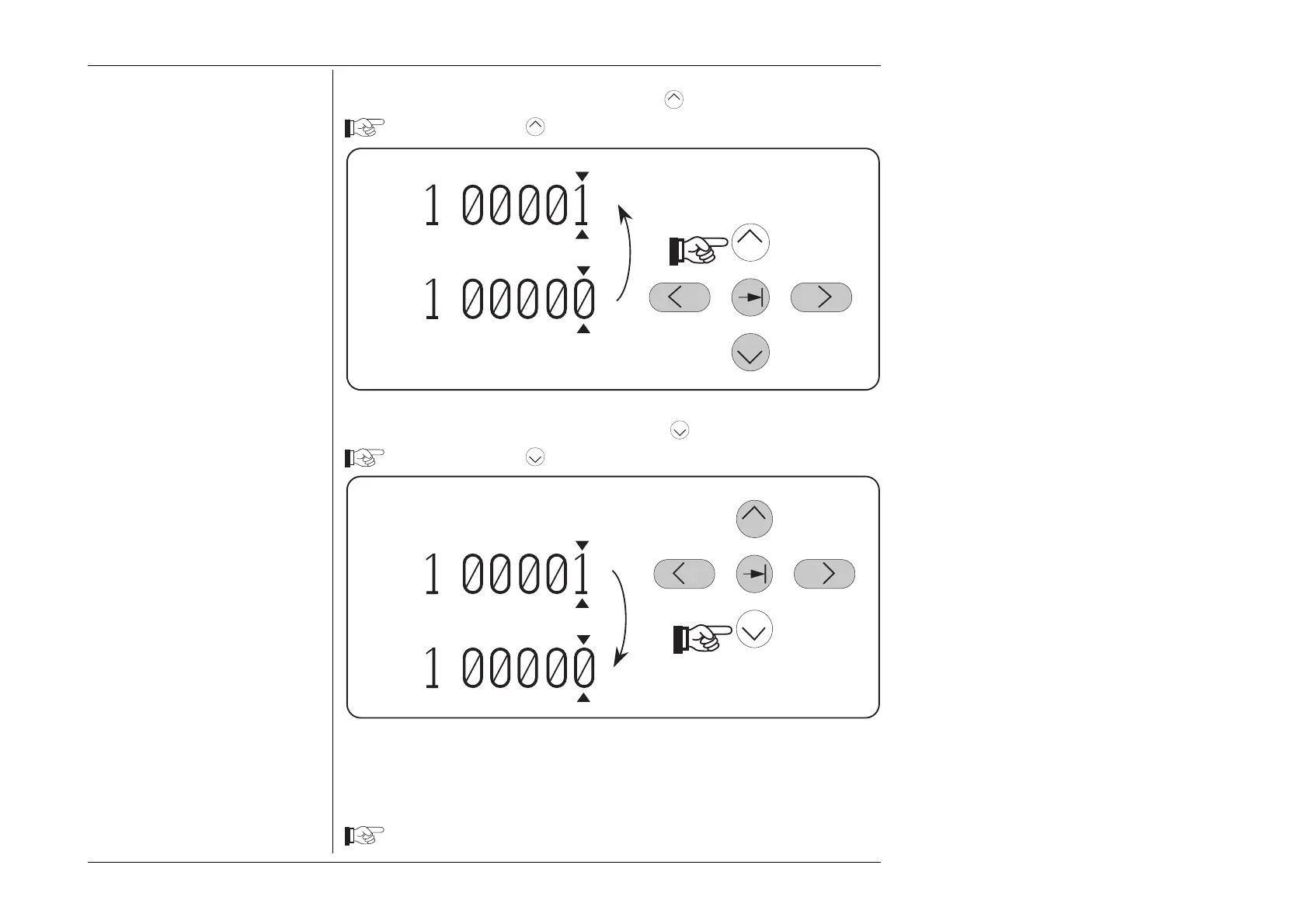
3.4.4.3 Incrementing a Digit using the
Key
Press and release the
Key. The marked digit increases by 1
3.4.4.4 Decrementing a Digit using the
Key
Press and release the
Key. The marked digit decreases by 1



 To Next Page