Section 3: Model 9100 Controls: Modes of Operation 3-5
Final Width = 215mm
TODAYS DATE TIME
3.3.1.1 Mode Overview
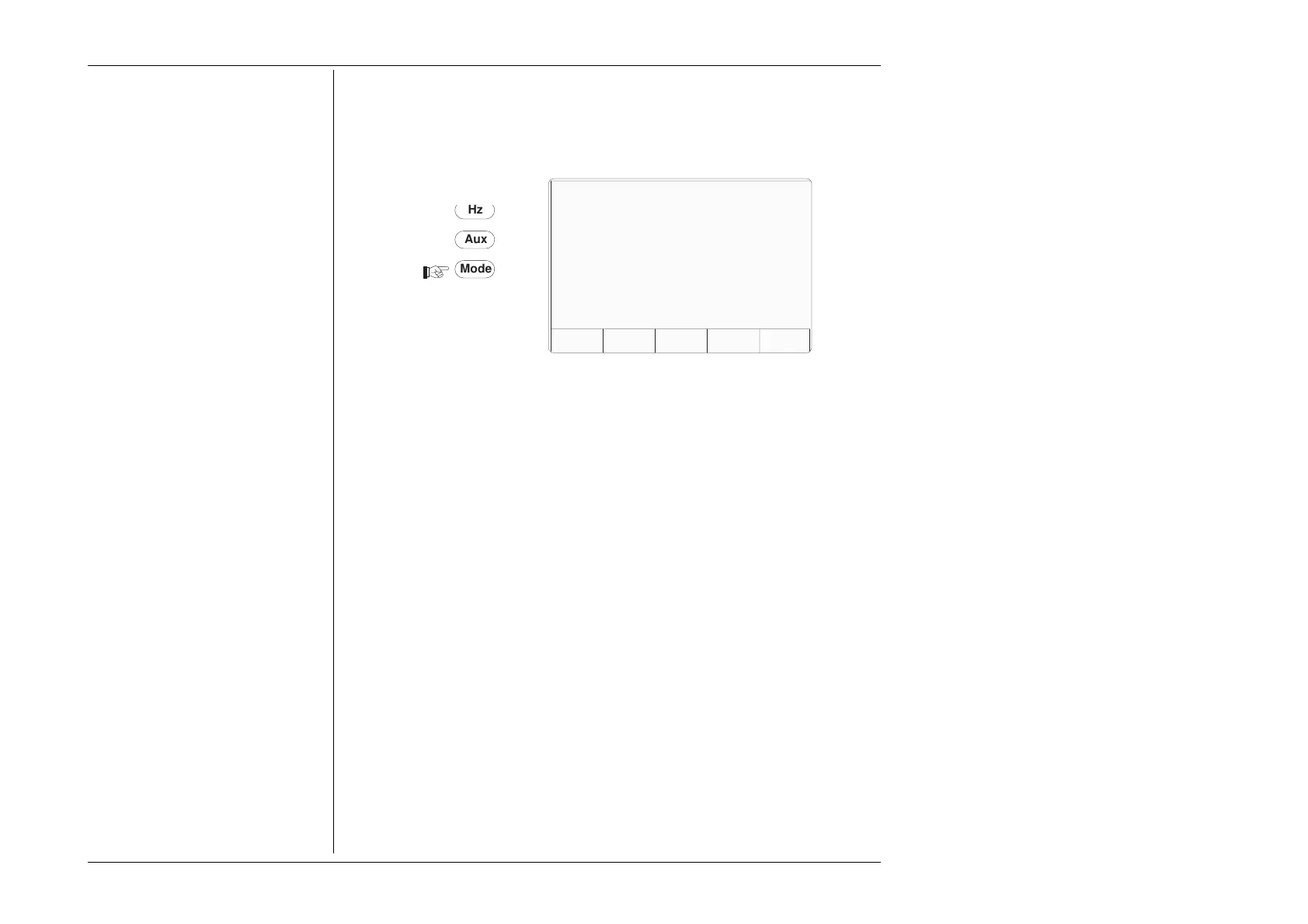
The Mode key sets up a special menu display, offering selection from five primary modes.
This menu can be exited only by pressing one of the five screen keys.
PROC MANUAL CONFIG CALIB TEST
Fig. 3.3.2 Mode Selection Menu
Four of the modes are described in later sections, but because of its wide-ranging effects,
Configuration Mode is dealt with in this section. The five modes are:
PROC
= Procedure Mode:
For calibration of a specific type of UUT, the sequence of 9100 output selections is
determined by a 'Procedure' memory card, placed in the left-hand slot beneath the panel
outline. Results can be printed, or recorded in a second 'Data' card, placed in the right-
hand 'RESULTS' slot. Refer to Section 5.
MANUAL
= Manual Mode:
The output is selected and adjusted entirely from the front panel. Refer to Section 4.
CONFIG
= Configuration Mode:
On entry to Configuration mode, an operator can change the LCD Viewing Angle without
a password. Other parameters are protected by password. These include: Power-On
default mode (Manual or Procedure modes); Present Time and Date; Enable Printing;
Reformat Printed Certificates; etc. Refer to Sub-section 3.3.2.
CALIB
= Calibration Mode:
This mode is protected by switch and password. On entry to Calibration mode, the
operator can process the calibration of the 9100 itself. Calibration can be controlled from
the front panel, or via the IEEE-488 Interface. Refer to Volume 2; Section 10.
TEST
= Test Mode:
This mode permits an operator to initiate and interact with any of a series of tests as
follows: 'Fast'; 'Full'; or 'Interface'. Refer to Volume 2; Section 8.
Mode Selection
Select required mode using softkeys
Mode
Aux
Hz



 To Next Page