4.13-4 Section 4: Using the Model 9100: Capacitance Function
Final Width = 215mm
4.13.3 Screen Keys (Contd.)
4.13.3.3 Introducing Deviation and Offset Values
Pressing the '∆' key (bottom row) presents a screen with ∆% and ∆F labelling the two top
right screen keys:
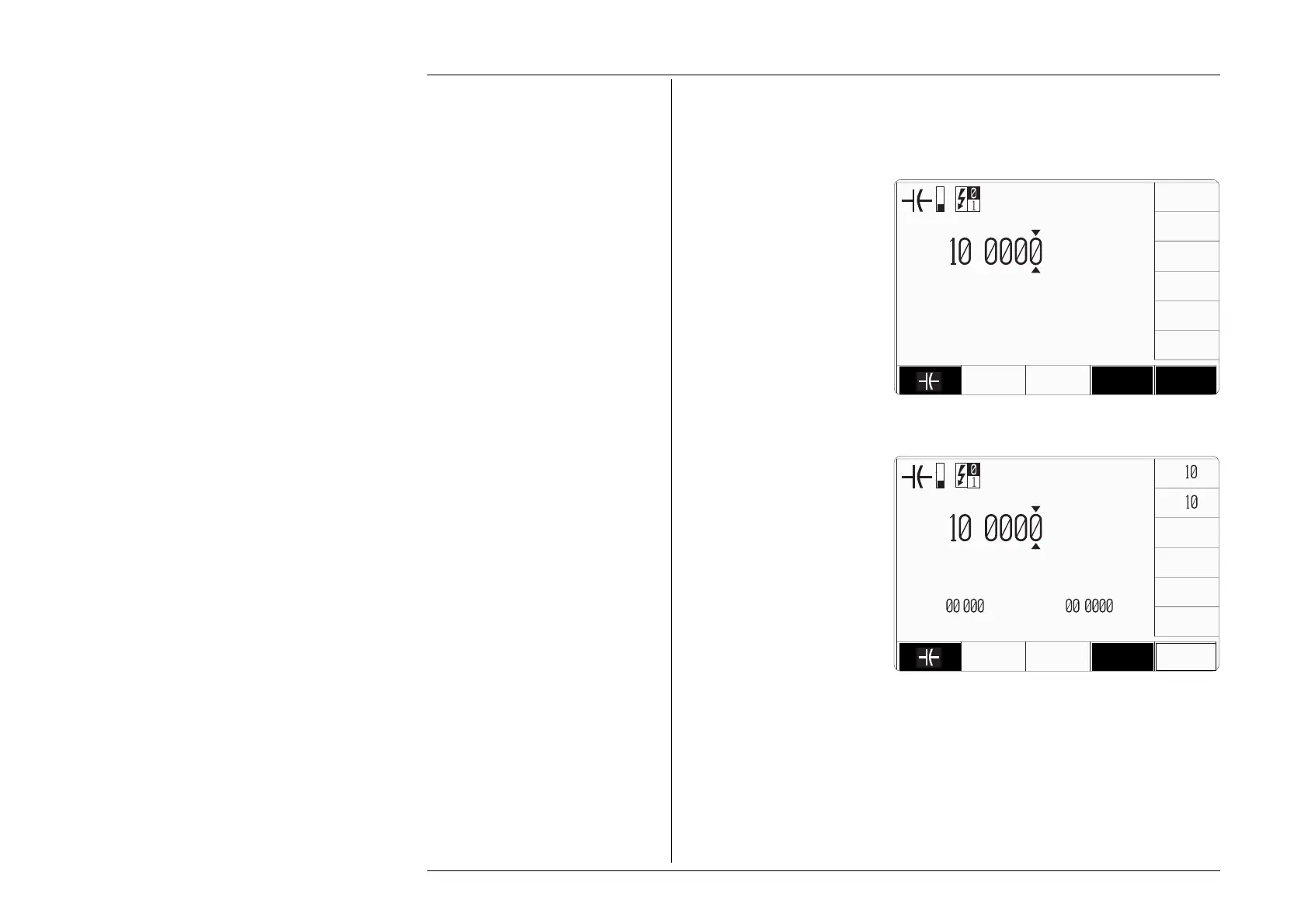
Pressing the '∆%' screen key adds
the 'Percentage Deviation' value
to the lower left of the display
presentation and the screen reverts
to the main Capacitance display
as shown below. The Deviation
value is limited to ±10% of the
Output value.
Pressing the '∆F' screen key adds
the 'Capacitance Offset' value to
the lower right of the display
presentation and the screen reverts
to the main Capacitance display
as shown below.
Note that as each of the '∆' keys is
pressed to show its value on the
screen, the cursors will move to
the latest selection.
The main Capacitance display is
shown here with both ∆% and ∆F
additions in place. This would
require two separate operations
of the ∆ key on the bottom row, as
after each selection, the screen
reverts to the main display. After
reversion, the cursors can be
transferred to any of the displayed
values for editing, here shown on
the main output display.
Otherwise, the operation of the
editing keys is unchanged (paras
4.13.3.2), and direct editing can
also be used.
∆
U
U
T
i
.
µF
CHANGE
CURRENT
4 WIRE
∆%
∆F
x
∆
÷
U
U
T
i
.
µF
CHANGE
CURRENT
4 WIRE
∆% =
.
∆F =
.
µF



 To Next Page