4.20-8 Section 4: Using the Model 9100: AC Power Function - Operation
Final Width = 215mm
1
REF OUTPUT enabled will make the instrument the master (when units are phase locked together).
CURRENT
WV FRM
Pressing the softkey also presents a screen with five waveshapes shown
against the right screen keys. This time, however, pressing the appropriate key selects the
waveform output on the Auxiliary channel. The possible selections are Sinusoidal,
Square, Impulse, Triangular and Trapezoidal waveforms. The currently selected waveform
also appears as part of the AC function icon. Refer to Section 4.4.3.4 for further details.
4.20.3.4 Phase-Locking Facilities
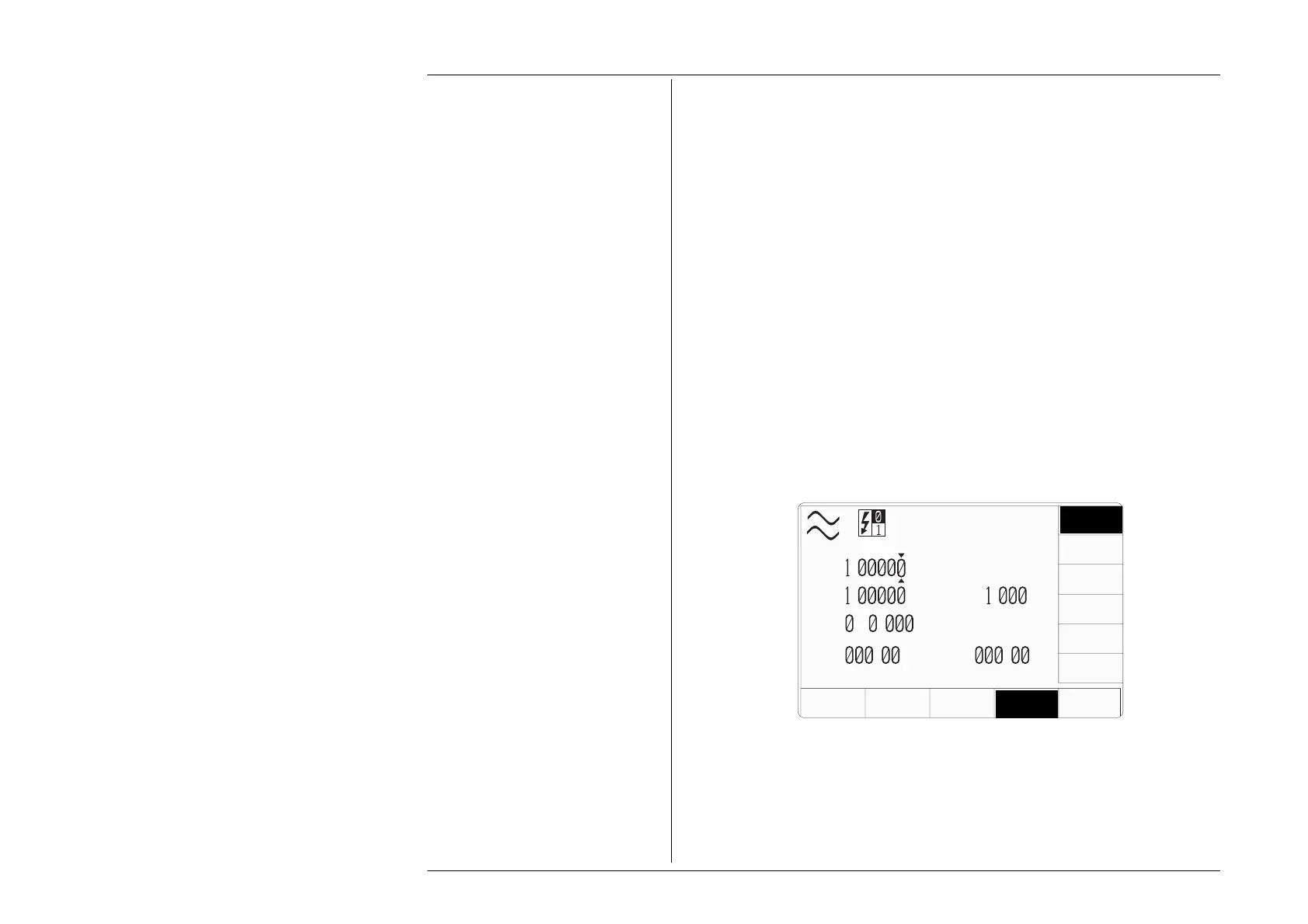
The bottom ∆Φ softkey will bring up a 2-key expansion menu that allows the user to
enable/disable the instrument phase angle field, and the generation of a phase reference
signal. Do not confuse it with Ø.
The two right screen keys that appear have the following functions:-
∆Φ Enables/disables the use of the instrument phase angle field.
Enables/disables the generation of a phase reference
1
signal.
For a complete explanation of this function refer to Section 4.4.3.5, which
refers to instrument facilities and contains several important warnings. The
most important of these warnings are outlined in Section 4.20.3.5 opposite.
REF
OUTPUT
AUX
CHANNEL
MODE
V
A
P
=
.
W
V
=
.
V
I
=
. A
F
=
5 .
Hz
ø
=
.
°
∆
Φ
=
.
°
VOLTAGE
WV FRM
CURRENT
WV FRM
POWER
UNITS
∆
Φ
REF
OUTPUT
∆
Φ



 To Next Page