Section 5: Using the Model 9100 — Procedure Mode: Safety and General Notes 5.2-5
Final Width = 215mm
5.2.5.1 Results Card Enabling and Insertion
Use of Config Mode
Config mode is used to enable results to be saved on memory cards. Details can be found
in Section 3, paras 3.3.2; 3.3.2.2 and 3.3.2.7.
Inserting the Card
Before the results can be saved, a memory card must be inserted in the RESULTS slot and
pressed firmly home. If a card is not present, a reminder will be given on the screen when
the internal program attempts to write results.
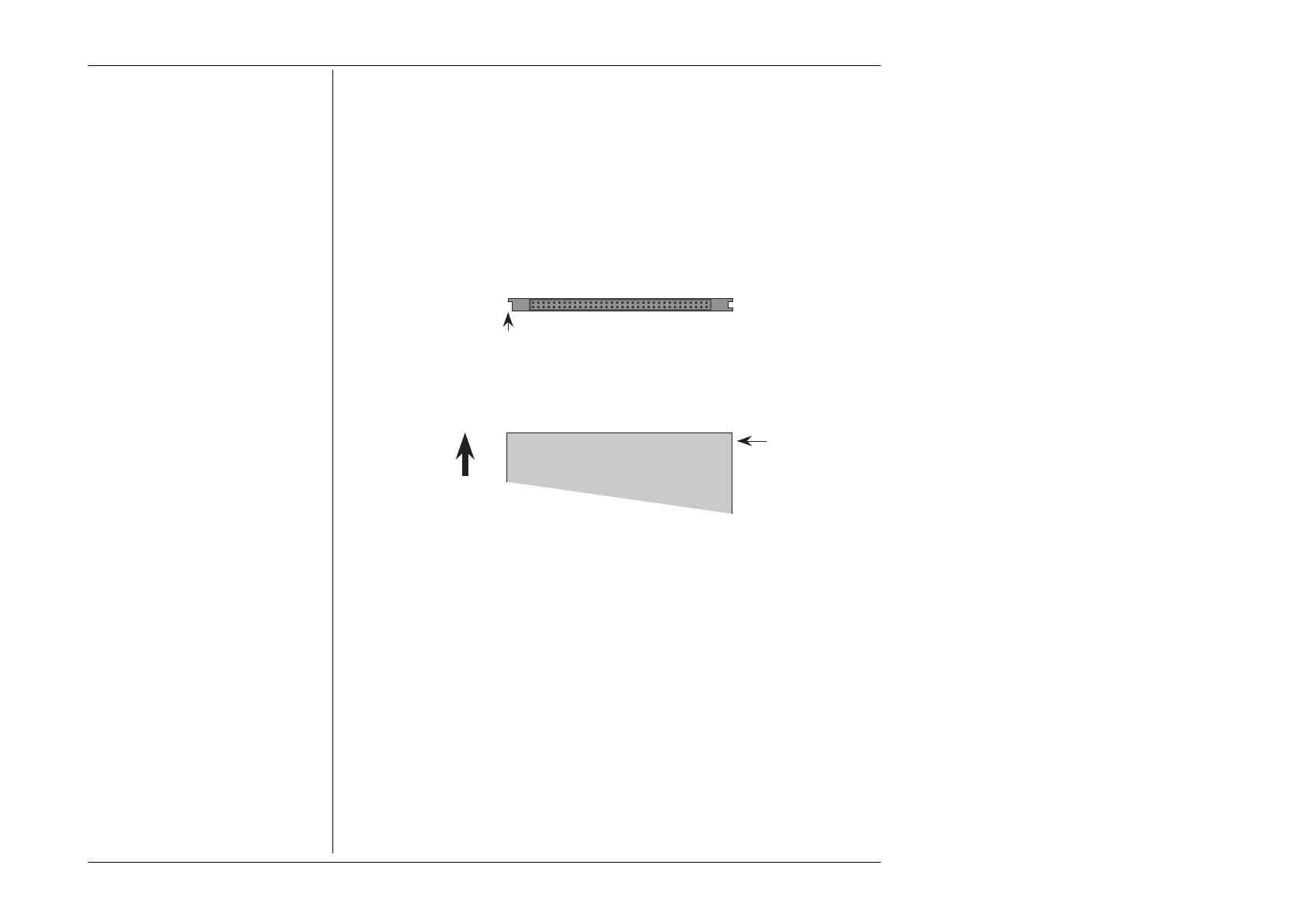
Examine the Memory Card
The 68-way socket pins can be seen on the end of the card to be inserted:
Keep this side on top
Insert this end into 9100 slot
Missing key
Insert the Card
When inserting, the missing key must be located underneath the card on the right front:
Missing key
underneath
Top
Socket pins this end
Insert
Write-Protect Switch
The Static RAM cards can be write-protected by means of a small switch on the opposite
end to the contact pins. Obviously this protection must be switched off before the 9100
can write results. If a card is write protected, a warning message will appear on the screen.
Do Not Remove in Mid-Procedure
It is not necessary to insert a card before enabling, but once the card is inserted, it must
not be removed until the procedure is ended or aborted. Such removal will corrupt data.



 To Next Page