Section 5: Using the Model 9100: Procedure Mode 5.4-3
Final Width = 215mm
5.4.3 General Sequence
As the sequence progresses, user-interaction will be required to make connections, set
UUT front panel controls and adjust the relevant UUT control.
5.4.3.1 'OPERATOR PROMPT'
Within the 'Adjustment Only' procedure, a prompt to inform the operator may appear on
the screen, giving the number of internal adjustments present in the procedure. Other
prompts are concerned with connections, range switching, and removal of UUT covers.
The number and character of the prompts are determined when the procedure is written.
5.4.3.2 'UUT ADJUST'
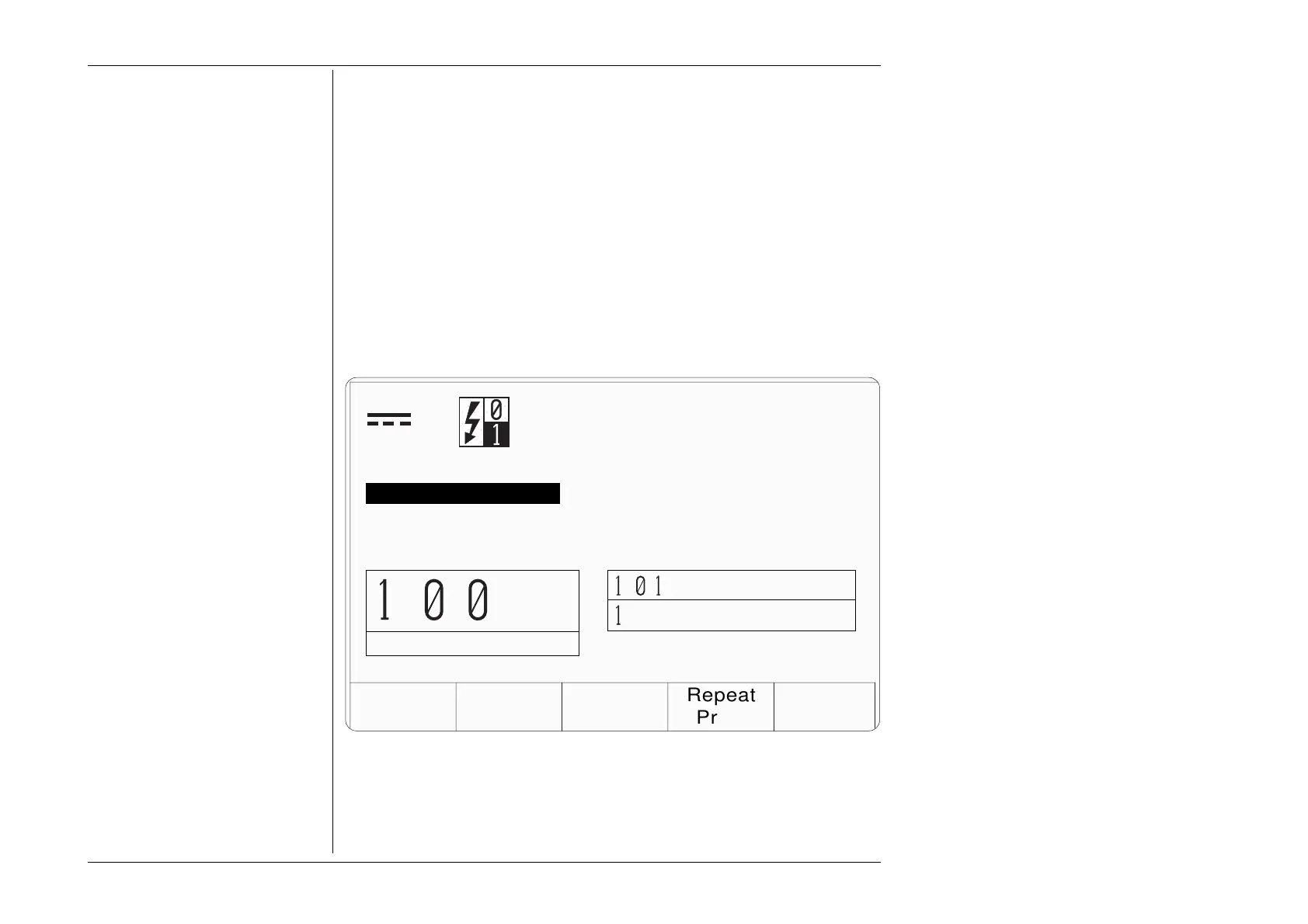
The adjustment instructions contained within the 'Adjustment Only' procedure, are given
on a screen which includes the words 'UUT ADJUST'. The following example shows a
typical presentation:
TODAYS DATE TIME
Repeat
Prev.
Wavetek
DM25XT
Adjustment Only
U00231
200 mV Range +190 mV
UUT ADJUST
Adjust VR1 ( lower left trim pot )
until UUT displays the target value
and is within the limits shown.
OK ABORTFAIL
UUT Target
9 .
Upper Limit
89.9
Lower Limit
9
.
The identity of the adjustment controls will be given. For their location and access, refer
to the UUT calibration instructions.
V



 To Next Page