5.5-2 Section 5: Using the Model 9100: Procedure Mode
Final Width = 215mm
5.5.2 '1 Year Verification' or 'ISO9000 Verify'
Procedure Selection
(Assuming that the correct procedure card has been inserted, the user name has been entered, the
subject UUT model has been selected, and the UUT serial number has been entered)
5.5.2.1 Procedure Menu Screen for the Subject UUT Model
When the 'Select PROCEDURE' screen has been successfully opened in the 'Select
Model' menu screen, the 9100 will have already downloaded all the procedures for the
selected model from the Procedure card memory into internal RAM. The 9100 displays
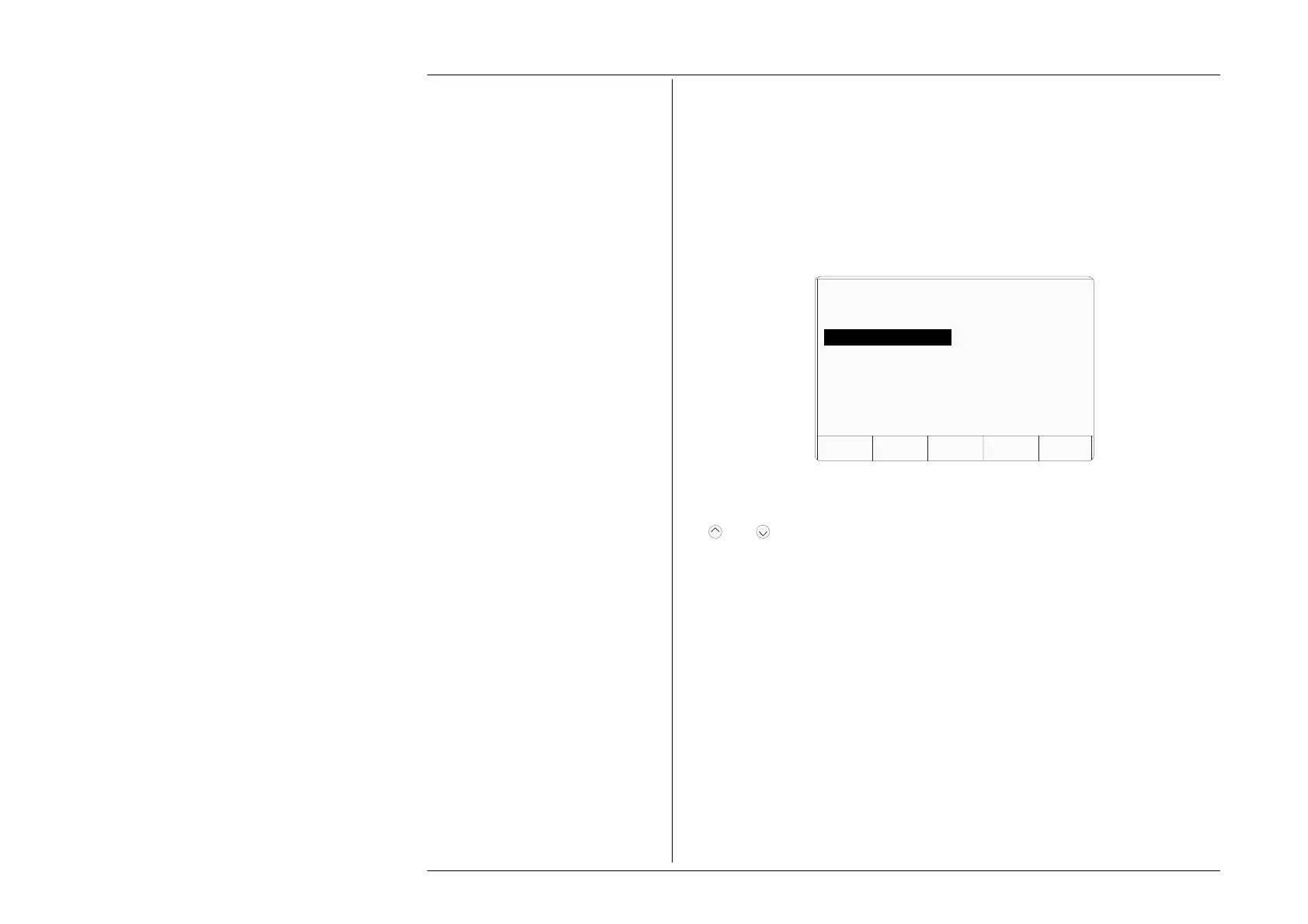
a list of these on the screen for the user to choose. For example:
5.5.2.2 Selection of '1 Year Verification' or 'ISO9000 Verify'
The procedure titles appear in the same order as the procedures are stored on the card. Use
the
and
cursor keys to highlight the '1 Year Verification' or 'ISO9000 Verify'
procedure, then press 'OK'. The 9100 will transfer to a menu screen which starts the
procedure.
The memorized procedure will cause the 9100 to provide the correct outputs for verifying
the subject UUT model, at each of the recommended test points. Methods of connection,
identification of target values and limits, plus access to slew the output value using
spinwheel
or a mouse, appear on the screen for the convenience of the user, who will
decide whether the test was successful, and record pass/fail status.
Procedure Activation
Once the type of procedure has been selected, the downloaded user-interactive program
will be run by the 9100. Subsequent instructions appearing on the screen will be derived
from the programmed sequences.
No further routine instructions are given here, as they may vary from model to model and
are developed within the programmed sequences. However, the 9100 is programmed
also to interrupt procedures and communicate with the user when certain events occur.
Among these, the two most important are those of 'Abort' and 'End'; for further
information, refer to sub-section 5.3, paras 5.3.3.9 to 5.3.3.13. 5.5.2.3.
TODAYS DATE TIME
ABORTOK
Select PROCEDURE using cursor keys.
Confirm with OK.
Adjustment Only
1 Year Verification
ISO9000 Verify
Verify Pass/Fail
ISO9000 Pass/Fail



 To Next Page