Section 3: Model 9100 Controls: Modes of Operation 3-27
Final Width = 215mm
3.3.2.26 'CONFIG'
To Change the Configuration
Mode Password
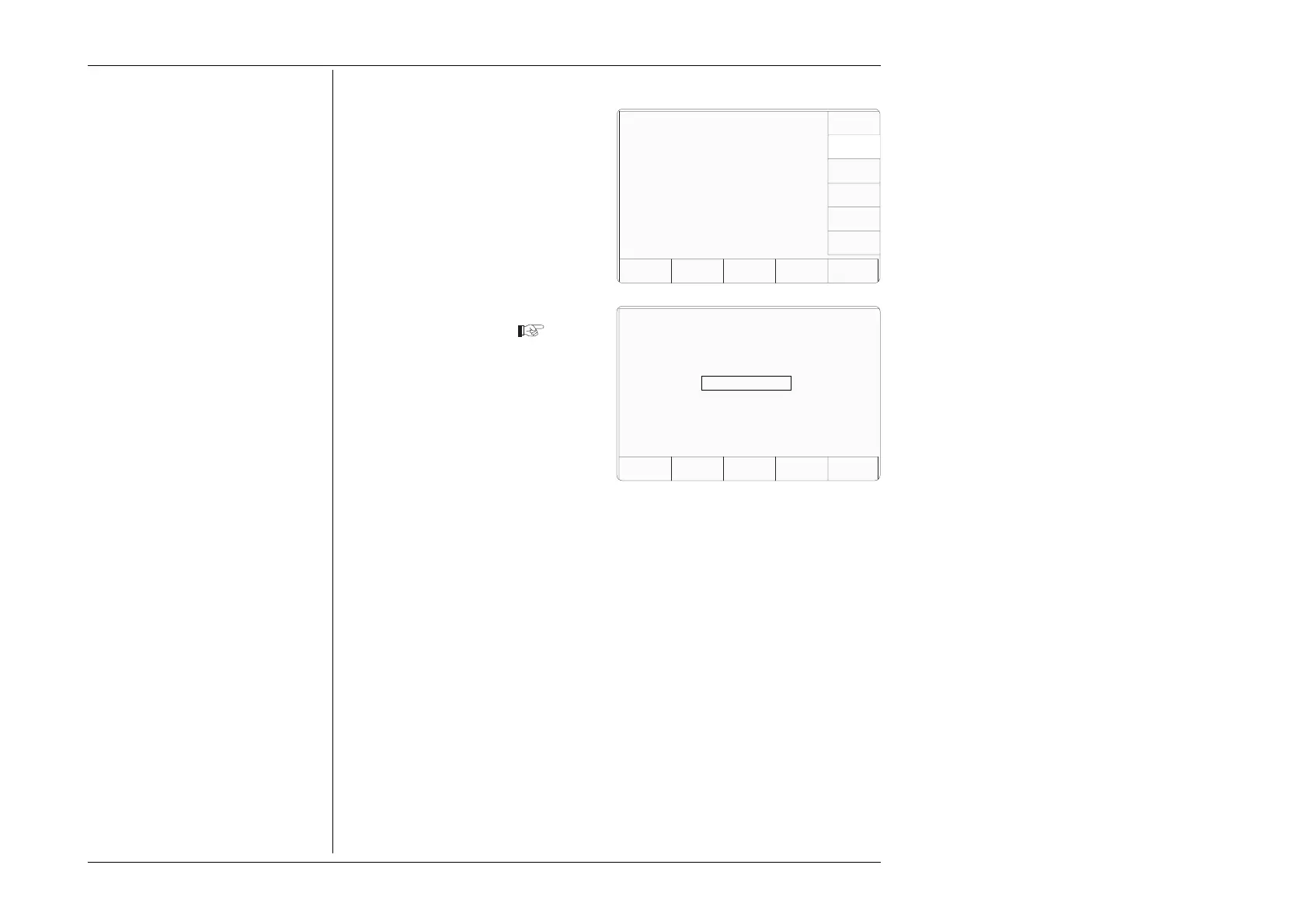
1. On the 'Select the password'
screen, press the CONFIG screen
key on the right.
This transfers to the 'Enter new
config password' screen
(To cancel an attempt, press the
EXIT key. This will revert to the
'Select the password' screen.)
3. Type the new password using the
alpha-numeric keyboard, and
finish with ↵. The 9100 will ask
for the password to be entered
again, to confirm it.
4. Retype the same password; finish
with ↵. If the second password is
different from the first, the 9100
will reject both, and the process
must be repeated. If both
passwords are the same, the 9100
will accept the new password,
and revert to the 'Select the
password' screen.
Configuration
EXIT
Select the Password to be changed
using the softkeys.
CALIB
CONFIG
TODAYS DATE TIME
Configuration
EXIT
Enter new config password



 To Next Page