Page 26
Flymaster Live C User Manual
Keys and User interface
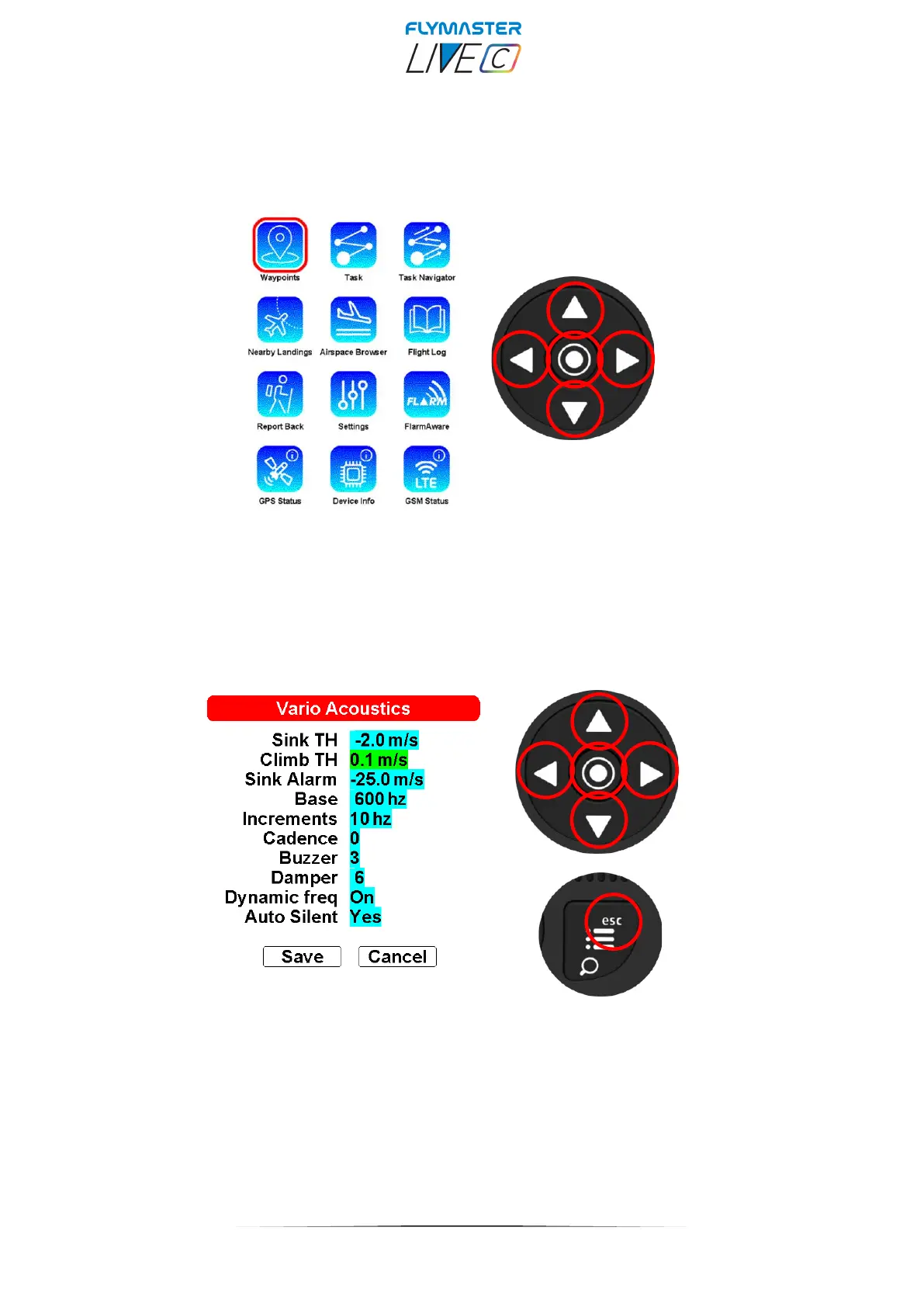
Main menu navigation keys
Use cursor/pan keys choose option. Push enter/mark key
to select.
List type menu
Use Map pan keys (up and down only) do choose option.
Push enter/mark key or to select.
When selected use up and down keys to change values, press Enter to confirm.
Press ESC to exit.



 To Next Page