Page 82
Flymaster Live C User Manual
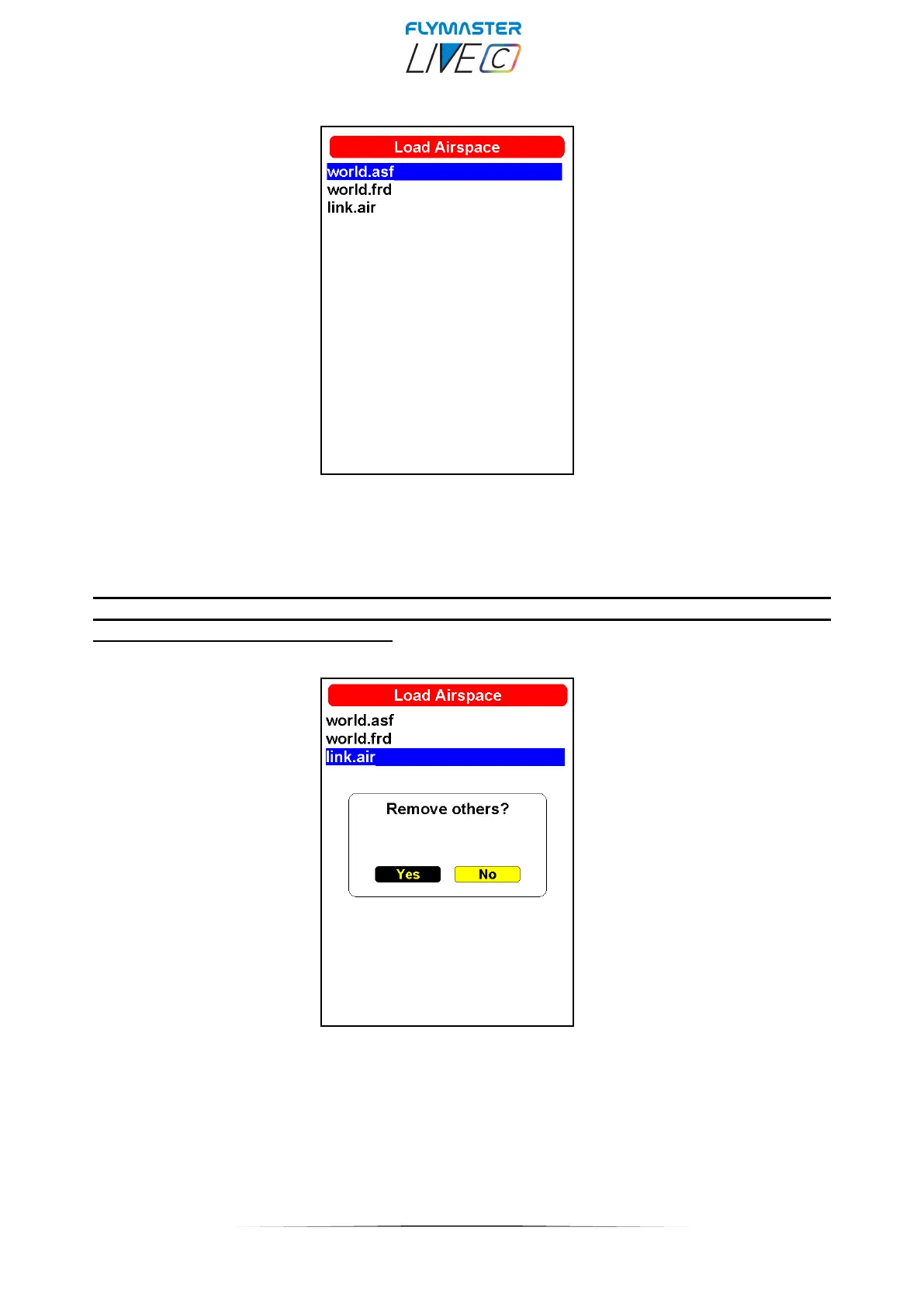
Load Airspace
On many occasions and due to various factors, it is necessary to load additional airspaces. This option allows
you to load airspaces in Open Air or the Flymaster World.asf (world airspaces Flymaster proprietary file) into
the instrument. The files can be saved to the memory card using the Flymaster Instrument Manager, or
copied directly to the SD card into the “airspaces” folder.
It’s also possible to keep your Airspaces around your location up-to-date daily using
the Bluetooth connection with the “Flymaster Link” app available for ios and
Android. Check page 99 onwards.
YES – All previously loaded airspaces (including the build-in World.asf) will be removed and only the .txt
one will be considered.
NO – The instrument will keep working with the World.asf (world airspace file – Provided by Flymaster) and
the loaded Open Air one, at same time.



 To Next Page