Page 41
Flymaster Live C User Manual
GPS
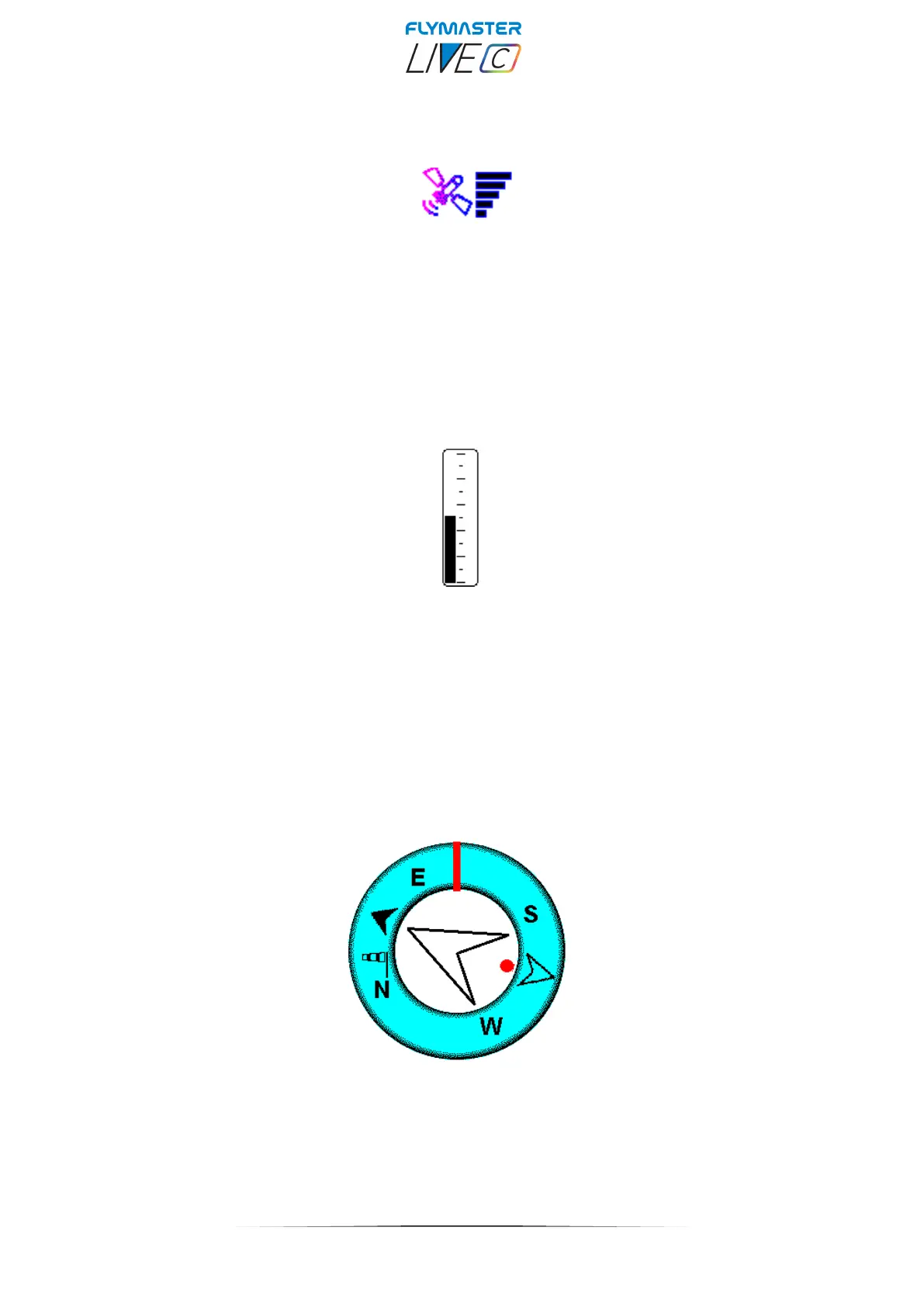
The GPS Element provides graphical indication about the current GPS signal quality.
Basically, the lower the PDOP value (position dilution of precision), the more accurate
calculations are for determining position. Values bellow 3.0 are fairly accurate. The Pdop
values can be seen in info page (select settings icon without pressing ENTER)
Vario
When the LIVE C detects that the pilot is climbing, a black bar starts to grow on the left,
from the bottom of the scale to the top ,with 0.1 m/s increments. The same bar grows on
the right, from the top of the scale to the bottom, if sinking is detected.
This element can be resized.
Navigation wheel
The Navigation wheel multi-information element which shows graphically the bearing,
wind direction and thermal core. Additionally, if a destination was defined (waypoint) the
navigation element will also indicates the direction to the waypoint centre, and waypoint
edge and. This element cannot be resized but can be re-positioned.



 To Next Page