Page 21
Flymaster Live C User Manual
Charging and battery management
Flymaster LIVE C has an advanced battery power management system, which gives the pilot
accurate information about the battery state, as well as the charging time and battery remaining
time.
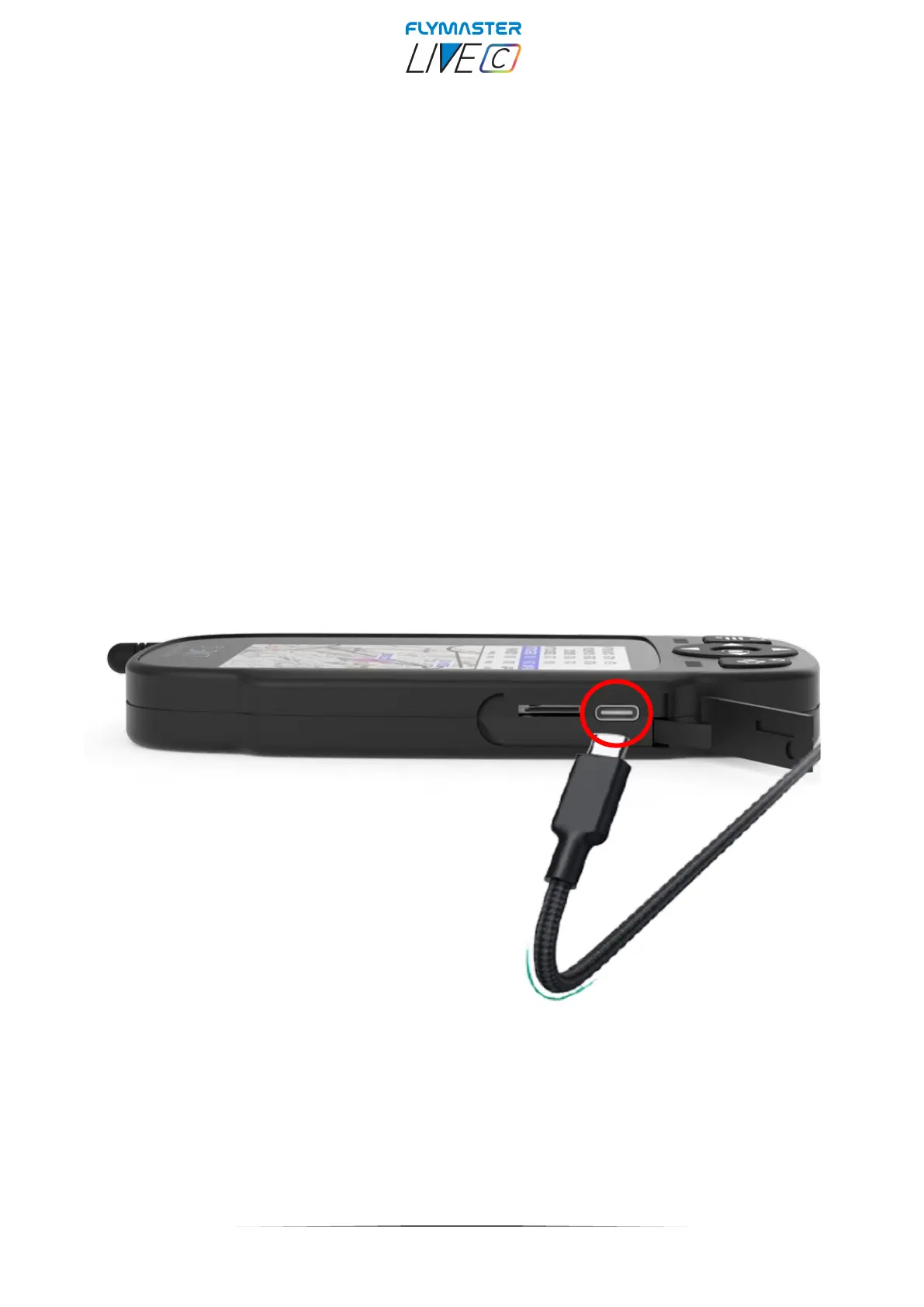
To charge the Flymaster LIVE C battery we recommend the usage of the supplied wall charger and
USB cable via USB Type-C port.
Original Flymaster accessories are recommended in order to avoid damage to the power
management system.
Charging, and battery status information is shown on both the power up screen and the settings
info page.
When Flymaster LIVE C is connected to a power supply (wall charger or via USB cable), the
instrument will show the time remaining to full charge.
Use the supplied wall power supply to fully charge the instrument.
Note: Charging the instrument with high ambient temperatures should be avoided. Such action can
cause the battery to overheat and affect the battery health.



 To Next Page