Page 56
Flymaster Live C User Manual
Task
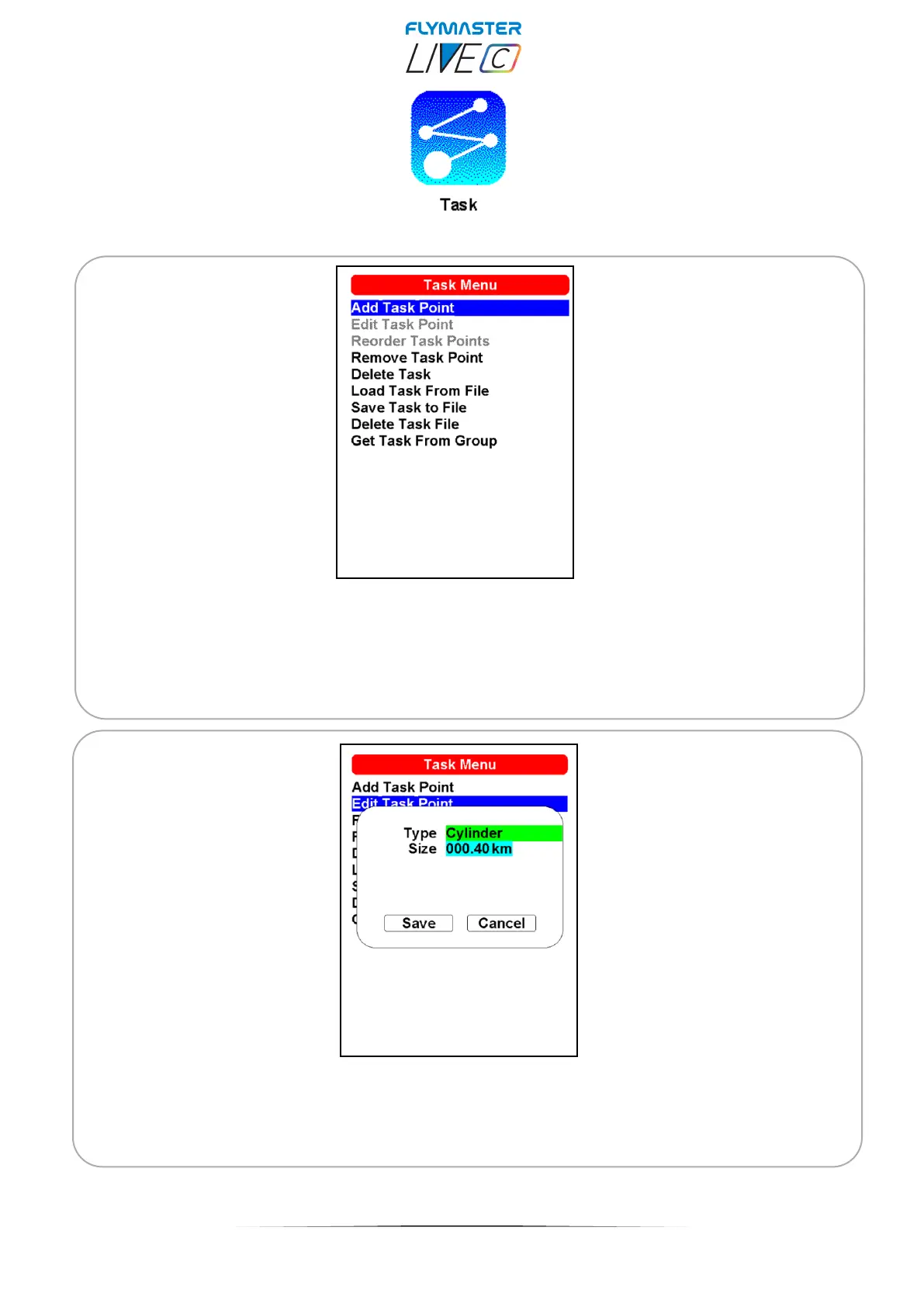
Add Task Point - To add a waypoint to the Task, select the waypoint that is to be added
by pressing either the scroll wheel until the desired waypoint is highlighted. Pressing the
ENTER button will add the point onto the Task on the colour display, at this moment the
task point options for the newly added waypoint will appear in the task area, allowing to set
several aspects of the task point (these can also be edited later).
Edit task point - Entering this option, it is possible to choose the waypoint to edit from the
active task on the colour display. You can change its characteristics for the Task when you
select it.



 To Next Page