Page 75
Flymaster Live C User Manual
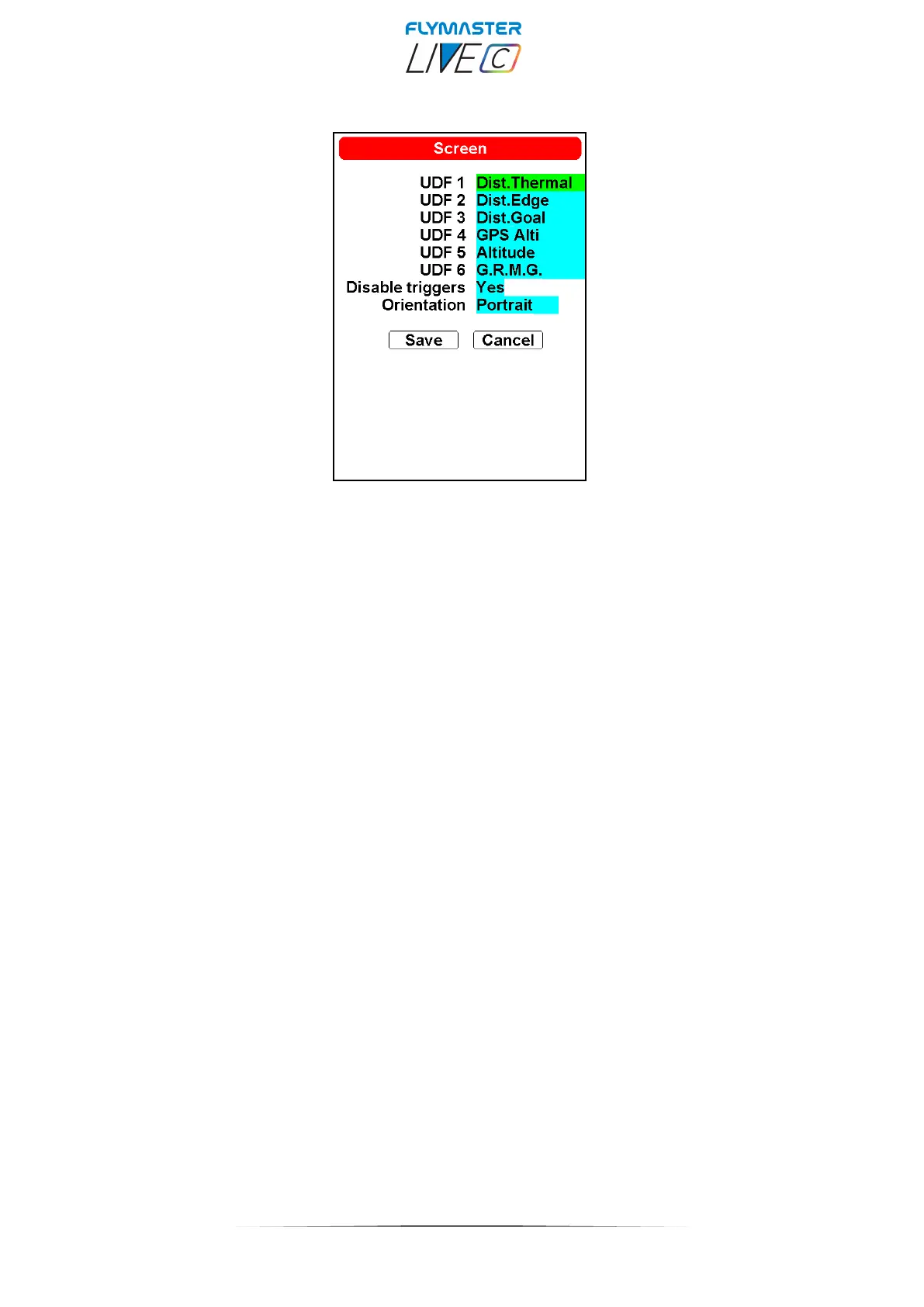
Screen
UDF 1 to 6 - UDFs, which stand for User Data Fields, represent customizable data fields within the
Flymaster Instrument Manager design possibilities . The LIVE C device offers the flexibility to incorporate up
to six of these UDFs into its page layout. These data fields are easily configurable through the settings page,
empowering users to assign specific data types to each field. This feature liberates users from the constraints
of computer dependency, allowing them to define and modify data fields effortlessly from anywhere.
Disable triggers – This option will allow to disable all page triggers if needed.
Orientation – This will set the instrument to use portrait or landscape layout pages.



 To Next Page