Page 97
Flymaster Live C User Manual
Maps Management
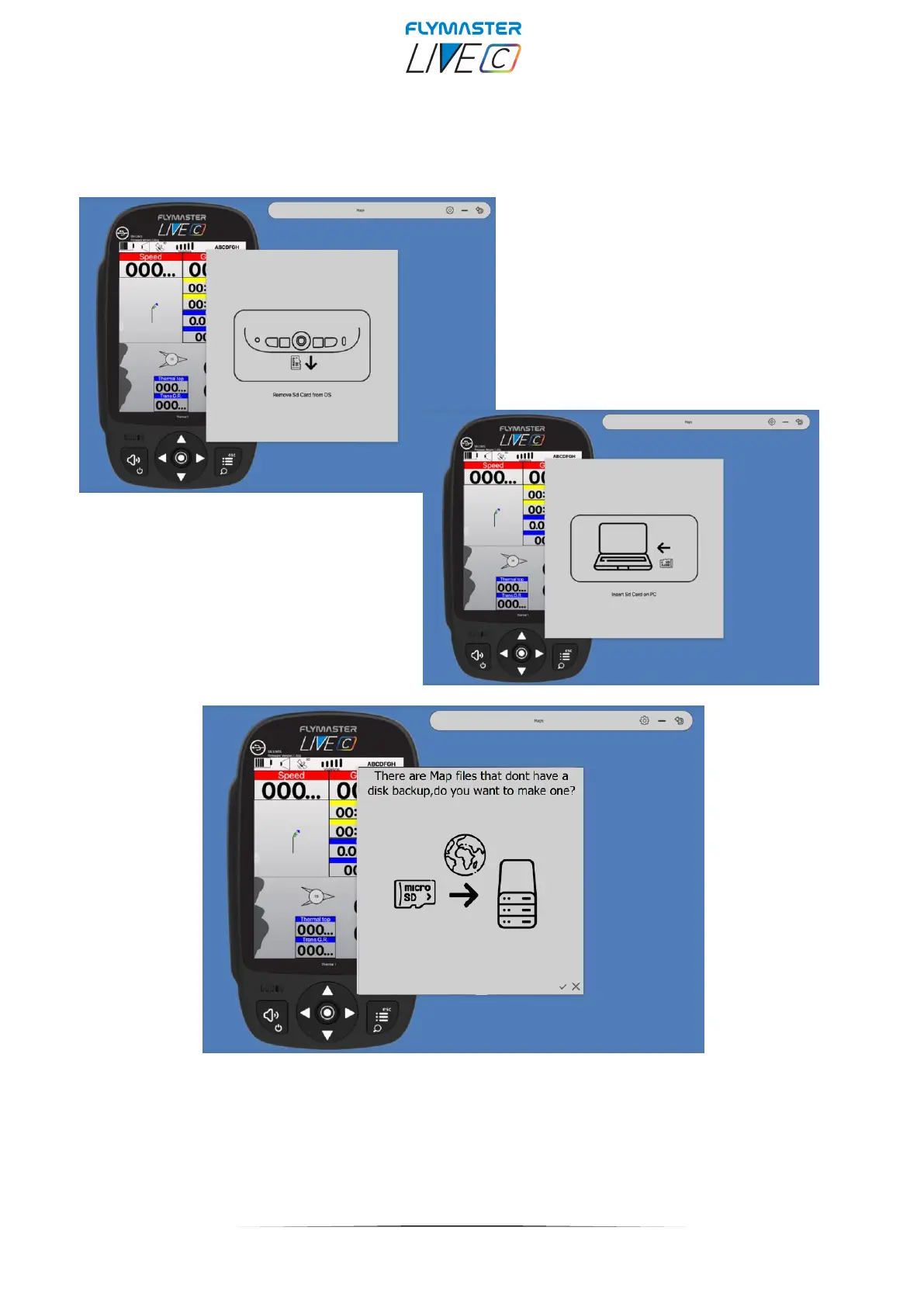
When selecting the "maps" tool, the F.I.M. will give you instructions to eject the micro SD card from
your instrument, and insert it into your SD card reader/writer. After this phase and if there are maps
on your card that are not stored on your computer, F.I.M. will ask if you want to make a backup of
them. It is convenient to proceed using the check, and make the backup, because in the future, if
you want to use the same maps, you no longer need to download them.



 To Next Page