Page 98
Flymaster Live C User Manual
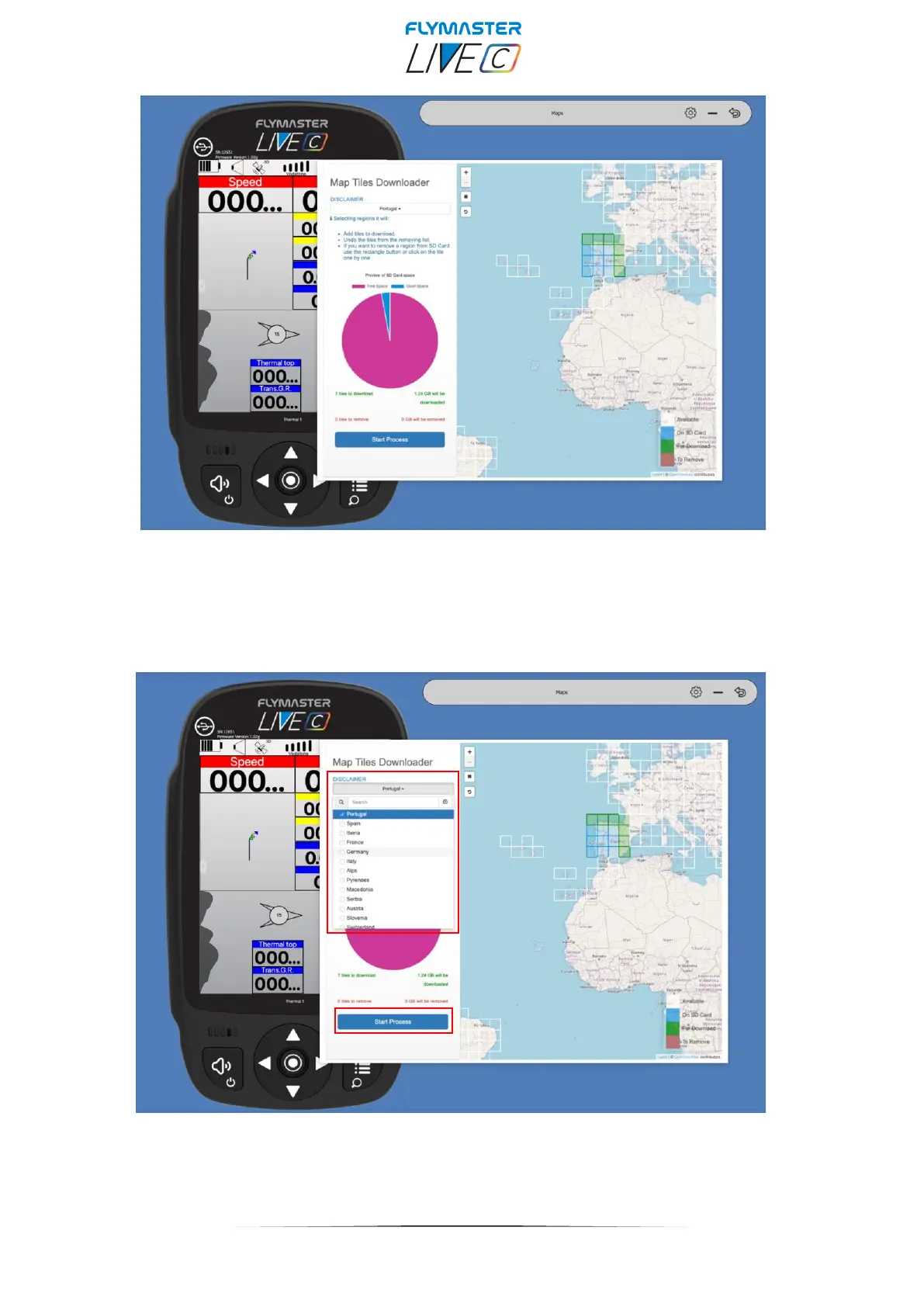
After the backup phase is finished, the SD card and Maps management window will appear.
You can click on the available "tiles", you can add tiles, remove them, or check which ones you
actually want to download.
Is also possible to select automatically by regions.
After clicking on "start process", the entire sequence of copying and managing the maps is
automatic. At the end of the process, you receive a message saying that you are ready to eject the
card and insert into LIVE C.



 To Next Page