Page 89
Flymaster Live C User Manual
Flymaster Instrument Manager
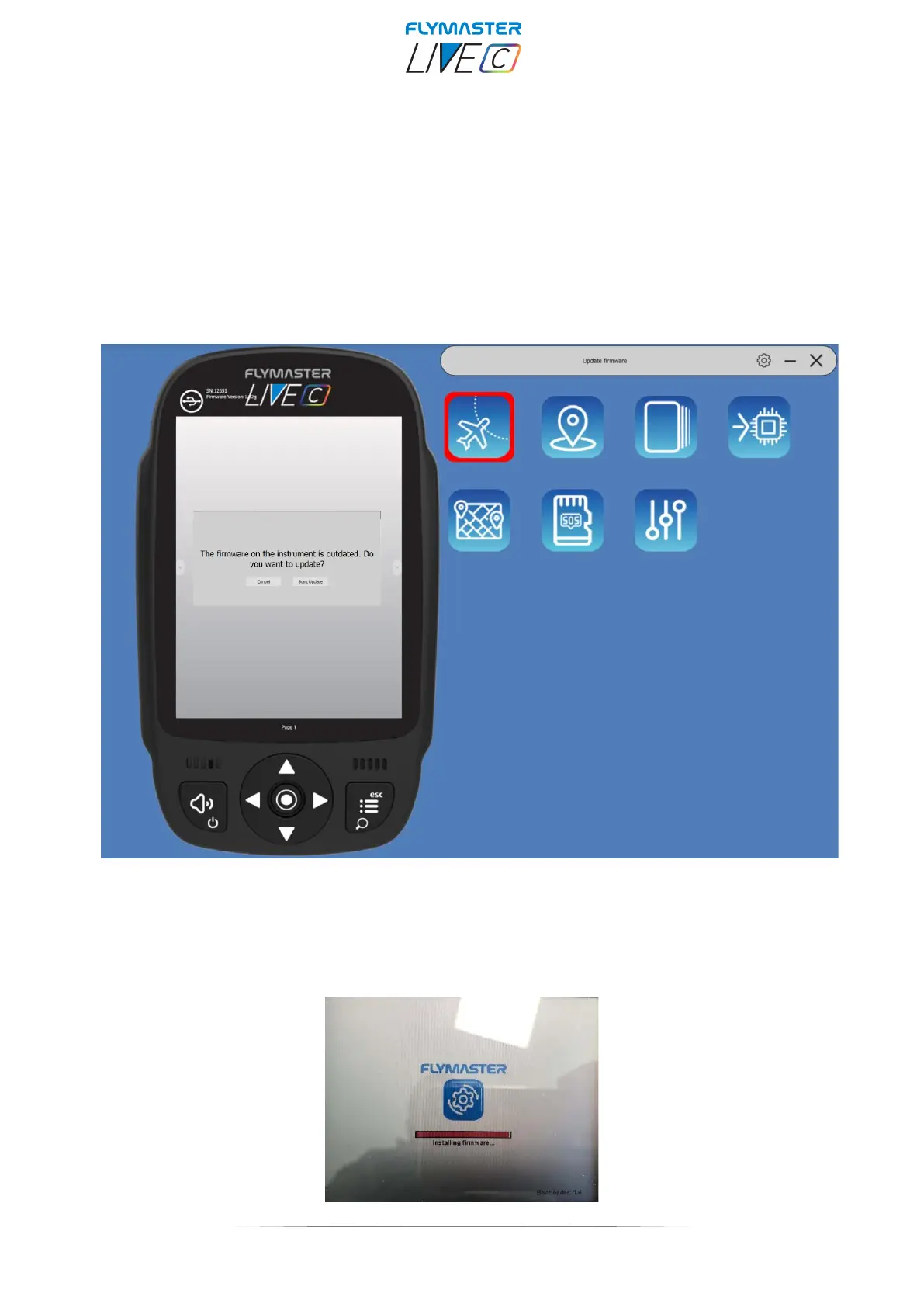
Automatic firmware update - After launching the "Flymaster Instrument Manager" application
and if your instrument is connected to your computer's USB port, it may be possible that there is a new
firmware version available for your instrument. If you want to update, just answer “start update” and the
process will be automatic. Your instrument will restart, and a progress bar will appear on the colour screen
with the indication "installing firmware".



 To Next Page