Page 63
Flymaster Live C User Manual
Nearby Landings
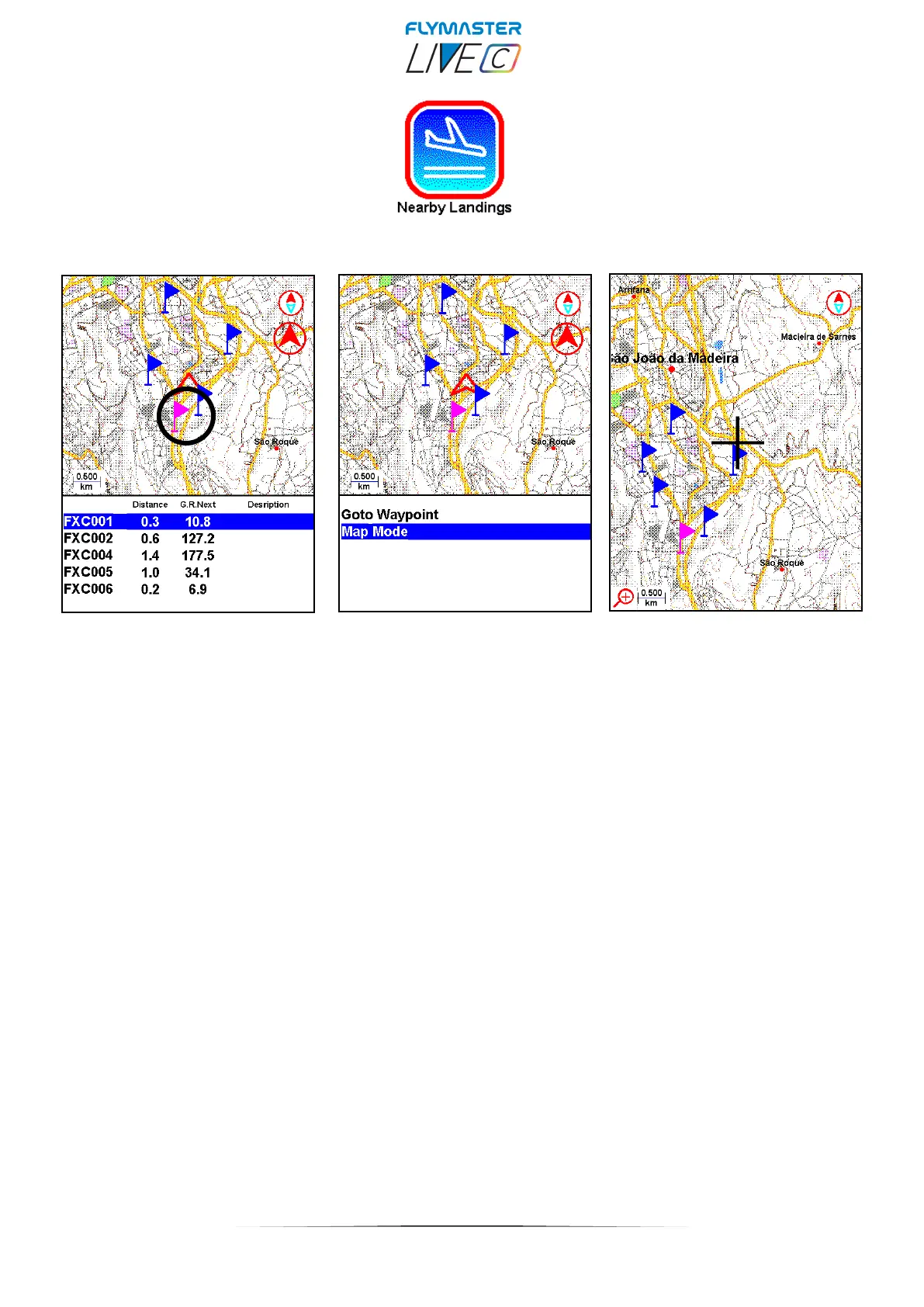
Nearby Landings - This feature allows you to view waypoints marked as "landing zone".
To be considered and listed, the Waypoint must have the "landing" field set to YES.
The waypoint(s) will appear on the display with a flag. The display will show the landings
that are reachable (I.E. are below your position), their distance from your current position.
Pressing Enter on a “nearby landing” will allow you to navigate to it, or enter in map mode
to explore the map, using zoom and pan resources.



 To Next Page