Page 84
Flymaster Live C User Manual
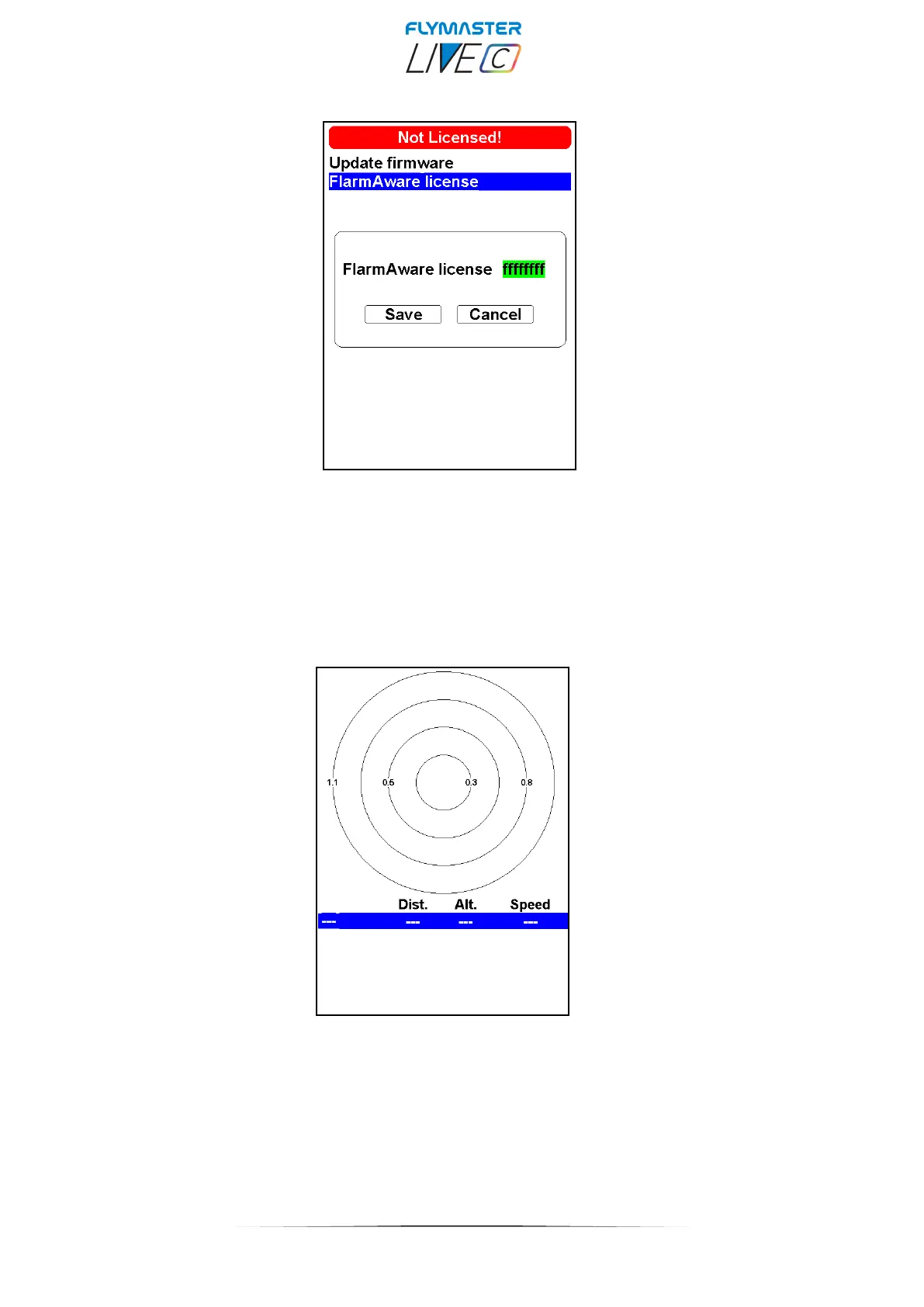
FlarmAware licence - In this option, it's possible to input the activation code for the additional
FlarmAware service (which can be purchased through our online store). Alternatively, you can activate this
through the Flymaster Instrument Manager (refer to page 15 of this manual).
FlarmAware - After FlarmAware is active, in this option you can view the Flarm "radar," where aircraft
equipped with Flarm are displayed. You can see their relative position to you, their identification, distance
from your position, their altitude, and their speed. (check page 46 for more info)



 To Next Page