Page 65
Flymaster Live C User Manual
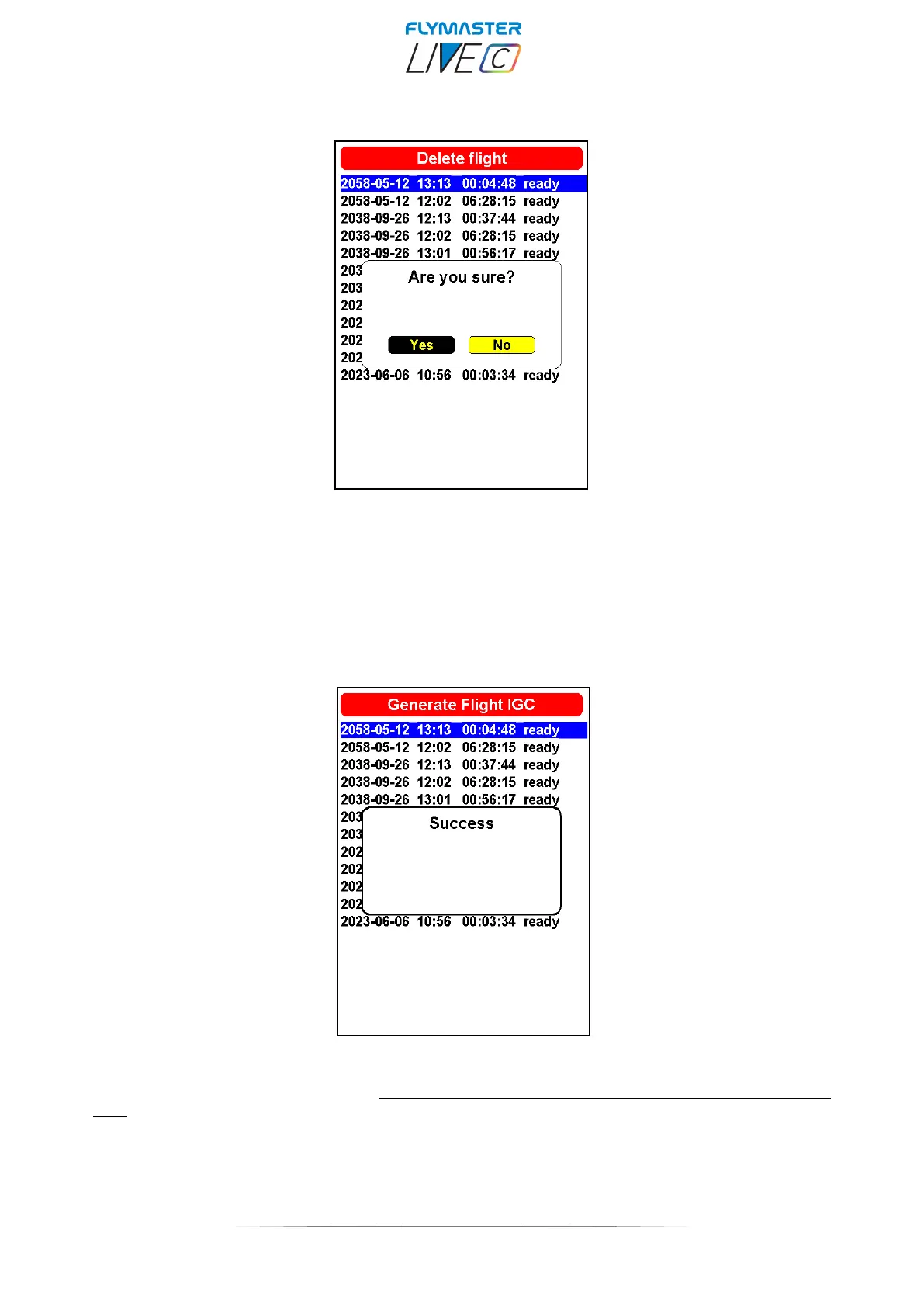
Delete Flight
Selecting the Delete Flight option will delete the selected flight from memory. Before deleting the flight, a
message is displayed asking the user to confirm the action. VERY IMPORTANT: THIS OPERATION CAN
NOT BE REVERTED, AND THE ERASED LOG IS LOST FOREVER.
Generate Flight IGC
By choosing this option, and pressing Enter on the desired flight, an IGC file with its proper digital signature
will be generated for the micro SD card. These flights are saved in a folder called "igcs" at the root of the
card. You can access them by connecting the instrument to your computer using it as a mass storage device
or alternatively by removing the micro SD card from its slot and using a card reader.



 To Next Page