Page 67
Flymaster Live C User Manual
Report Back
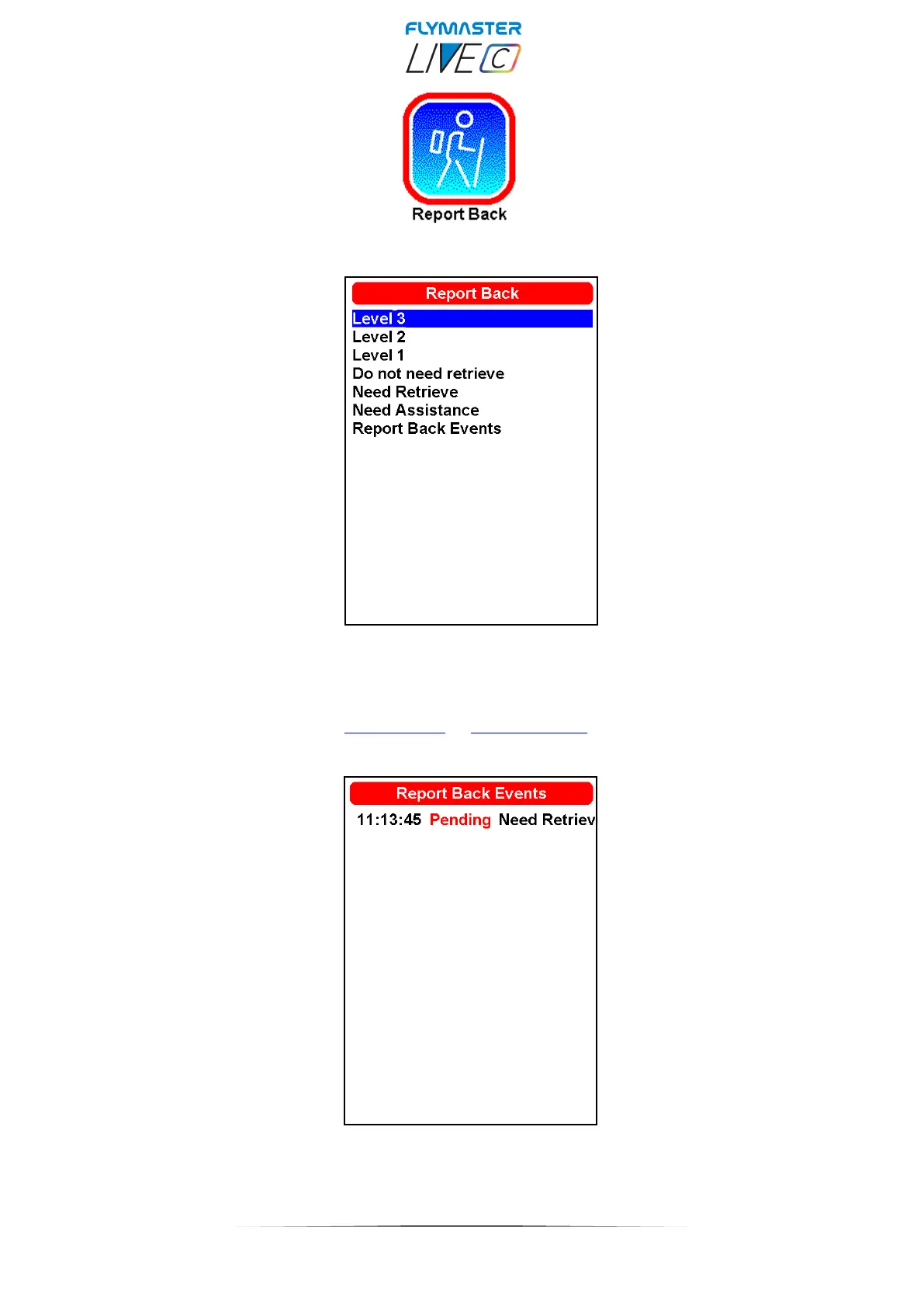
On this page, you can find several options for the "report back" feature. In competition, you can alert users
in your group about the flight's levels of danger. You can send "do not need retrieve" (which cancels the
"need retrieve" message), "need retrieve," "need assistance" (SOS). The recipients of this "report back" are
configured in your user account on lt.flymaster.net or livetrack360.com by creating recipient contacts and
configuring which messages are sent and to whom. The messages can reach the recipients through email,
SMS, or Telegram.
Choosing the option “report back events” it’s possible to see in the the status of each message, pending or
sent. This messages will be forwarded via SMS, Email, or Telegram to your configured recipients from your
livetrack360.com account.



 To Next Page